

What Is 1Password Used For: Features, Reviews & Alternatives
1Password is a password manager for families and teams.
Editorially updated Oct 25, 2025
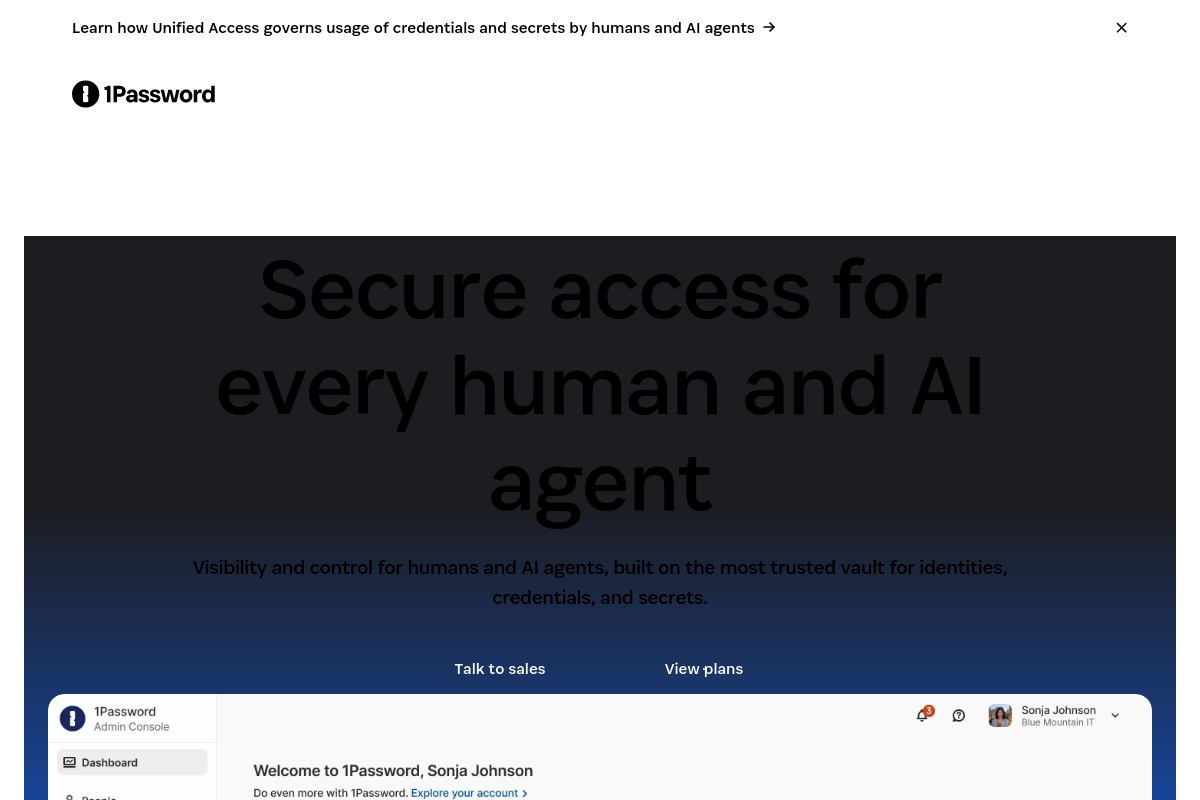
The overview
What 1Password is for
1Password & Vaults
- Encrypted vaults for passwords, notes, and cards
- Strong password generator and autofill
- Secure sharing with family or team vaults
- Watchtower for breached or weak passwords
2Platforms & Integrations
- Apps for Windows, Mac, iOS, Android, Linux
- Browser extensions for major browsers
- Integrations and CLI for developers
- Single sign-on and SCIM for businesses
3Security
- End-to-end encryption with secret key
- Two-factor and biometric unlock
- Travel Mode to hide vaults at borders
- Privacy-focused design and audits
Who it helps
Useful ways to use 1Password
A practical path
Sign up and create vault
Install the app or extension, create an account, and set a master password and secret key.
External signals
Reviews & reputation
Aggregated review score
1Password is a reliable password manager with strong encryption and good family/team sharing. Well regarded for security and cross-platform support.
Quick answers
Frequently asked questions
1Is 1Password free?⌄
1Password has a free trial. Personal and family plans are subscription-based; business plans add SSO and admin tools.
2Where is my data stored?⌄
Data is encrypted on your device and in 1Password’s cloud. They cannot read your vaults; only you have the secret key and password.
3Can I use it on multiple devices?⌄
Yes. One subscription covers multiple devices and platforms, including Windows, Mac, iOS, Android, and browsers.
4What is the secret key?⌄
The secret key is a unique key that, with your password, decrypts your data. Keep it safe; without it, 1Password cannot recover your vault.
Keep exploring