

What Is Adafruit Learn System Used For: Features, Reviews & Alternatives
Tutorials for electronics projects.
Editorially updated Oct 5, 2025
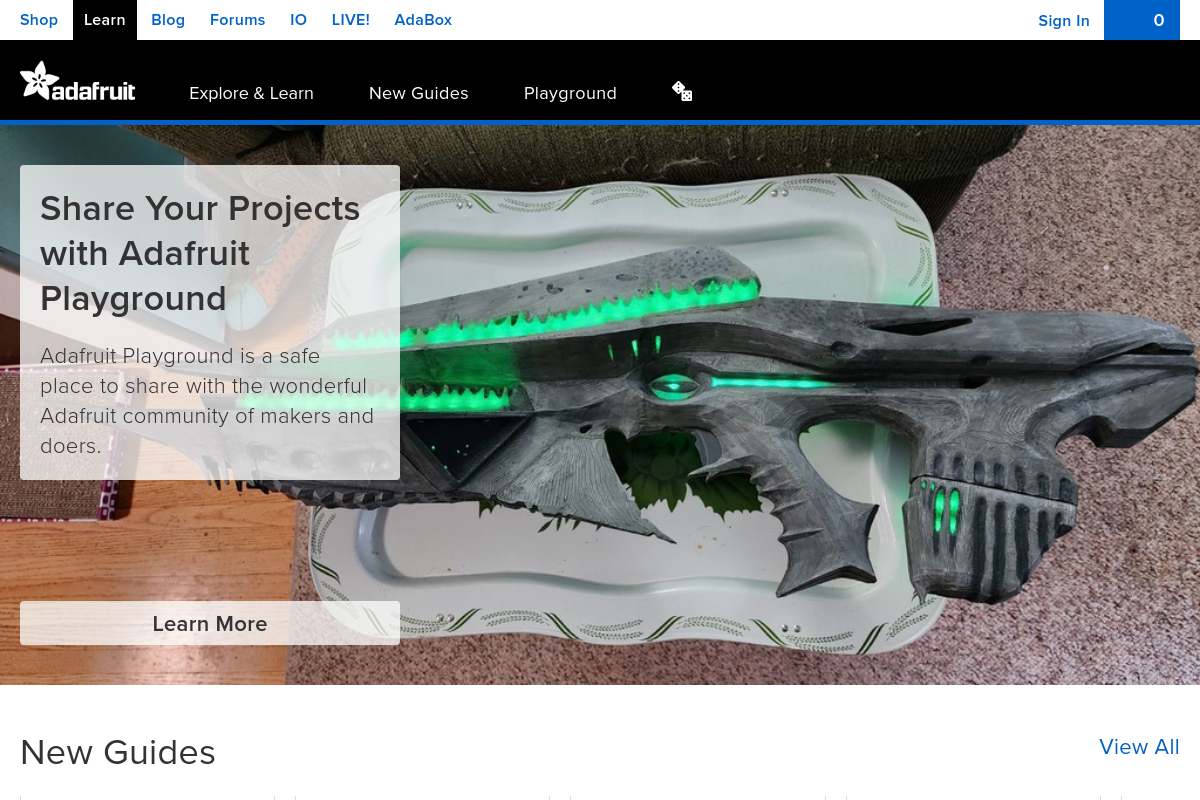
The overview
What Adafruit Learn System is for
1Core Capabilitie
- Step-by-step project guide
- Interactive circuit diagram
- Code snippet blocks with copy function
- Component reference page
- Bill of Materials (BOM) listing
2Specialized Workflow
- Project difficulty filtering
- Category browsing (e.g., Raspberry Pi, Arduino, Sensors)
- Search bar for specific components or topic
- Related guides and prerequisite link
- Printable guide layout
Who it helps
Useful ways to use Adafruit Learn System
A practical path
Discover a Project Guide
Navigate to the homepage or use a search engine to find a tutorial for a specific component (e.g., 'NeoPixel ring tutorial') or project type
External signals
Reviews & reputation
Aggregated review score
Highly valued as a comprehensive, free educational resource for electronics, praised for its detailed, project-based tutorials and extensive component documentation. Users appreciate the clear instructions, integrated code examples, and the breadth of topics covered, making it an essential reference for hobbyists and educators alike.
Quick answers
Frequently asked questions
1How do I find projects suitable for beginners?⌄
Use the 'Difficulty' filter on the project listing pages to select guides marked as 'Beginner' or 'Easy,' often found in the sidebar or top navigation.
2Can I contribute my own project guides to the system?⌄
The system is curated by Adafruit. While direct user submissions aren't typical, you can share your projects on the Adafruit forums or community platforms for potential feature consideration.
Keep exploring