

What Is AdEspresso Used For: Features, Reviews & Alternatives
Tool for Facebook & Instagram ad optimization.
Editorially updated Oct 25, 2025
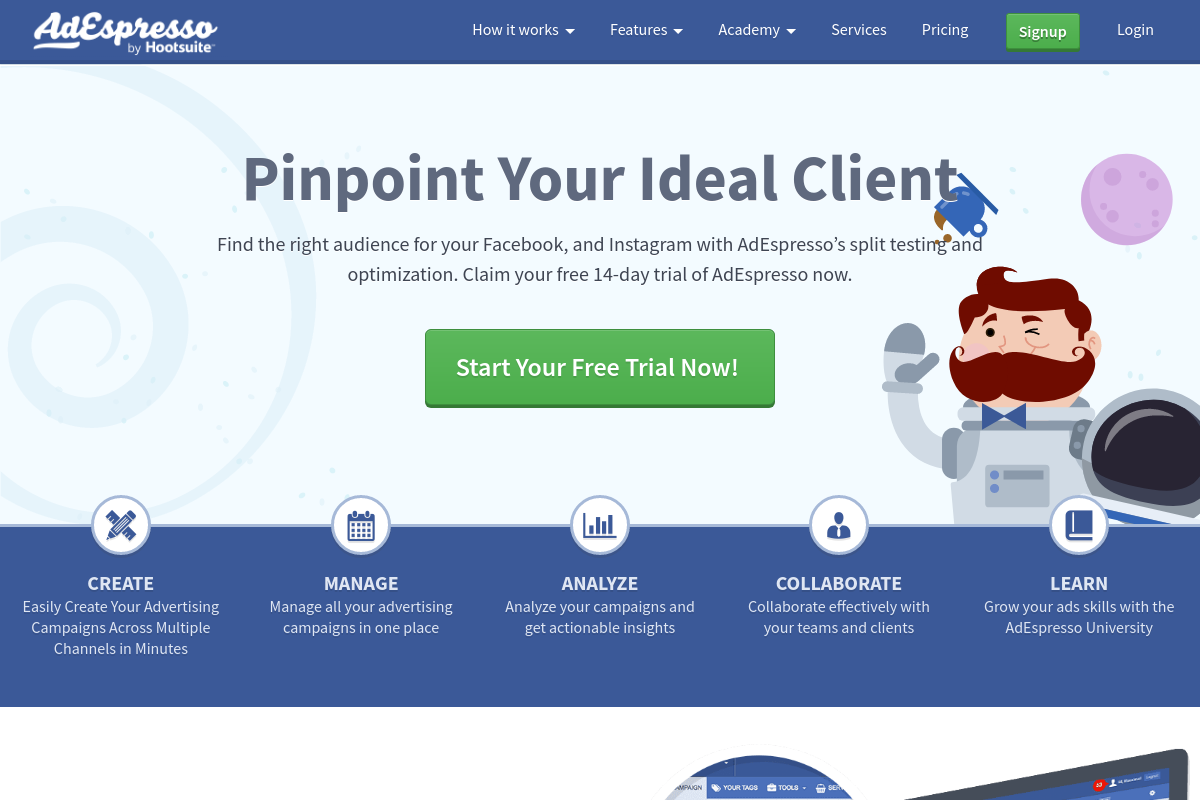
The overview
What AdEspresso is for
1Core Capabilitie
- Multi-variant Ad Builder Interface
- Audience Segmentation Panel
- Creative Asset Library
- Real-time Campaign Performance Dashboard
- Custom Reporting Export Module
2Specialized Workflow
- Automated A/B Test Setup Wizard
- Dynamic Creative Optimization Suggestion
- Budget Optimization Rules Engine
- Lead Sync Integration Configuration
- Ad Gallery & Inspiration Browser
Who it helps
Useful ways to use AdEspresso
A practical path
Connect Ad Accounts & Initiate Campaign Creation
Navigate to .com, log in, and connect your Facebook Ad Account(s) via the "Settings" or "Integrations" panel. From the main dashboard, click "Create New Campaign" and select your desired campaign objective (e.g., Conversions, Traffic, Lead Generation)
External signals
Reviews & reputation
Aggregated review score
Users frequently praise AdEspresso for simplifying complex Facebook/Instagram ad creation and A/B testing, highlighting its intuitive interface and robust reporting. Some feedback points to occasional API synchronization delays or a desire for more advanced custom automation rules, but overall, it's valued for its efficiency in campaign management.
Quick answers
Frequently asked questions
1How does AdEspresso handle Facebook's frequent API updates and policy changes?⌄
AdEspresso maintains a dedicated engineering team focused on continuous integration with the Facebook Marketing API. We proactively monitor Facebook's developer roadmap and policy announcements, pushing out updates to our platform to ensure seamless campaign management and compliance, often before changes are fully rolled out to the public.
2Can I manage multiple client ad accounts under a single AdEspresso subscription, and what are the permission implications?⌄
Yes, AdEspresso is designed for agencies and marketers managing multiple accounts. You can connect numerous Facebook Ad Accounts under one AdEspresso subscription. Permissions are inherited from Facebook Business Manager; AdEspresso respects the access levels granted to your connected Facebook user, ensuring clients' data remains secure and segregated.
3What's the key difference between AdEspresso's A/B testing capabilities and Facebook's native split testing feature?⌄
While Facebook offers native split testing, AdEspresso's A/B Test Wizard allows for more granular, multi-variant testing across a wider range of ad elements (e.g., 2 headlines x 3 images x 2 CTAs = 12 unique ads) in a single setup flow. It also provides a more intuitive interface for setting up complex tests and clearer reporting on which specific elements drove performance, accelerating optimization decisions beyond what native tools typically offer.
4Is there a free trial available, and what happens to my campaigns if I cancel my subscription?⌄
Yes, AdEspresso typically offers a free trial period, allowing you to test the platform's core features. If you cancel your subscription, any active campaigns launched through AdEspresso will continue to run on Facebook and Instagram until their scheduled end date or until you manually pause them directly in Facebook Ads Manager. You will lose access to AdEspresso's dashboard, reporting, and optimization tools.
5Does AdEspresso support advanced ad formats like Instagram Shopping ads or Messenger ads?⌄
AdEspresso continuously expands its support for new ad formats as they become available via the Facebook Marketing API. We generally support most standard Facebook and Instagram feed ads, Stories ads, and some Messenger ad types. For the most current list of supported formats, please refer to our platform's campaign creation interface or our help documentation, as this can evolve rapidly.
Keep exploring