

What Is AdGuard Home Used For: Features, Reviews & Alternatives
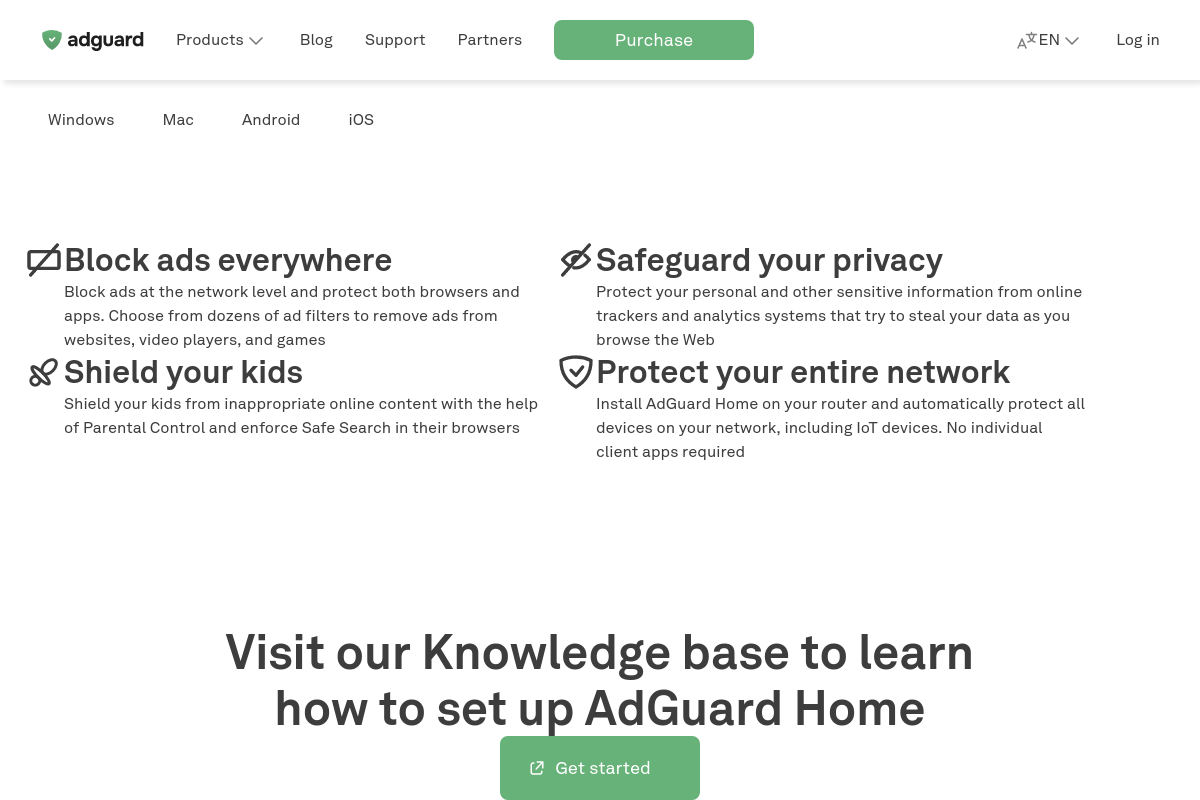
Network-wide ad & tracker blocking DNS server.
Editorially updated Oct 25, 2025
The overview
What AdGuard Home is for
1Core Capabilitie
- Dashboard overview panel
- Custom filter list editor
- DNS query log viewer
- Client configuration interface
- Upstream DNS server setting
2Specialized Workflow
- DHCP server configuration
- DNS-over-HTTPS/TLS setup
- Custom DNS rewrite rule
- Access control list management
Who it helps
Useful ways to use AdGuard Home
A practical path
Accessing the Admin Panel
After deploying the binary on a server, navigate to the configured IP address and port (e.g., `http://<your-server-ip>:80`) in a web browser to complete the initial setup wizard, defining the listening interfaces and administrative credential
External signals
Reviews & reputation
Aggregated review score
Highly regarded within the self-hosting community for its robust, network-wide ad and tracker blocking capabilities. Users praise its intuitive web interface, extensive customization options for filter lists and client rules, and minimal resource footprint, making it ideal for deployment on low-power devices like Raspberry Pis. It's frequently cited for enhancing network privacy and performance without recurring costs.
Quick answers
Frequently asked questions
1What are the minimal hardware requirements for running AdGuard Home effectively?⌄
AdGuard Home is very lightweight. It can run comfortably on low-power devices like a Raspberry Pi Zero W (512MB RAM, single-core CPU) or any Linux-based VPS with 128MB RAM and minimal storage. Performance scales with network traffic, but for typical home use, resource consumption is negligible.
2How does AdGuard Home differ from browser-based ad blockers?⌄
Browser extensions block ads only within that specific browser instance. AdGuard Home operates at the DNS level for your entire network. This means it blocks ads and trackers for all devices (phones, smart TVs, IoT, other browsers) connected to your network, regardless of the application or browser used, without needing individual client-side installations.
3Can I use AdGuard Home to block specific websites or services for certain devices only?⌄
Yes, AdGuard Home includes a 'Clients' management interface. You can define specific filtering rules, custom blocklists, or even different upstream DNS servers for individual client IP addresses or MAC addresses, allowing granular control over content access per device on your network.
4What is the recommended method for updating AdGuard Home to the latest version?⌄
The easiest method is via the web interface. Navigate to the 'General Settings' page, and if an update is available, a notification will appear with an 'Update' button. Clicking this will download and install the new version automatically. For manual updates or specific environments, you can also use the command-line interface.
5Does AdGuard Home support encrypted DNS protocols like DNS-over-HTTPS (DoH) or DNS-over-TLS (DoT)?⌄
Yes, AdGuard Home fully supports both DoH and DoT. You can configure it to use encrypted upstream DNS servers to prevent your ISP from monitoring your DNS queries. Additionally, AdGuard Home can act as a DoH/DoT server itself, allowing clients on your network to use encrypted DNS queries to your AdGuard Home instance.
Keep exploring