

What Is Adobe Photoshop Used For: Features, Reviews & Alternatives
Industry standard image editing software.
Editorially updated Oct 25, 2025
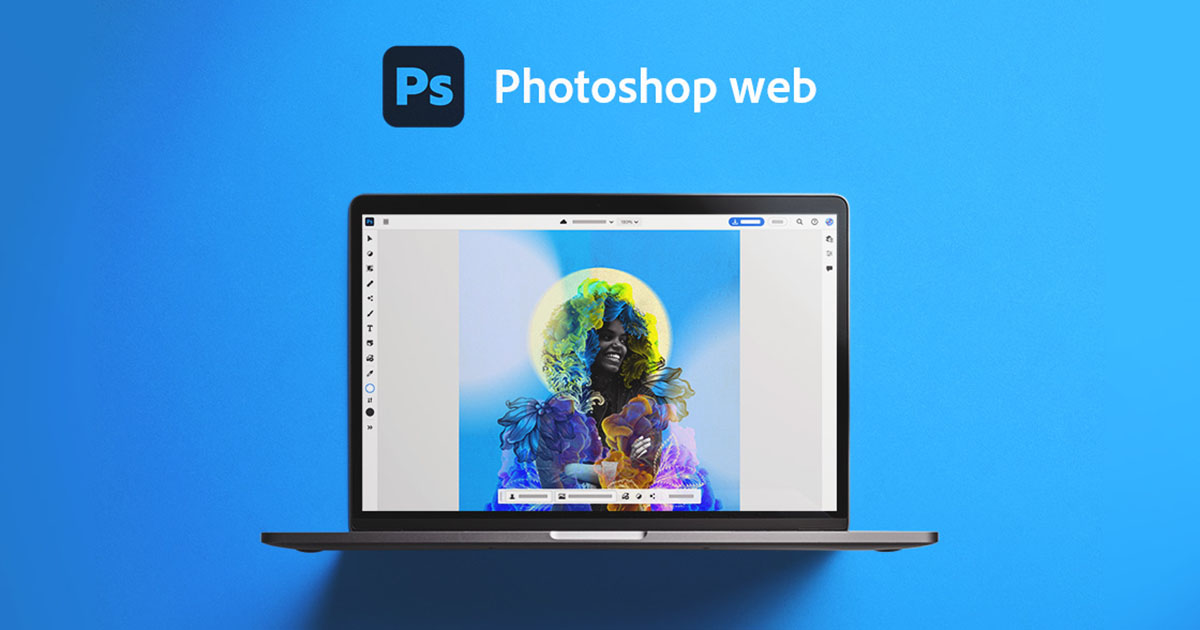
The overview
What Adobe Photoshop is for
1Core Capabilitie
- Layer panel management
- Selection tools panel (Lasso, Marquee, Quick Selection)
- Basic adjustment layers (Brightness/Contrast, Hue/Saturation)
- Retouching brushes (Spot Healing, Clone Stamp)
- Text tool for overlay graphic
- Crop and transform control
2Specialized Workflow
- Cloud document autosave and version history
- Export for web dialog (JPG, PNG, GIF, SVG)
- Comment and review panel for shared asset
- Direct link sharing for collaborative review
- Integration with Creative Cloud Libraries for asset acce
Who it helps
Useful ways to use Adobe Photoshop
A practical path
Access and Open Document
Navigate to the web application URL (e.g., photoshop.adobe.com) and sign in with your Adobe ID. From the home screen, select "Open" to upload an image from your device or "New file" to start from scratch. Alternatively, open a cloud document from your recent file
External signals
Reviews & reputation
Aggregated review score
Users appreciate the accessibility and convenience of browser-based image editing for quick tasks and collaborative review. While not a full replacement for the desktop application, it excels for social media graphics, web asset preparation, and iterative design feedback loops, though some power users note feature limitations.
Quick answers
Frequently asked questions
1What are the key differences between the web version and the desktop application?⌄
The web version focuses on core editing capabilities, offering essential tools for common tasks like cropping, resizing, basic adjustments, and retouching. It's optimized for speed and accessibility in a browser. The desktop application provides the full, professional-grade feature set, including advanced filters, 3D capabilities, complex masking, and extensive plugin support, catering to high-end graphic design and photo manipulation.
2Is a Creative Cloud subscription required to use the web version?⌄
Yes, access to the web version of Photoshop is included with most Creative Cloud plans that feature Photoshop, such as the Photography plan or the All Apps plan. There isn't a standalone subscription specifically for the web application; it's an extension of the Creative Cloud ecosystem.
3What file formats are supported for import and export in the web application?⌄
The web application primarily supports common raster formats like JPG, PNG, GIF, and TIFF for import. It also handles PSD files, allowing you to open and edit cloud documents created in the desktop version. For export, you can typically save as JPG, PNG, or GIF, with options for web optimization.
4Can I collaborate with others directly within the web application?⌄
Yes, the web version includes collaboration features. You can share a link to your cloud document for others to view and add comments directly within the application. While real-time co-editing is not its primary focus, the commenting and sharing features facilitate review cycles for visual assets.
5What are the minimum browser and system requirements for optimal performance?⌄
For optimal performance, Adobe recommends using the latest versions of modern browsers like Google Chrome or Microsoft Edge. A stable internet connection and a system with at least 8GB of RAM (16GB or more recommended for complex files) are advisable, as browser-based image processing can be resource-intensive.
Keep exploring