

What Is Adobe Sign Used For: Features, Reviews & Alternatives
eSignature solution integrated with Adobe Document Cloud.
Editorially updated Oct 5, 2025
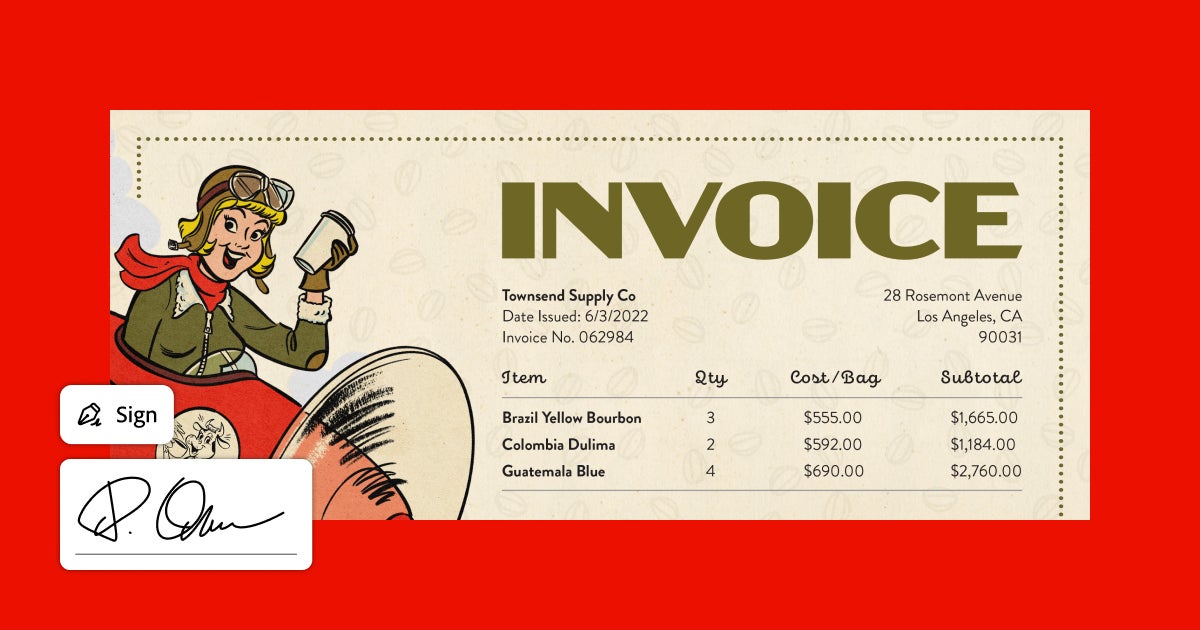
The overview
What Adobe Sign is for
1Core Capabilitie
- Document upload interface (PDF, Word, Excel)
- Drag-and-drop field placement for signatures, initials, date
- Signature request dispatch via email
- Real-time agreement status tracking dashboard
- Secure repository for signed document
2Specialized Workflow
- Bulk send utility for multiple recipient
- Reusable template library for common agreement
- Comprehensive audit trail generation for each transaction
- API for embedding signing workflows into custom application
- Mobile-responsive signing experience for recipient
Who it helps
Useful ways to use Adobe Sign
A practical path
Initiate Signature Request
Navigate to the 'Send' tab on the web interface. Upload the document requiring signatures (e.g., PDF, Word, Excel) from your local drive or a connected cloud storage service
External signals
Reviews & reputation
Aggregated review score
Users consistently praise Adobe Sign for its intuitive web interface, robust integration capabilities with Adobe Document Cloud and other business tools, and its strong legal compliance. The platform is highly valued for streamlining contract workflows and improving document turnaround times, though some users note the pricing structure can be complex for very small businesses.
Quick answers
Frequently asked questions
1Is an Adobe Sign signature legally binding and compliant with global regulations?⌄
Yes, signatures executed via Adobe Sign are legally binding and compliant with major e-signature laws worldwide, including the U.S. ESIGN Act, UETA, and the European Union's eIDAS regulation. It provides a comprehensive audit trail for each transaction, ensuring non-repudiation.
2Can Adobe Sign integrate with my existing business applications like CRM or ERP systems?⌄
Absolutely. Adobe Sign offers out-of-the-box integrations with popular business applications such as Salesforce, Microsoft 365, Workday, and ServiceNow. Additionally, it provides a robust API for developers to embed e-signature capabilities directly into custom-built applications and workflows.
3How does Adobe Sign ensure the security and privacy of my documents?⌄
Adobe Sign employs enterprise-grade security measures, including data encryption in transit and at rest, secure cloud infrastructure, and adherence to industry standards like ISO 27001, SOC 2 Type 2, and HIPAA. Access controls, identity verification, and tamper-evident seals further protect document integrity and confidentiality.
4What are the typical pricing models for Adobe Sign, and how do they scale for different business sizes?⌄
Adobe Sign offers various subscription plans tailored for individuals, small businesses, and large enterprises. Pricing is generally based on the number of users, the volume of transactions (agreements sent), and the inclusion of advanced features like bulk sending or premium integrations. Enterprise plans often include dedicated support and custom configurations.
5Can I set up complex signing workflows, such as sequential signing or approvals from multiple departments?⌄
Yes, Adobe Sign supports sophisticated workflow configurations. You can define sequential signing orders, parallel signing for multiple parties, and include approval steps from non-signing stakeholders. This flexibility allows businesses to mirror their internal approval processes digitally.
Keep exploring