

What Is Adobe Substance 3D Used For: Features, Reviews & Alternatives
Suite for 3D texturing and materials.
Editorially updated Oct 25, 2025
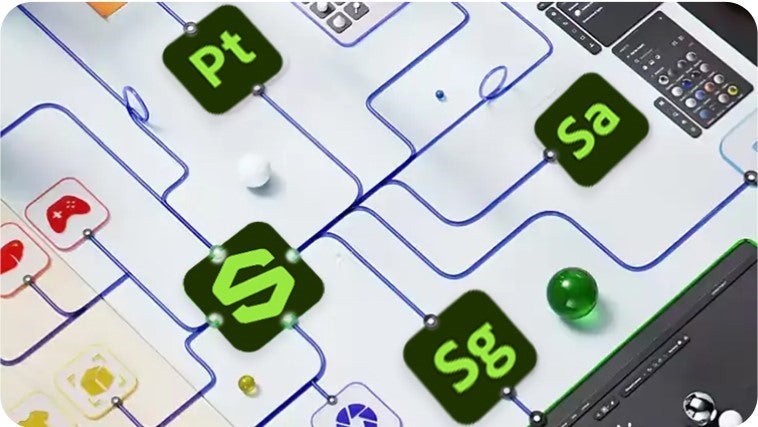
The overview
What Adobe Substance 3D is for
1Core Capabilitie
- PBR Material Asset Browser
- 3D Model & Environment Catalog
- Advanced Search & Filtering (e.g., PBR workflow, resolution, usage rights)
- Direct Download & Creative Cloud Sync
2Specialized Workflow
- Community Asset Submission & Curation
- License & Subscription Management Dashboard
- Asset Versioning & Update Notification
- Integrated Learning & Tutorial Hub
Who it helps
Useful ways to use Adobe Substance 3D
A practical path
Discover Assets via Web Search
Navigate to the Substance 3D Assets website, use the search bar or category filters (e.g., "wood PBR," "sci-fi model") to find desired materials, models, or lighting environment
External signals
Reviews & reputation
Aggregated review score
Highly valued for its extensive, high-quality PBR material and 3D model library, offering efficient web-based discovery and seamless integration with Substance desktop applications. Users appreciate the curated content and robust search capabilities, though some advanced material authoring features require dedicated desktop tools.
Quick answers
Frequently asked questions
1How does team licensing work for Substance 3D assets accessed via the web portal?⌄
Team licenses are managed through the Adobe Admin Console. An administrator can assign Substance 3D subscriptions to individual users, granting them access to the full asset library and download quotas. Usage and assignments are tracked centrally.
2Can I upload my own custom materials or models to the Substance 3D Assets library?⌄
Yes, the Substance 3D Community Assets platform allows users to submit their own Substance materials (.sbsar files) and other 3D assets for sharing with the community. These submissions undergo a curation process.
3Are the assets downloaded from the Substance 3D web portal compatible with non-Adobe 3D software?⌄
Absolutely. Substance materials are typically downloaded as .sbsar files, which are widely supported by major 3D applications like Blender, Maya, 3ds Max, Cinema 4D, and game engines like Unreal Engine and Unity, often via dedicated Substance plugins. Models are usually in standard formats like FBX or OBJ.
4What happens to my downloaded assets if I cancel my Substance 3D subscription?⌄
Any assets you downloaded and licensed while your subscription was active remain yours to use under the terms of the original license. However, you will lose access to download new assets or receive updates for existing ones from the web portal.
5Is the Substance 3D web portal suitable for managing assets for large-scale architectural visualization projects?⌄
Yes, it's highly suitable. The extensive library of realistic PBR materials (concrete, wood, glass, metals) and environmental assets can significantly accelerate texturing and scene setup for arch-viz. The web portal's search and filtering capabilities make it efficient to find specific architectural finishes.
Keep exploring