

What Is AdsPower Used For: Features, Reviews & Alternatives
Antidetect browser for multi-account management.
Editorially updated Oct 5, 2025
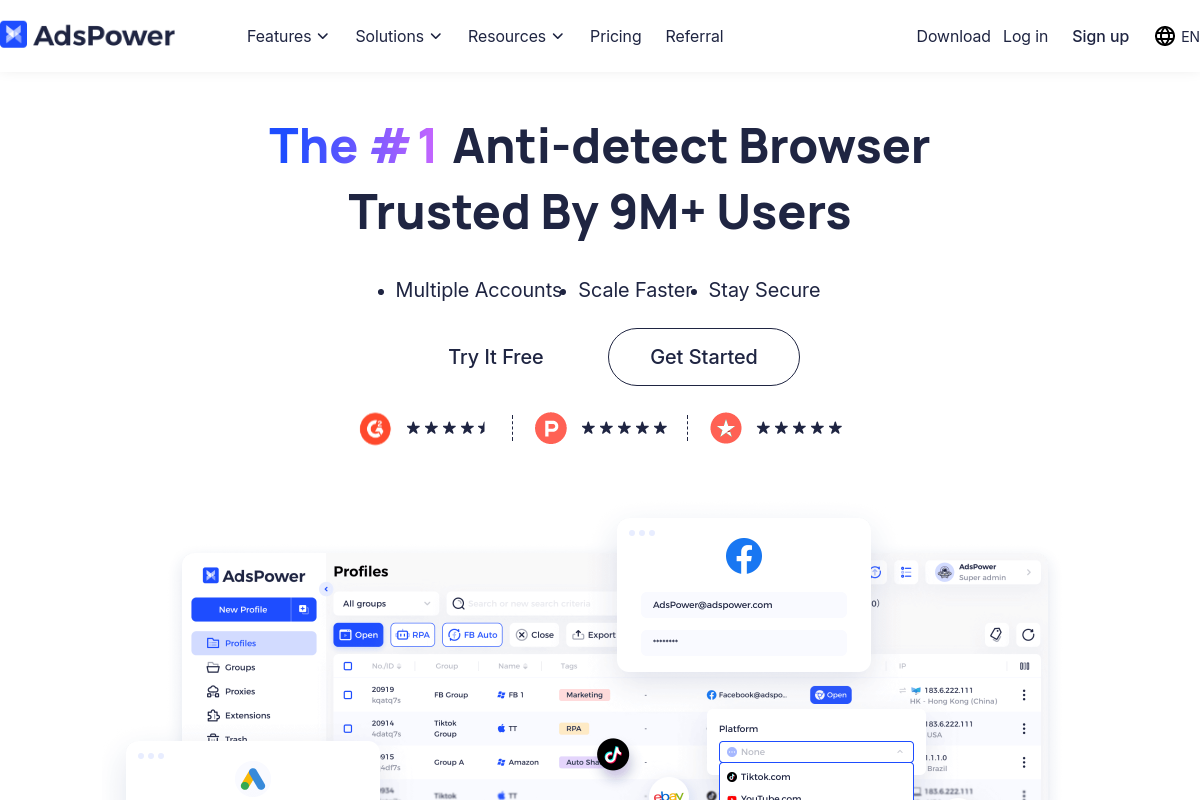
The overview
What AdsPower is for
1Core Capabilitie
- Browser fingerprint spoofing controls (User-Agent, Canvas, WebGL)
- Proxy configuration panel (HTTP, SOCKS5, SSH)
- Isolated browser profile creation and management
- Batch profile launch interface
2Specialized Workflow
- Automation API integration (Selenium/Puppeteer)
- Profile sharing and access management
- Cookie and local storage persistence per profile
- Profile data import/export utility
Who it helps
Useful ways to use AdsPower
A practical path
Configure a New Browser Profile
Access the 'Profile List' interface, select 'Create Profile,' then define the unique browser fingerprint parameters (e.g., User-Agent, Canvas, WebGL) and integrate a proxy (HTTP/SOCKS5) for network isolation
External signals
Reviews & reputation
Aggregated review score
Highly valued by developers and operations teams for its robust browser fingerprinting and proxy integration, enabling scalable multi-account management. Users appreciate the automation API and profile sharing features, though some note a learning curve for advanced configurations.
Quick answers
Frequently asked questions
1How does AdsPower prevent account detection compared to a standard browser with incognito mode?⌄
Standard incognito mode only clears local data (cookies, history) but doesn't alter your digital fingerprint (User-Agent, WebGL, Canvas, IP address via proxy). AdsPower actively spoofs these fingerprint parameters and integrates proxies to provide a truly unique and isolated identity for each browser profile, making detection significantly harder for anti-bot systems.
2Can I automate tasks within AdsPower profiles?⌄
Yes, AdsPower supports automation. It provides an API that integrates with popular browser automation frameworks like Selenium and Puppeteer, allowing developers to script complex actions across multiple isolated profiles for tasks such as data entry, form submission, or content interaction.
3What types of proxies are supported for profile isolation?⌄
The platform supports HTTP, HTTPS, SOCKS4, SOCKS5, and SSH proxies. You can configure a different proxy for each individual browser profile to ensure distinct network origins and geographic locations, enhancing anonymity and bypassing geo-restrictions.
4Is there a way to share browser profiles with team members securely?⌄
Yes, the platform includes profile sharing capabilities. You can assign specific profiles to team members with granular permissions, ensuring they can access and operate accounts without compromising security or sharing credentials directly, streamlining multi-user operations.
5What happens if a website updates its anti-bot detection methods?⌄
The development team continuously monitors and updates the browser core and fingerprinting algorithms to adapt to new detection techniques. Regular updates are pushed to ensure profiles remain as undetectable as possible against evolving anti-bot measures, maintaining the effectiveness of your multi-account operations.
Keep exploring