

What Is Agorapulse Used For: Features, Reviews & Alternatives
Social media inbox, publishing & reporting tool.
Editorially updated Oct 25, 2025
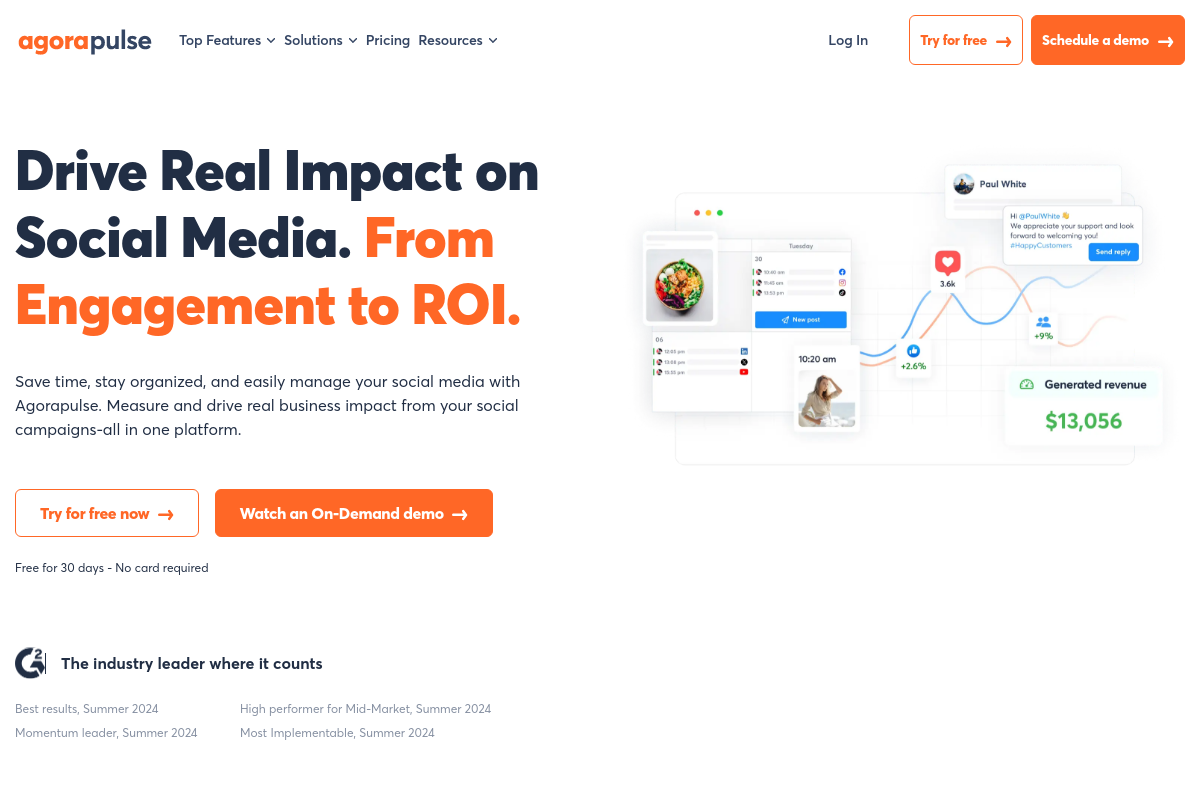
The overview
What Agorapulse is for
1Core Capabilitie
- Unified Social Inbox: Aggregates comments, messages, and mentions from connected profile
- Publishing Calendar View: Visual interface for scheduling and reviewing content across platform
- Social Listening Streams: Configurable feeds for monitoring keywords, hashtags, and brand mention
- Audience Segmentation Panel: Tools for categorizing and tagging followers for targeted engagement
- Competitor Analysis Dashboard: Side-by-side performance metrics against selected competitor
2Specialized Workflow
- Content Approval Workflow: Multi-stage review process for scheduled post
- Custom Report Builder: Drag-and-drop interface for generating tailored performance report
- Asset Library: Centralized repository for images, videos, and other media file
- Team Member Role Management: Granular permissions for different user role
- Evergreen Content Queues: Automated re-scheduling of high-performing past post
Who it helps
Useful ways to use Agorapulse
A practical path
Connect Social Profile
Navigate to the 'Social Profiles' section after logging in and authorize access for each desired Facebook Page, Instagram Business Profile, X account, LinkedIn Page, or YouTube channel
External signals
Reviews & reputation
Aggregated review score
Users consistently praise Agorapulse for its intuitive unified inbox, comprehensive publishing calendar, and robust reporting features that simplify daily social media operations. The platform's client management and approval workflows are highly valued by agencies. Some feedback occasionally points to the pricing structure or specific UI elements as areas for potential refinement.
Quick answers
Frequently asked questions
1What are the key differences between Agorapulse's unified inbox and managing interactions directly on each social platform?⌄
The unified inbox aggregates all comments, messages, and mentions from connected profiles into one stream, allowing for faster response times and preventing missed interactions. It also offers features like assigning conversations to team members, saving replies, and applying tags, which are not available natively on individual platforms.
2Can I manage multiple client accounts with separate reporting and team access permissions?⌄
Yes, Agorapulse is designed for agencies and teams. You can create separate 'Organizations' or 'Profiles' for each client, assign specific team members with tailored roles (e.g., publisher, moderator, client guest), and generate individual performance reports for each client's social profiles.
3How does Agorapulse handle content approval workflows for clients or internal stakeholders?⌄
The platform includes a robust content approval system. You can create drafts, send them for review to specific team members or external clients, and they can provide feedback or approve posts directly within the platform before they are scheduled to publish.
4What kind of social listening capabilities does Agorapulse offer beyond direct mentions?⌄
Beyond direct mentions, Agorapulse allows you to set up custom listening streams to monitor keywords, hashtags, and user accounts relevant to your brand or industry. This helps track brand sentiment, identify trends, and discover conversations where your brand can participate, even if not directly tagged.
5Is there a mobile application for managing social media on the go, or is it strictly browser-based?⌄
While Agorapulse is primarily a browser-first web application, it does offer companion mobile apps for iOS and Android. These apps provide core functionalities like inbox management, publishing, and basic reporting, allowing users to stay connected and manage their social presence from their mobile devices.
Keep exploring