

What Is Amazon Prime Video Used For: Features, Reviews & Alternatives
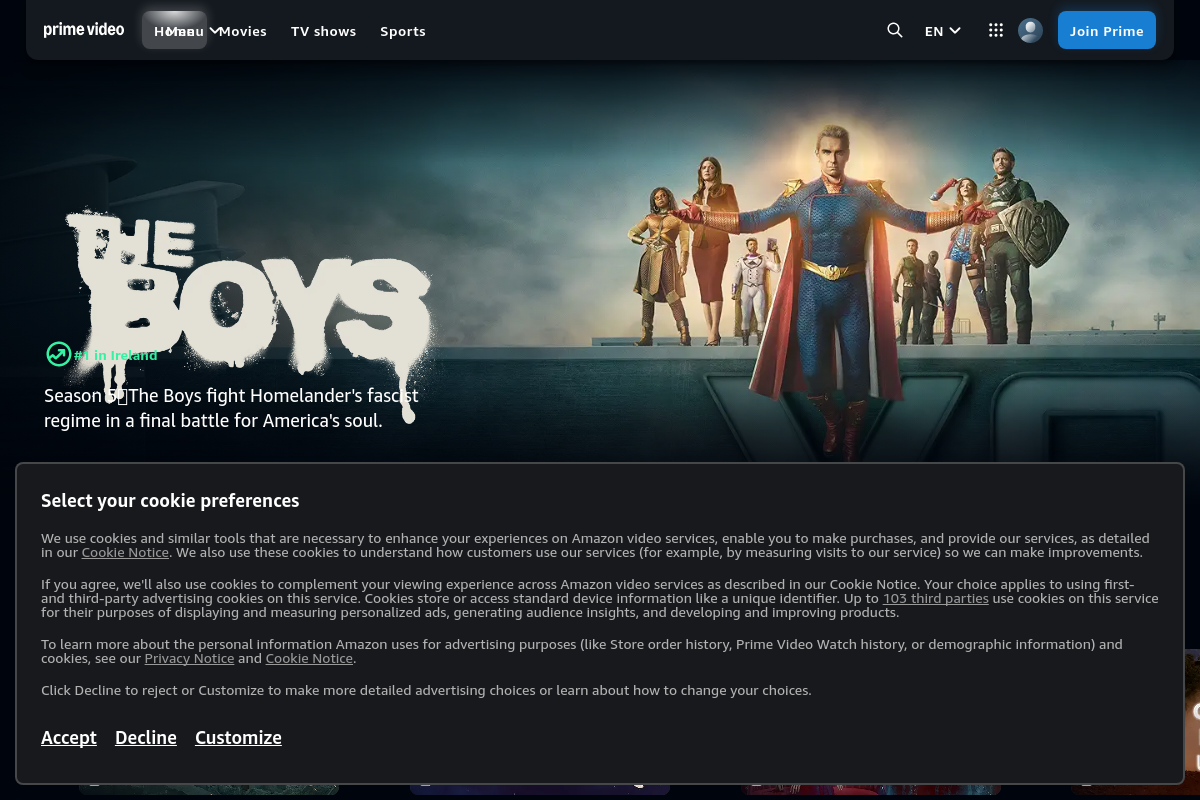
Watch movies, TV shows, and Amazon Originals included with Prime membership.
Editorially updated Oct 25, 2025
The overview
What Amazon Prime Video is for
1Core Capabilitie
- Browser-based content playback (SD, HD, UHD)
- Watchlist management ('My Stuff' queue)
- Search and filter interface for content discovery
- Closed captioning and multiple audio track selection
2Specialized Workflow
- Digital rental and purchase storefront
- X-Ray content overlay (IMDb integration for cast/crew/soundtrack info)
- Live event streaming access (for select sports or concerts)
- User profile management for personalized recommendations and watch history
Who it helps
Useful ways to use Amazon Prime Video
A practical path
Access and Sign In
Navigate to primevideo.com in your web browser. If not already signed in, enter your Amazon account credentials (email/phone and password) to access your Prime Video library and account feature
External signals
Reviews & reputation
Aggregated review score
Users frequently praise the extensive library of included content with Prime membership, particularly the quality of Amazon Originals. The web interface is generally considered intuitive for content discovery and playback, though some users occasionally report minor browser-specific playback issues or desire more robust filtering options. The integrated X-Ray feature is a standout for enhancing the viewing experience.
Quick answers
Frequently asked questions
1Is a separate subscription required for Prime Video content?⌄
Access to a significant portion of the Prime Video library is included as part of an active Amazon Prime membership. However, certain new release movies, premium TV series, or live events are available for individual rental or purchase, even for Prime members, and are clearly marked as such.
2Can I download content for offline viewing directly from the Prime Video website?⌄
No, the Prime Video website is designed for streaming content online. Offline downloads are typically supported through the dedicated Prime Video mobile applications (iOS, Android) or desktop apps on compatible operating systems, not directly via the web browser interface.
3What web browser compatibility does Prime Video support for streaming?⌄
Prime Video supports most modern web browsers, including Google Chrome, Mozilla Firefox, Microsoft Edge, and Apple Safari. For optimal performance and access to features like 4K UHD streaming, it's recommended to use the latest stable version of your chosen browser and ensure your system meets minimum requirements for DRM playback.
4How do parental controls function on the web interface and across devices?⌄
Parental controls are managed through your Amazon account settings on the Prime Video website. You can set viewing restrictions based on content ratings and require a PIN for purchases or playback of restricted content. These settings apply across all devices linked to your Amazon account, ensuring consistent control whether streaming via browser, smart TV, or mobile app.
5Can I stream 4K Ultra HD (UHD) content through my web browser?⌄
Yes, Prime Video supports 4K UHD streaming through compatible web browsers. To achieve this, you'll need a 4K-capable display, a browser that supports HDCP 2.2 (e.g., Microsoft Edge on Windows 10/11, Safari on macOS Big Sur or later), and a stable internet connection with sufficient bandwidth (typically 15 Mbps or higher for UHD).
Keep exploring