

What Is Android Used For: Features, Reviews & Alternatives
Mobile operating system.
Editorially updated Oct 25, 2025
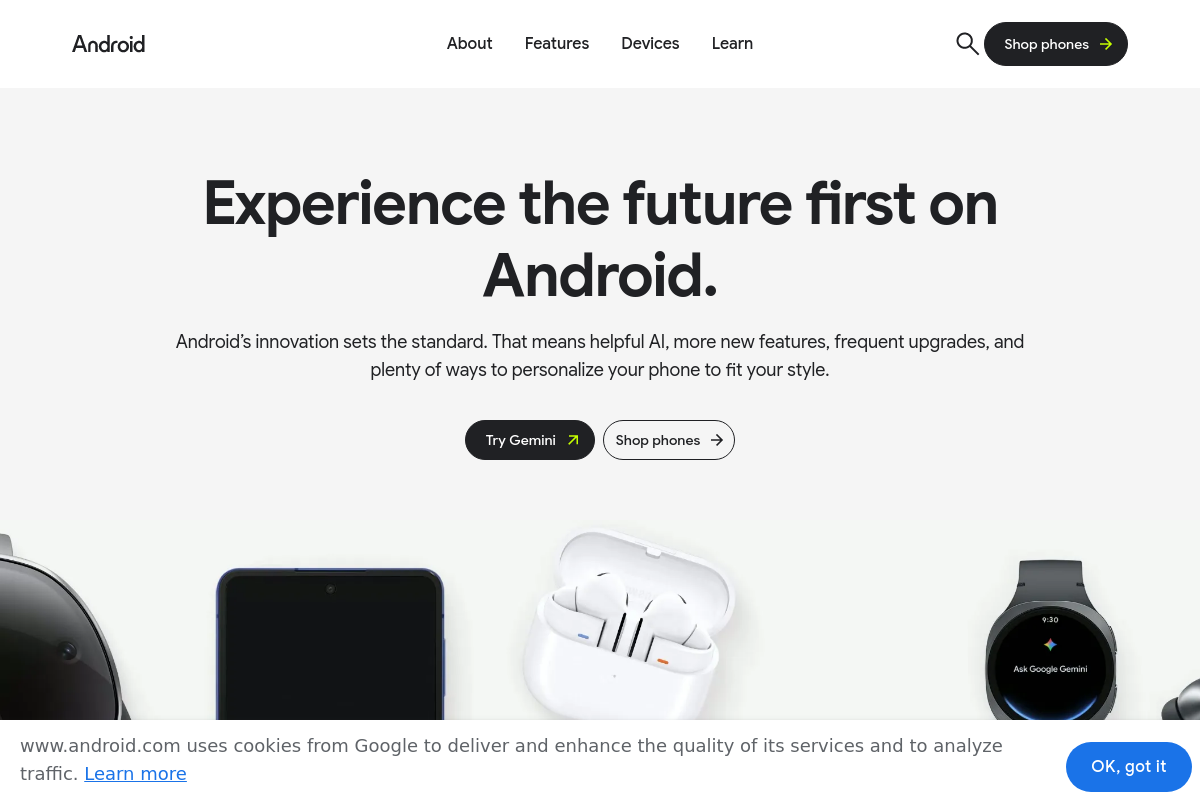
The overview
What Android is for
1Core Capabilities
- Customizable user interface with widgets and app shortcuts
- Access to Google Play Store for app installation and updates
- Support for multi-window multitasking and split-screen apps
- Built-in security features including app permissions and encryption
- Regular system updates for performance and security enhancements
Who it helps
Useful ways to use Android
A practical path
Access the Official Android Site
Open a web browser and go to android.com to explore the latest Android OS features and updates.
External signals
Reviews & reputation
Aggregated review score
The practical upside of Android is steadier repeatable team usage; the tradeoff is disciplined handling of maintenance overhead and process drift.
Quick answers
Frequently asked questions
1Is Android free to use for device manufacturers?⌄
Android is generally available under an open-source license, allowing device manufacturers to use and modify it without direct licensing fees. However, access to Google Mobile Services requires a separate agreement with Google.
2Can Android run applications developed for other mobile operating systems?⌄
Android primarily supports apps developed for its own platform using Java or Kotlin. Running apps from other mobile OSes typically requires emulation or porting, which may not guarantee full functionality.
3What level of control does Android provide over app permissions?⌄
Android offers granular permission controls, allowing users to grant or revoke app access to specific device features. The exact controls can vary by Android version and device manufacturer customization.
4How does Android handle user data privacy?⌄
Android includes privacy features such as app permission management and data encryption. The effectiveness of these features depends on the Android version and the device's security updates.
5Is Android compatible with all hardware types?⌄
Android supports a wide range of hardware configurations, but compatibility depends on device-specific drivers and manufacturer support. Some hardware features may not be fully supported on all devices.
Keep exploring