

What Is Any.do Used For: Features, Reviews & Alternatives
To-do list, planner & calendar app.
Editorially updated Oct 25, 2025
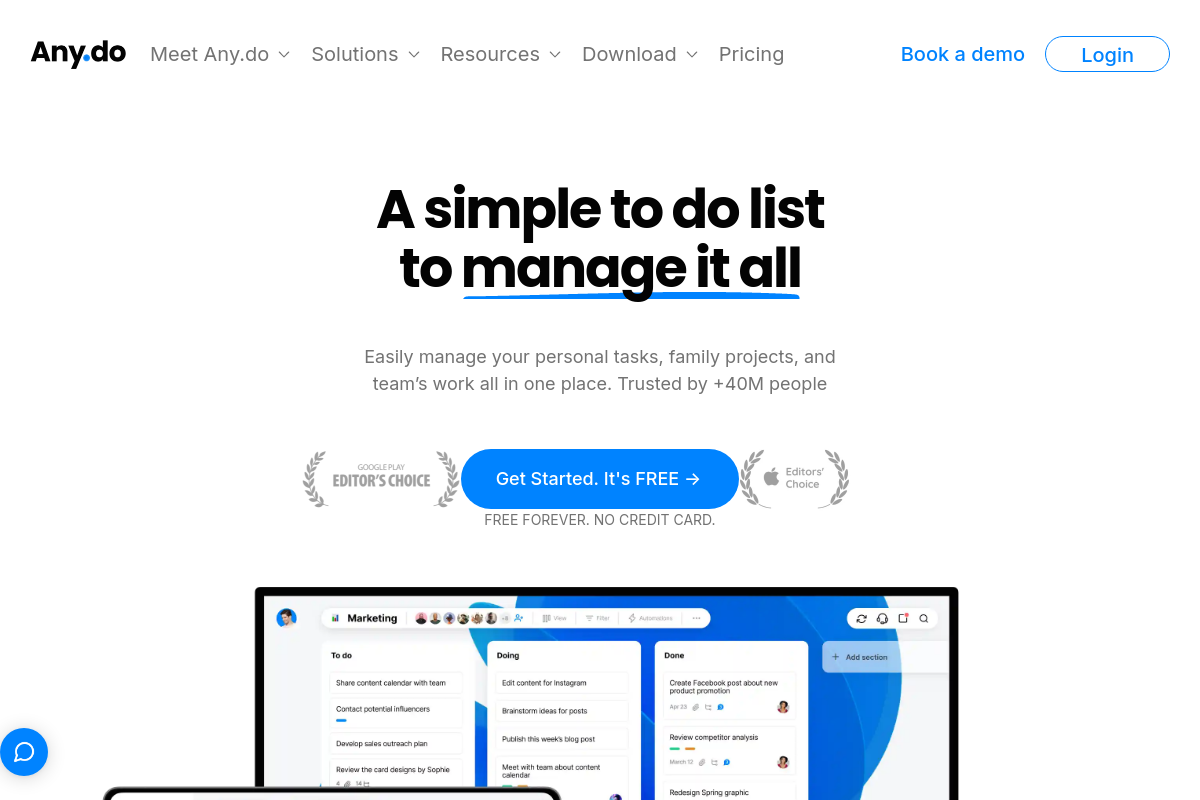
The overview
What Any.do is for
1Core Capabilities
- Create, organize, and prioritize tasks with customizable lists and folders
- Set recurring reminders and deadlines with time and location triggers
- Sync tasks and calendar events across devices in real time
- Attach notes, files, and subtasks to individual tasks for detailed tracking
- Use a daily planner view to manage tasks alongside calendar appointments
Who it helps
Useful ways to use Any.do
A practical path
Sign Up and Set Up Your Account
Visit any.do and create an account using your email or social login. Set your time zone and notification preferences to align with your schedule.
External signals
Reviews & reputation
Aggregated review score
Confidence in Any.do improves once teams validate initial setup and permission alignment against real production paths and monitor drift over the first rollout cycle.
Quick answers
Frequently asked questions
1Is Any.do free to use, and what features require a paid subscription?⌄
Any.do offers a free tier with basic task management and calendar features. Advanced options like location-based reminders, unlimited attachments, and collaboration tools typically require a premium subscription.
2Can Any.do integrate with other calendar services or productivity tools?⌄
Any.do supports integration with major calendar services such as Google Calendar and Outlook. Integration with other productivity tools may be limited or require third-party connectors.
3What platforms is Any.do available on, and does it sync across devices?⌄
Any.do is available on web, iOS, and Android platforms. It syncs tasks and calendar events across devices when logged into the same account.
4Does Any.do allow task sharing with users who do not have an account?⌄
Task sharing generally requires both parties to have Any.do accounts to manage and update shared lists effectively. Sharing with non-users may be restricted or limited to view-only options.
5How does Any.do handle user data privacy and permissions?⌄
Any.do collects data necessary for task and calendar management and sync. Specific privacy practices depend on their current policy, but users should review permissions requested during setup and account management.
Keep exploring