

What Is AnyDesk Used For: Features, Reviews & Alternatives
Fast and secure remote desktop software.
Editorially updated Oct 25, 2025
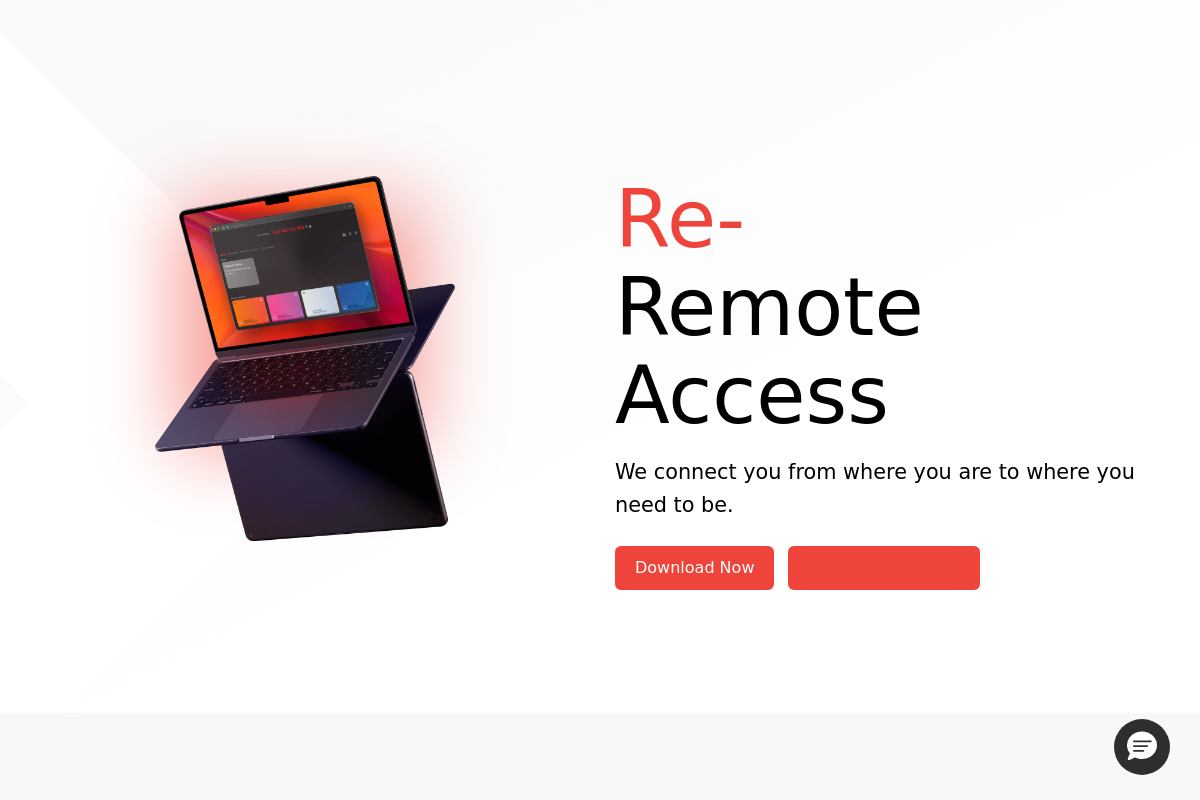
The overview
What AnyDesk is for
1Core Capabilities
- Low-latency remote access with high frame rates
- End-to-end encryption for session security
- Cross-platform support including Windows, macOS, Linux, iOS, and Android
- File transfer between local and remote devices
- Session recording for audit and review
Who it helps
Useful ways to use AnyDesk
A practical path
Download and Install
Visit anydesk.com and download the version compatible with your operating system. Run the installer and follow prompts to complete installation.
External signals
Reviews & reputation
Aggregated review score
AnyDesk performs best when teams prioritize clear task execution and operational repeatability and keep ownership explicit around repeatable team usage.
Quick answers
Frequently asked questions
1What pricing options does AnyDesk offer for individual and business users?⌄
AnyDesk typically provides tiered pricing plans that vary by user count and feature access. Details may depend on subscription length and specific use cases, so reviewing their official site or contacting sales is recommended for precise costs.
2Which operating systems and devices are compatible with AnyDesk?⌄
AnyDesk supports major operating systems including Windows, macOS, Linux, Android, and iOS. Compatibility may vary by version, and some features might be limited on mobile platforms.
3What level of access permissions does AnyDesk require to establish remote connections?⌄
AnyDesk generally requires permission to control the remote device, including screen sharing and input control. Users must explicitly grant access for each session, maintaining user control over connections.
4How does AnyDesk handle data privacy and security during remote sessions?⌄
AnyDesk uses encryption protocols to protect data transmitted during sessions. Specific security measures and compliance standards may vary, so users should verify current practices on the official website.
5What support options are available if users encounter technical issues with AnyDesk?⌄
Support options often include online documentation, community forums, and direct contact through email or phone for paid plans. Response times and support levels may differ based on subscription type.
Keep exploring