

What Is Apple ARKit Used For: Features, Reviews & Alternatives
Apple's framework for building AR experiences.
Editorially updated Oct 5, 2025
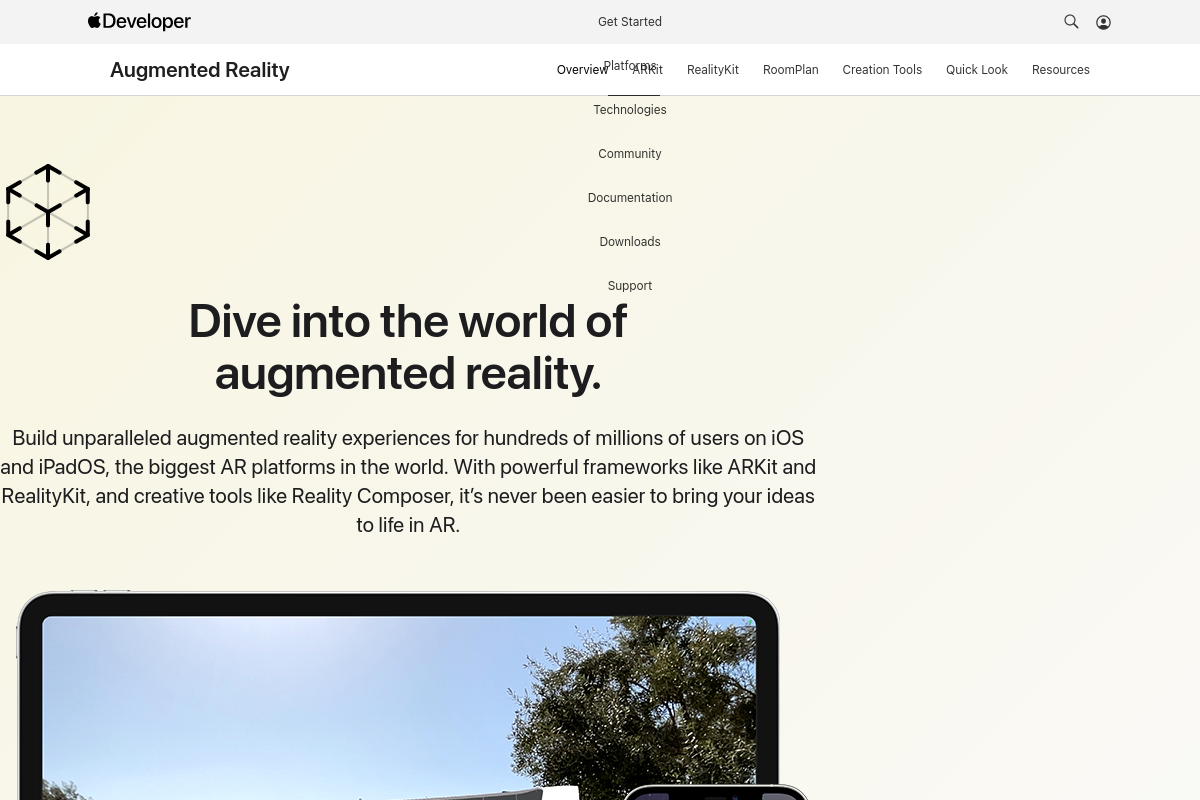
The overview
What Apple ARKit is for
1Core Capabilities
- Real-time environment mapping with plane detection and scene understanding
- Advanced motion tracking using device sensors for precise AR object placement
- Support for 3D object detection and image recognition within AR scenes
- Integration with Metal for high-performance rendering of AR content
- Simultaneous use of multiple cameras for depth estimation and occlusion handling
Who it helps
Useful ways to use Apple ARKit
A practical path
Access ARKit Documentation
Navigate to apple.com and locate the ARKit section under the Entertainment category to review technical documentation and system requirements.
External signals
Reviews & reputation
Aggregated review score
Confidence in Apple ARKit improves once teams validate initial setup and permission alignment against real production paths and monitor drift over the first rollout cycle.
Quick answers
Frequently asked questions
1What platforms and devices are compatible with Apple ARKit?⌄
Apple ARKit is designed primarily for iOS devices with A9 chips or later, including iPhones and iPads. Compatibility depends on hardware capabilities such as camera quality and motion sensors, which affect AR experience fidelity.
2Are there any licensing fees or costs associated with using Apple ARKit?⌄
Apple ARKit is available to registered Apple developers at no additional cost beyond the standard Apple Developer Program membership fees. There are no separate licensing fees specifically for ARKit usage.
3What privacy considerations should developers keep in mind when using ARKit?⌄
ARKit accesses device cameras and motion data, so developers must ensure user consent is obtained and data handling complies with Apple's privacy guidelines and relevant regulations. Sensitive data should not be stored or transmitted without explicit permission.
4How does ARKit handle integration with third-party AR content or engines?⌄
ARKit supports integration with some third-party AR tools and engines, but compatibility varies. Developers should verify integration capabilities and potential limitations based on their specific AR content requirements.
5What support resources are available for troubleshooting and development with ARKit?⌄
Apple provides official documentation, sample code, and developer forums for ARKit. Support is primarily community-driven, with direct assistance available through Apple Developer Program channels, though response times and depth may vary.
Keep exploring