

What Is Arq Backup Used For: Features, Reviews & Alternatives
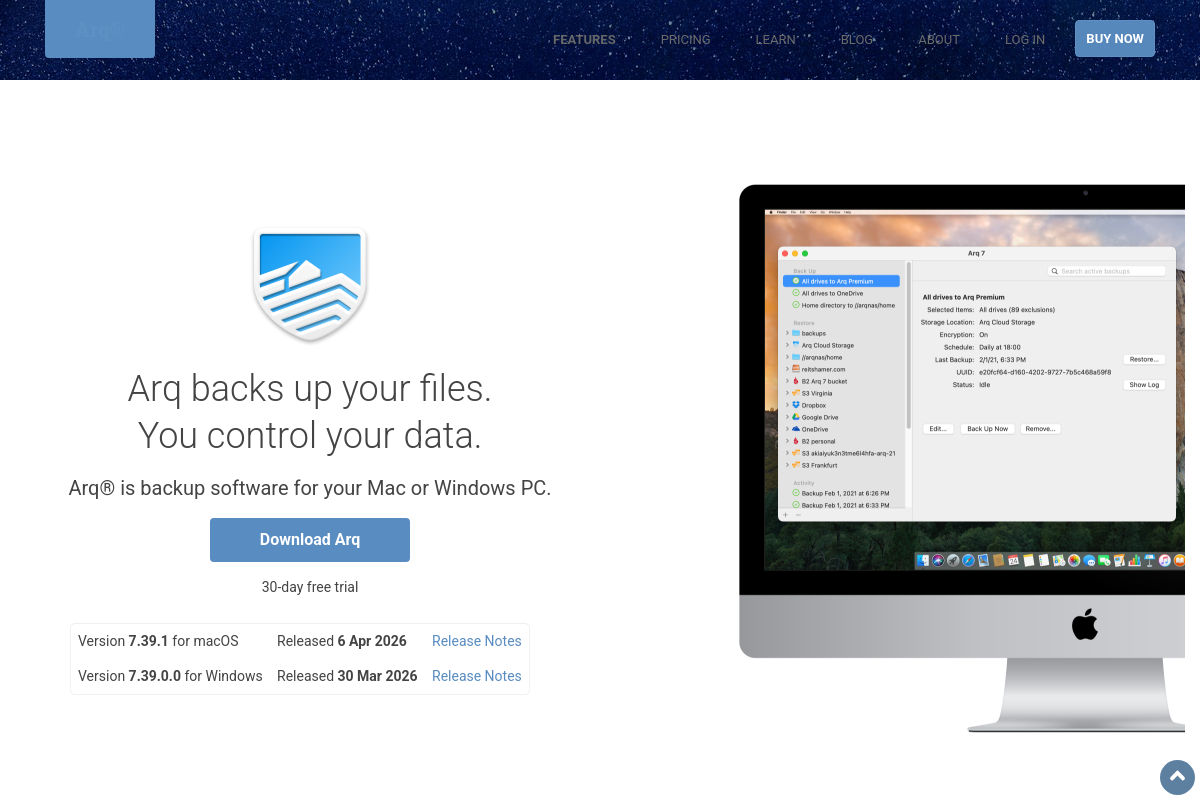
Backup software for Mac and Windows (uses your cloud).
Editorially updated Oct 25, 2025
The overview
What Arq Backup is for
1Core Capabilities
- Incremental backups to user-selected cloud storage providers
- Cross-platform support for macOS and Windows systems
- End-to-end encryption with user-controlled encryption keys
- Versioning to retain multiple historical copies of files
- Automated scheduled backups with customizable frequency
Who it helps
Useful ways to use Arq Backup
A practical path
Download and Install
Visit arqbackup.com and download the version compatible with your Mac or Windows system. Follow the installation prompts to complete setup.
External signals
Reviews & reputation
Aggregated review score
Arq Backup performs best when teams prioritize clear task execution and operational repeatability and keep ownership explicit around repeatable team usage.
Quick answers
Frequently asked questions
1What cloud storage services does Arq Backup support?⌄
Arq Backup supports a range of cloud storage providers including Amazon S3, Google Drive, Microsoft OneDrive, Backblaze B2, and others. Users should verify compatibility with their preferred cloud service before purchase.
2Can Arq Backup handle incremental backups and versioning?⌄
Yes, Arq Backup performs incremental backups and maintains multiple versions of files, allowing restoration of previous states. The retention period and version limits depend on user settings and available storage.
3What are the system requirements for running Arq Backup?⌄
Arq Backup runs on macOS and Windows platforms. Specific OS version requirements may vary; users should consult the latest documentation to confirm compatibility with their operating system version.
4How does Arq Backup manage data encryption and privacy?⌄
Arq Backup encrypts data locally before uploading to the cloud, using user-controlled encryption keys. This approach means data remains encrypted during transit and storage, with decryption possible only by the user.
5Is there a limit on the amount of data that can be backed up with Arq Backup?⌄
Arq Backup itself does not impose data limits; restrictions depend on the user's cloud storage plan. Users should ensure their cloud provider's storage capacity aligns with their backup needs.
Keep exploring