

What Is Asana Used For: Features, Reviews & Alternatives
Project & task management for teams.
Editorially updated Oct 5, 2025
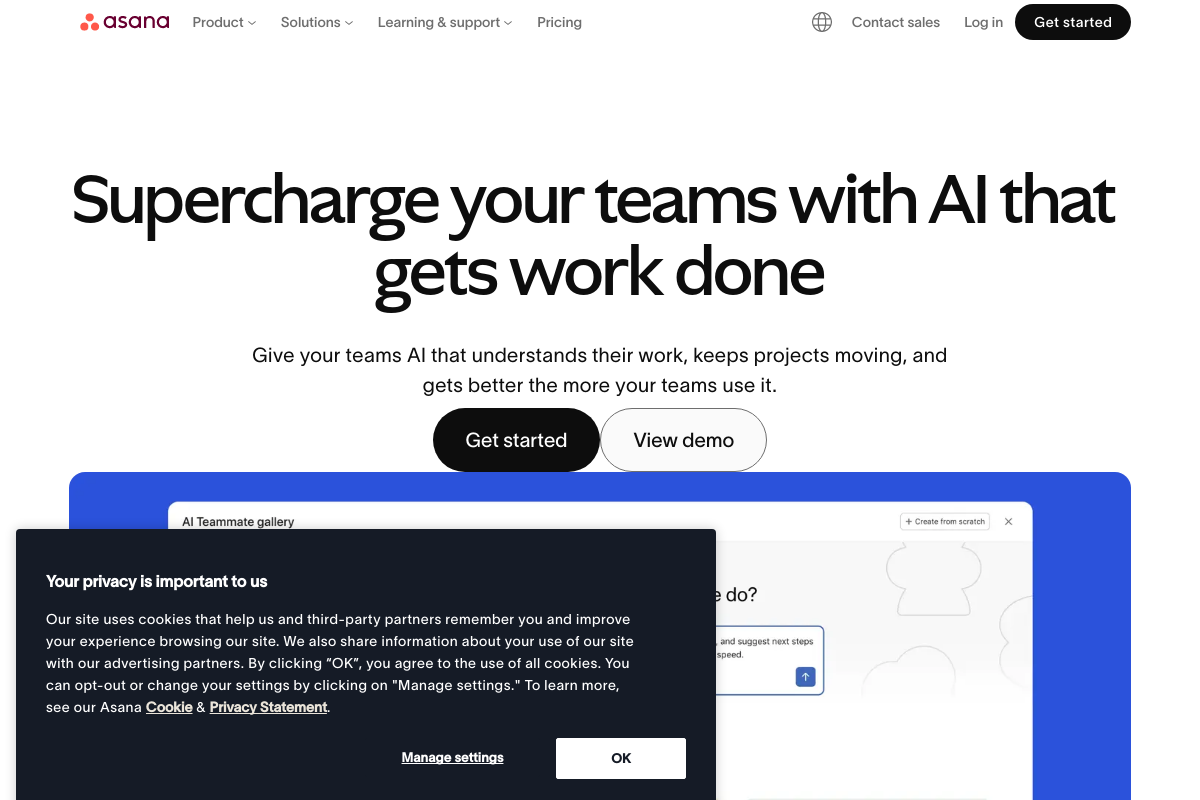
The overview
What Asana is for
1Core Capabilities
- Task assignment with due dates and priority levels
- Customizable project templates for repeatable processes
- Timeline view for tracking project milestones and dependencies
- Automated status updates triggered by task progress
- Role-based access controls for project and task visibility
Who it helps
Useful ways to use Asana
A practical path
Sign Up and Set Up Your Organization
Visit asana.com and register using your work email. Configure your organization settings to align with your company structure and invite team members.
External signals
Reviews & reputation
Aggregated review score
Confidence in Asana improves once teams validate initial setup and permission alignment against real production paths and monitor drift over the first rollout cycle.
Quick answers
Frequently asked questions
1What pricing plans does Asana offer for different team sizes?⌄
Asana typically provides tiered pricing including free, premium, business, and enterprise levels. Each tier varies in features and user limits, so teams should evaluate based on their size and required functionality.
2How does Asana handle user permissions and access control within projects?⌄
Asana allows project owners to set permissions at the project level, controlling who can edit, comment, or view tasks. Admin roles may have broader access, but granular control depends on the subscription tier.
3Is Asana compatible with other tools commonly used in project management?⌄
Asana supports integrations with various third-party applications such as communication platforms, file storage, and calendar tools. Compatibility may depend on the specific tools and subscription level.
4What privacy measures does Asana implement to protect project data?⌄
Asana employs standard security protocols including data encryption in transit and at rest. Privacy features and compliance certifications may vary by plan and region, so users should verify based on their requirements.
5What support options are available for troubleshooting and onboarding?⌄
Support availability ranges from self-service resources and community forums in free plans to dedicated customer support and onboarding assistance in paid tiers. Response times and support channels differ accordingly.
Keep exploring