

What Is Astra Theme Used For: Features, Reviews & Alternatives
Fast, lightweight, customizable WP theme.
Editorially updated Oct 5, 2025
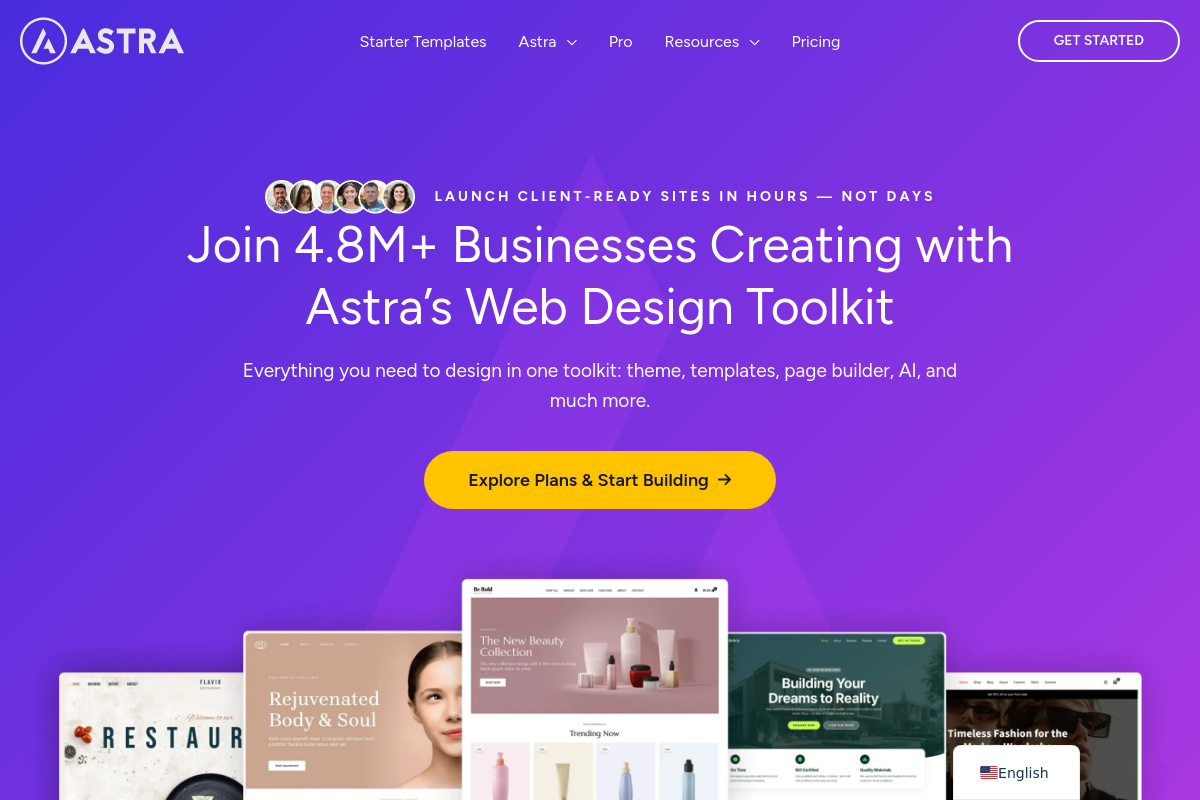
The overview
What Astra Theme is for
1Core Capabilities
- Customizable header and footer layouts with drag-and-drop interface
- Pre-built starter templates optimized for fast page load times
- Compatibility with major page builders like Elementor and Beaver Builder
- Responsive design controls for mobile and tablet views
- Built-in schema markup for improved SEO performance
Who it helps
Useful ways to use Astra Theme
A practical path
Download and Install Astra Theme
Access the WordPress dashboard, navigate to Appearance > Themes > Add New, then search for 'Astra' and click Install followed by Activate.
External signals
Reviews & reputation
Aggregated review score
The practical upside of Astra Theme is steadier repeatable team usage; the tradeoff is disciplined handling of maintenance overhead and process drift.
Quick answers
Frequently asked questions
1Is Astra Theme compatible with all major page builders?⌄
Astra Theme supports popular WordPress page builders like Elementor, Beaver Builder, and Gutenberg, but compatibility may vary with less common or custom builders.
2Can Astra Theme be used for e-commerce websites?⌄
Astra Theme integrates with WooCommerce, enabling e-commerce functionality, though advanced store features may require additional plugins or customization.
3What are the limitations on customizing Astra Theme without coding?⌄
Astra offers extensive customization through the WordPress Customizer and theme options, but some advanced layout or functionality changes might require CSS or PHP knowledge.
4Does Astra Theme include built-in privacy or data handling features?⌄
Astra itself does not provide specific privacy or data management tools; compliance depends on the plugins and configurations used alongside the theme.
5Is there a free version of Astra Theme, and what features are restricted?⌄
Astra offers a free version with basic features suitable for simple sites; premium versions unlock additional templates, customization options, and integrations.
Keep exploring