

What Is Atlas Used For: Features, Reviews & Alternatives
Teamwork directory.
Editorially updated Oct 25, 2025
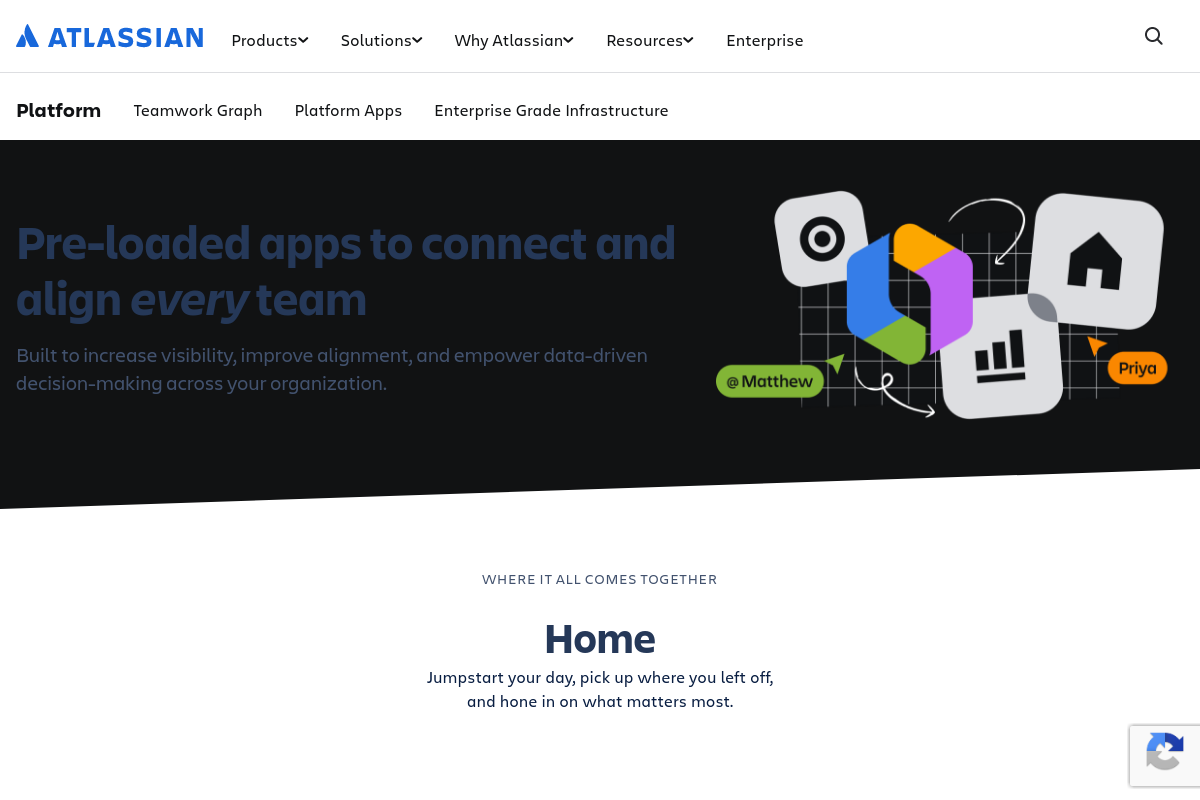
The overview
What Atlas is for
1Core Capabilities
- Centralized team member profiles with role and project visibility
- Customizable access permissions aligned with project spaces
- Real-time status updates linked to Jira and Confluence tasks
- Searchable directory with filters for skills, teams, and availability
- Automated syncing with Atlassian user management systems
Who it helps
Useful ways to use Atlas
A practical path
Access the Atlas Team Directory
Navigate to the Atlas section within your Atlassian environment to view the centralized team directory, which aggregates user profiles and team structures across your organization.
External signals
Reviews & reputation
Aggregated review score
Atlas can deliver reliable outcomes for workflow completion, especially when rollout begins with a pilot focused on teamwork.
Quick answers
Frequently asked questions
1What pricing model does Atlas follow within the Atlassian ecosystem?⌄
Atlas pricing is typically aligned with Atlassian's tiered subscription plans, which may vary based on user count and feature access. Prospective users should consult Atlassian's official pricing page for current details.
2How does Atlas integrate with other Atlassian products like Jira and Confluence?⌄
Atlas is designed to connect with Jira and Confluence to surface project updates and team status. However, integration depth and data synchronization frequency may depend on specific configurations and permissions set by administrators.
3What permission controls are available to manage access to team information in Atlas?⌄
Atlas allows administrators to set granular access permissions, often leveraging Atlassian's existing user management framework. This includes controlling who can view or edit team updates, but exact capabilities may vary by deployment.
4How does Atlas handle data privacy and compliance within an organization?⌄
Atlas inherits Atlassian's data privacy standards, including compliance with common regulations. Organizations should review Atlassian's privacy policies and configure Atlas settings to align with their internal compliance requirements.
5Are there limitations on the types of teams or projects that Atlas supports effectively?⌄
Atlas is optimized for teams using Atlassian tools and structured project updates. It may be less effective for teams operating outside Atlassian's ecosystem or those requiring highly customized reporting beyond standard update formats.
Keep exploring