

What Is Audacity Used For: Features, Reviews & Alternatives
Free, easy-to-use multi-track audio editor.
Editorially updated Oct 5, 2025
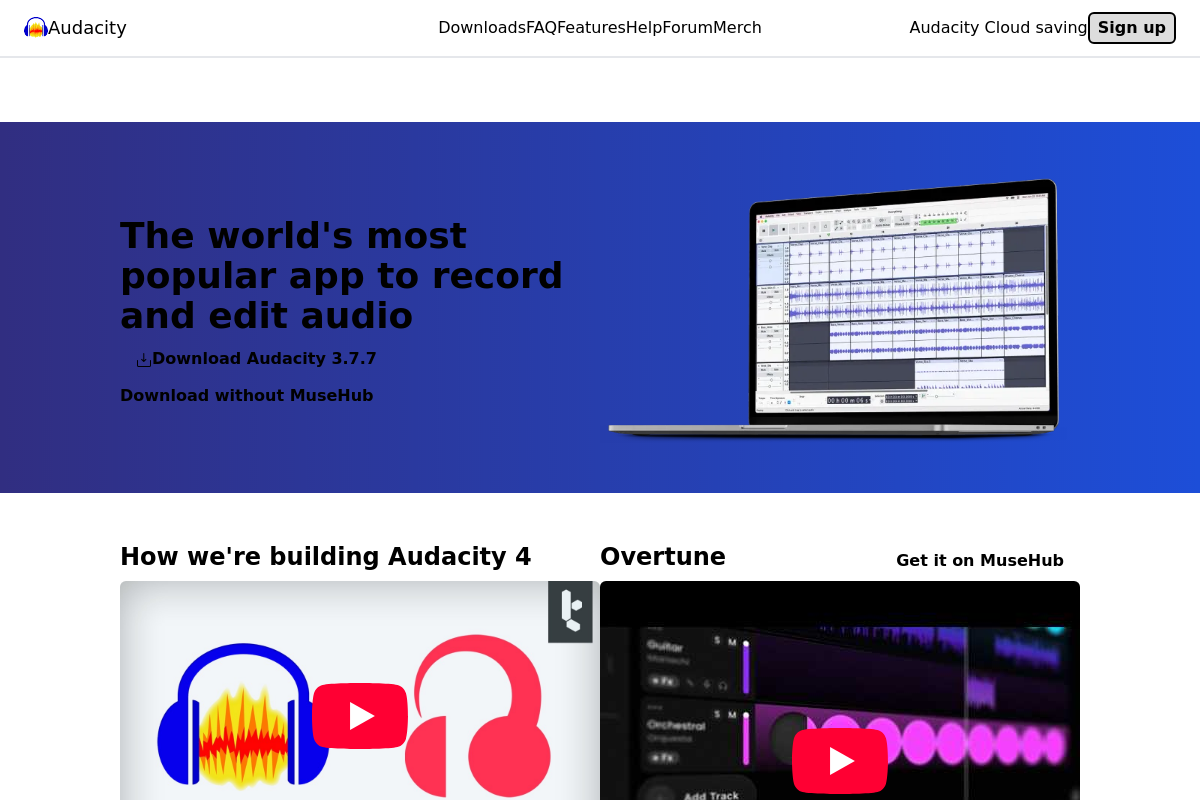
The overview
What Audacity is for
1Core Capabilities
- Multi-track audio recording and editing with unlimited tracks
- Support for a wide range of audio formats including WAV, AIFF, MP3, and OGG
- Built-in effects such as noise reduction, equalization, and compression
- Detailed waveform visualization with zoom and selection tools
- Batch processing for applying effects or conversions to multiple files
Who it helps
Useful ways to use Audacity
A practical path
Download and Install Audacity
Visit audacityteam.org and download the latest version compatible with your operating system. Follow the installation prompts to set up the software on your computer.
External signals
Reviews & reputation
Aggregated review score
Audacity can deliver reliable outcomes for workflow completion, especially when rollout begins with a pilot focused on easy.
Quick answers
Frequently asked questions
1Is Audacity completely free to use for commercial projects?⌄
Audacity is distributed under an open source license, which generally allows free use for commercial purposes, but users should review the specific license terms to confirm compliance with their intended use.
2What operating systems does Audacity support?⌄
Audacity is compatible with major desktop operating systems including Windows, macOS, and Linux distributions, though specific version support may vary and should be verified on the official site.
3Can I extend Audacity with plugins or custom scripts?⌄
Audacity supports various plugin formats such as LADSPA, Nyquist, VST, and Audio Unit, enabling users to add or customize functionality within the constraints of its open source architecture.
4How does Audacity handle user data and privacy?⌄
As a locally installed application, Audacity processes audio files on the user's device without mandatory data transmission to external servers, but users should review the privacy policy for any telemetry or update-related data collection.
5What level of technical knowledge is required to set up and use Audacity effectively?⌄
Basic familiarity with audio editing concepts is helpful; installation is straightforward on supported platforms, but advanced features may require deeper understanding of audio processing and plugin management.
Keep exploring