

What Is Axure Used For: Features, Reviews & Alternatives
Prototyping tool for web and mobile apps.
Editorially updated Oct 5, 2025
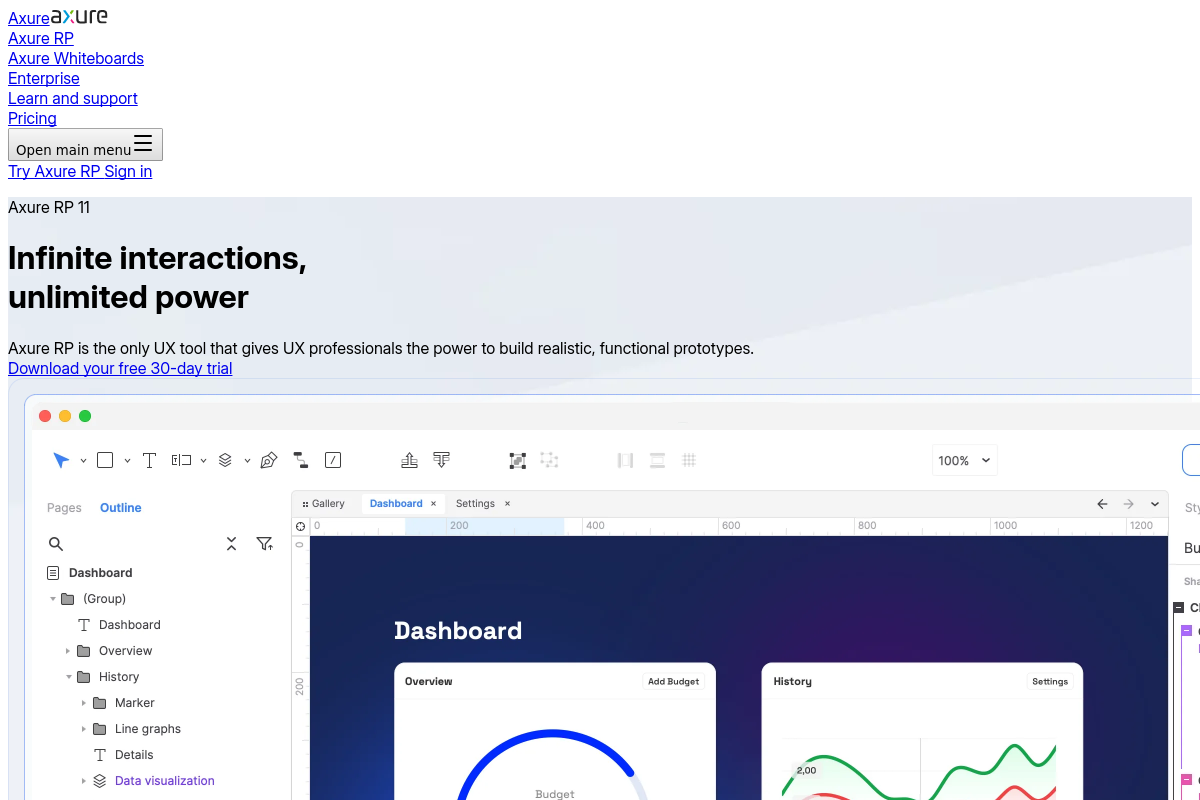
The overview
What Axure is for
1Core Capabilities
- Drag-and-drop interface for creating interactive wireframes and prototypes
- Conditional logic and variables to simulate dynamic user interactions
- Support for adaptive views to design responsive layouts for multiple screen sizes
- Export HTML prototypes that can be tested in browsers without additional software
- Built-in widget libraries tailored for web and mobile UI components
Who it helps
Useful ways to use Axure
A practical path
Create a new prototype project
Start by selecting a new project from the main interface, choosing the target device type such as web or mobile to set the canvas dimensions and interaction presets.
External signals
Reviews & reputation
Aggregated review score
Axure performs best when teams prioritize technique references, project examples, and creator skill growth and keep ownership explicit around practice-to-output feedback loop.
Quick answers
Frequently asked questions
1Is Axure suitable for creating interactive prototypes that can be shared with stakeholders for feedback?⌄
Axure supports building interactive prototypes with dynamic content and conditional logic, which can be shared via cloud links or exported files for stakeholder review. However, it may require some learning to fully utilize these features.
2What are the licensing options and pricing structure for Axure?⌄
Axure typically offers subscription-based licenses with different tiers depending on user needs, such as individual, team, or enterprise plans. Pricing details should be confirmed on the official website as they may vary over time.
3Can Axure prototypes be integrated directly into development environments or exported as production-ready code?⌄
Axure exports HTML, CSS, and JavaScript files that simulate app behavior but are not optimized for direct production deployment. Developers usually use these prototypes as references rather than final code.
4Does Axure support collaboration among multiple designers working on the same project simultaneously?⌄
Axure provides team project features that allow multiple users to work on shared files with version control, but real-time simultaneous editing may be limited compared to some cloud-native tools.
5Are there any restrictions on the types of assets or file formats that can be imported into Axure?⌄
Axure supports common image formats like PNG, JPEG, and SVG for assets. However, it may have limited support for certain vector or proprietary file types, requiring conversion before import.
Keep exploring