

What Is Backblaze Used For: Features, Reviews & Alternatives
Easy cloud backup for computers & B2 Cloud Storage.
Editorially updated Oct 25, 2025
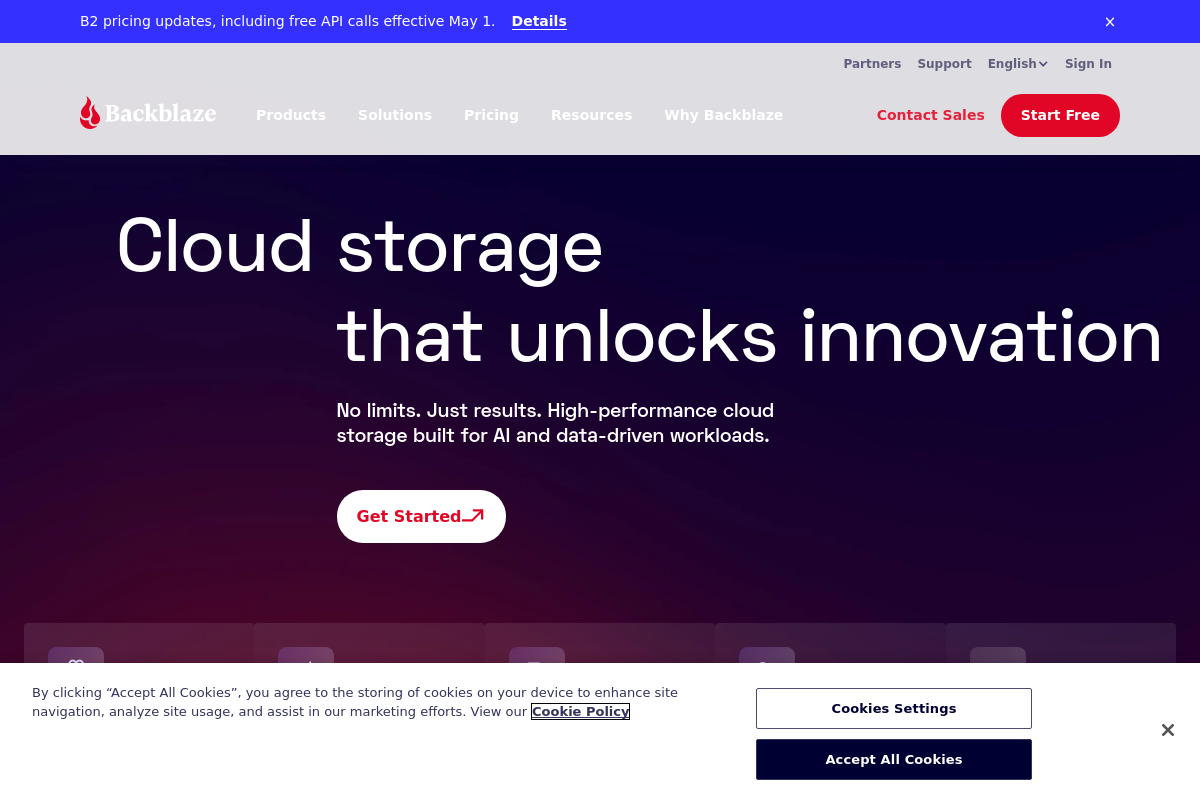
The overview
What Backblaze is for
1Core Capabilities
- Continuous automatic backup of user files and system data
- Unlimited data storage for personal computer backups
- Direct access to backed-up files via web interface
- B2 Cloud Storage for scalable object storage with API access
- Versioning support to retain multiple file versions for recovery
Who it helps
Useful ways to use Backblaze
A practical path
Install Backblaze Backup Software
Download and install the Backblaze client on your computer from backblaze.com. The software runs in the background to continuously monitor and back up selected files and folders.
External signals
Reviews & reputation
Aggregated review score
This pass shows Backblaze fitting strongest workflows where workflow completion quality is measurable and maintenance overhead and process drift controls are documented.
Quick answers
Frequently asked questions
1How is Backblaze priced for individual users versus businesses?⌄
Backblaze offers a subscription model with flat-rate pricing for personal computer backups and separate pricing tiers for B2 Cloud Storage based on usage. Business pricing may include volume discounts or additional features, but specifics should be confirmed directly with Backblaze sales.
2What types of files and systems does Backblaze support for backup?⌄
Backblaze supports continuous backup of most file types on Windows and macOS systems. It excludes certain system files and temporary files to optimize storage. Compatibility with Linux or other operating systems is limited or unavailable.
3What level of control does a user have over backup scheduling and file selection?⌄
Users can configure backup frequency and exclude specific files or folders. However, the service primarily focuses on automated, continuous backup rather than manual or on-demand backups, which may limit granular control for some use cases.
4How does Backblaze handle data privacy and encryption?⌄
Backblaze encrypts data during transfer and at rest using AES encryption. Users can enable private encryption keys for additional security, but this may affect recovery options if keys are lost. The company’s privacy policies should be reviewed for data handling specifics.
5What customer support options are available if issues arise?⌄
Backblaze provides email and ticket-based support, with additional resources such as knowledge bases and community forums. Phone support may be limited or reserved for business customers. Response times can vary depending on subscription level.
Keep exploring