

What Is Battle.net Used For: Features, Reviews & Alternatives
Blizzard & Activision's PC game platform.
Editorially updated Oct 25, 2025
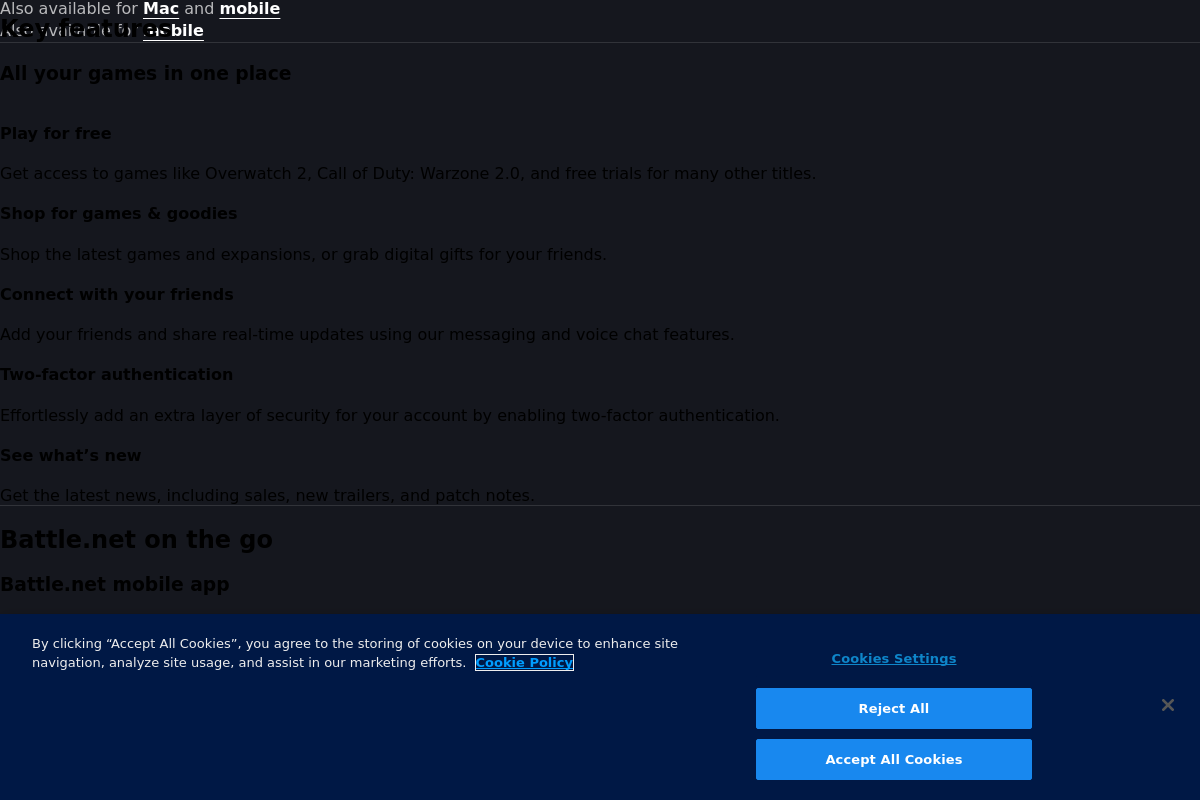
The overview
What Battle.net is for
1Core Capabilities
- Centralized game library management for Blizzard and Activision titles
- Automatic game updates and patch deployment
- In-game voice chat and social features
- Matchmaking and multiplayer session hosting
- Access to exclusive game content and events
Who it helps
Useful ways to use Battle.net
A practical path
Access the Battle.net Game Library
Navigate to the Blizzard.com homepage and select the Battle.net section to view the full catalog of PC games available for download and purchase.
External signals
Reviews & reputation
Aggregated review score
This pass shows Battle.net fitting strongest workflows where workflow completion quality is measurable and maintenance overhead and process drift controls are documented.
Quick answers
Frequently asked questions
1Is Battle.net free to use for downloading and playing games?⌄
Battle.net itself is free to download and use. However, most games available on the platform require separate purchase or subscription unless they are explicitly listed as free-to-play.
2Which operating systems are compatible with Battle.net?⌄
Battle.net primarily supports Windows and macOS. Compatibility with other operating systems like Linux is not officially supported and may require third-party solutions.
3What user data does Battle.net collect and how is it used?⌄
Battle.net collects account information, gameplay data, and device identifiers to manage user accounts, provide game updates, and enforce security measures. Specific data handling practices are detailed in Blizzard's privacy policy.
4Can I manage parental controls or restrict access to certain games on Battle.net?⌄
Battle.net offers limited parental control features, mainly through account restrictions and communication filters. For comprehensive parental controls, additional software or system-level settings may be necessary.
5How does Battle.net handle multiplayer matchmaking and server selection?⌄
Battle.net uses region-based matchmaking and server allocation to optimize latency and player experience. Users can manually select regions in some games, but automatic assignment is common to balance server loads.
Keep exploring