

What Is Bear Used For: Features, Reviews & Alternatives
Markdown writing app for Apple devices.
Editorially updated Oct 25, 2025
The overview
What Bear is for
1Core Capabilities
- Supports Markdown syntax with live preview and syntax highlighting
- Organizes notes using nested tags and cross-note links
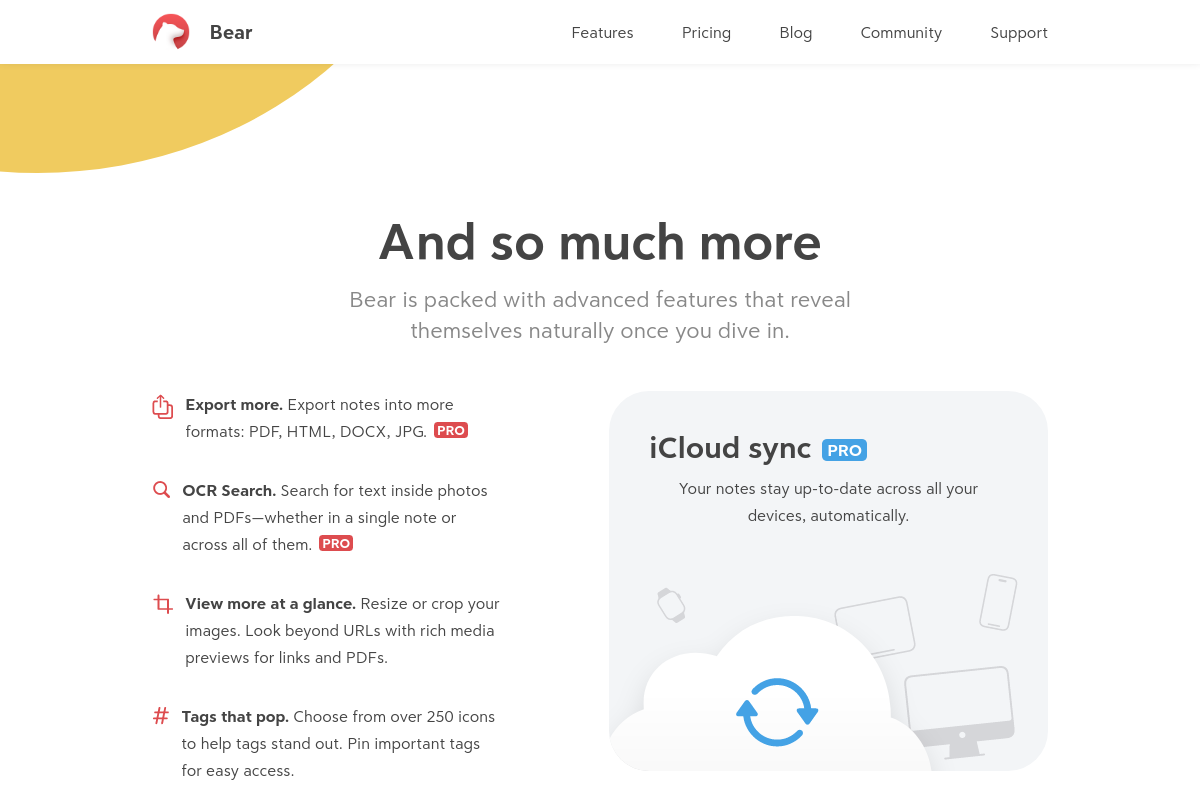
- Offers export options including HTML, PDF, and plain text
- Includes focus mode to minimize distractions during writing
- Syncs notes securely across Apple devices via iCloud
Who it helps
Useful ways to use Bear
A practical path
Create and Organize Notes Using Markdown
Open Bear and start a new note by tapping the plus icon. Use Markdown syntax to format text, add headers, lists, links, and images, structuring your knowledge clearly within each note.
External signals
Reviews & reputation
Aggregated review score
Bear can deliver reliable outcomes for workflow completion, especially when rollout begins with a pilot focused on markdown.
Quick answers
Frequently asked questions
1What platforms does Bear support?⌄
Bear is designed exclusively for Apple devices, including macOS, iOS, and iPadOS. It does not have native versions for Windows or Android.
2How does Bear handle data privacy and storage?⌄
Bear stores notes locally on the device by default, with optional synchronization via iCloud. Users should review Apple's iCloud privacy policies to understand data handling and encryption.
3Is Bear suitable for managing large knowledge bases or complex note hierarchies?⌄
Bear uses a tagging system rather than nested folders, which may limit its effectiveness for very large or deeply structured knowledge bases compared to dedicated knowledge management platforms.
4What are the limitations of Bear's free version?⌄
The free version allows basic note-taking and markdown support but restricts features like cross-device sync, advanced export options, and some organizational tools, which require a subscription.
5Can Bear integrate with other productivity or knowledge management tools?⌄
Bear offers export options in multiple formats but lacks direct integrations or APIs for syncing with external productivity or knowledge management systems.
Keep exploring