
URLs.ai
Bing icon
WebsiteInformationAutomation workflows

What Is Bing Used For: Features, Reviews & Alternatives

Microsoft's search engine, rewards program.

Editorially updated Oct 25, 2025
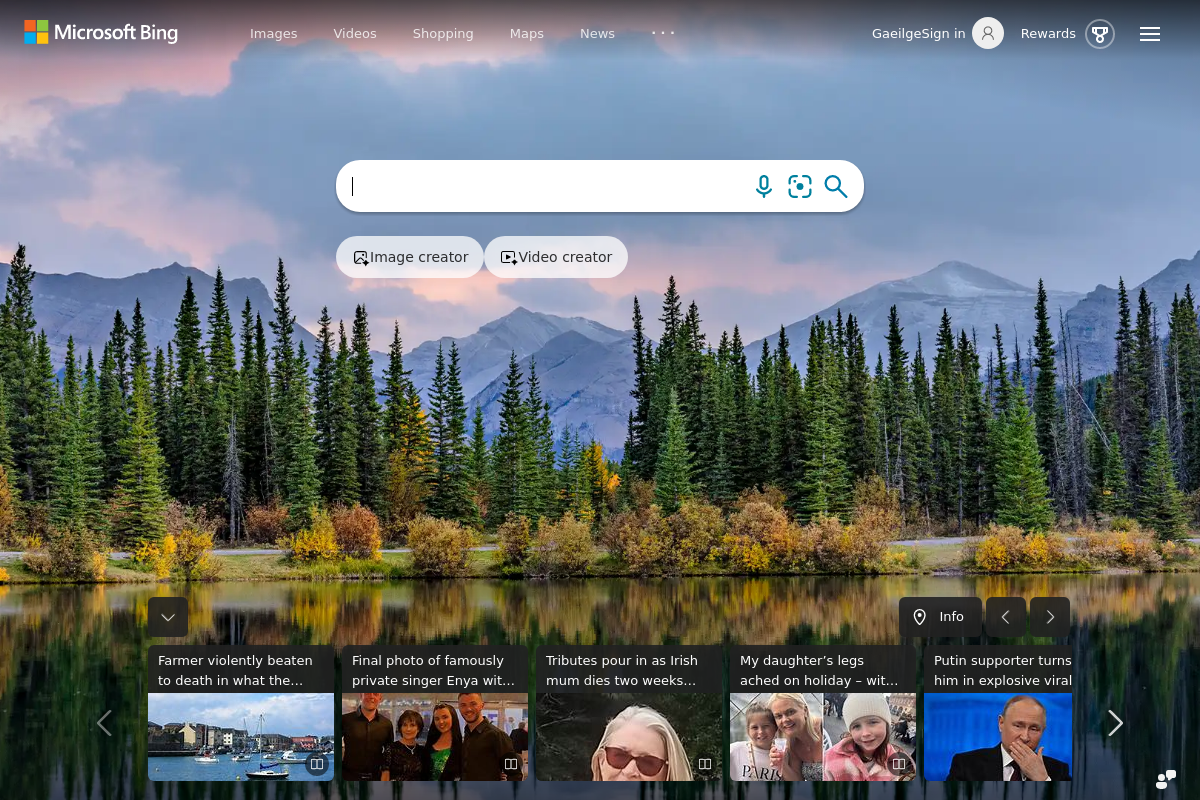
Screenshot of Bing

The overview

What Bing is for

Bing is a web search engine developed by Microsoft that provides users with access to a broad index of web pages, images, videos, and news content. It operates as a primary tool for retrieving information from the internet, offering features such as keyword search, advanced filtering, and integration with Microsoft services. Bing also includes a rewards program that incentivizes user engagement through points redeemable for various benefits. Positioned within the search engine niche, Bing competes by delivering comprehensive search results and specialized content discovery options. When evaluating Bing for inclusion in a search engine directory, key considerations include the depth and breadth of its indexed content, the frequency of index updates, and the precision of its ranking algorithms in returning relevant results. Its ability to access archived content and provide timely information impacts its suitability for users requiring current and historical data. Additionally, the integration of multimedia search and the efficiency of query processing are critical factors in assessing how effectively Bing meets the demands of users seeking targeted and diverse search outcomes.
Key features

1Core Capabilities

  • Comprehensive web indexing with frequent updates
  • Advanced query parsing for precise search results
  • Image and video search with filtering options
  • Rewards program incentivizing user engagement
  • Localized search results based on user location

Who it helps

Useful ways to use Bing

01
Access to Comprehensive Search Results
Locate academic papers, news archives, and specialized databases quickly using Bing's extensive indexing and advanced search filters.
02
Competitive Market Analysis
Monitor competitor websites, trending keywords, and consumer sentiment through Bing's search data and insights to inform campaign strategies.
03
Efficient Study Resource Gathering
Find credible sources, definitions, and multimedia content relevant to coursework with Bing's targeted search capabilities and rewards incentives.
04
Real-Time Travel Information
Retrieve up-to-date flight schedules, hotel availability, and local attraction details using Bing's integrated search and location-based results.

A practical path

How to use Bing

Enter search query

Go to bing.com and type specific keywords or questions related to the information you need into the search bar.

External signals

Reviews & reputation

AI aggregated
4.1/ 5

Aggregated review score

This pass shows Bing fitting strongest workflows where workflow completion quality is measurable and maintenance overhead and process drift controls are documented.

Quick answers

Frequently asked questions

1Is Bing free to use for all search queries?

Yes, Bing is generally free to use for standard search queries. Some features or integrations may require a Microsoft account or participation in the rewards program.

2How does Bing handle user privacy during searches?

Bing collects search data to improve results and personalize ads, but users can adjust privacy settings and opt out of personalized advertising through their Microsoft account.

3Can Bing be integrated with other Microsoft services?

Bing integrates with various Microsoft products like Edge browser and Office, but the extent of integration depends on the specific service and user settings.

4What types of content does Bing index and prioritize in search results?

Bing indexes web pages, images, videos, news, and maps. It prioritizes content based on relevance, freshness, and user location, but exact ranking algorithms are proprietary.

5Are there limitations on the volume or frequency of searches a user can perform on Bing?

There are no publicly stated limits on search volume for typical users, but automated or excessive querying may trigger rate limiting or CAPTCHA challenges.

Keep exploring

More products

Browse all websites