

What Is Bitbucket Used For: Features, Reviews & Alternatives
Git code management by Atlassian.
Editorially updated Oct 5, 2025
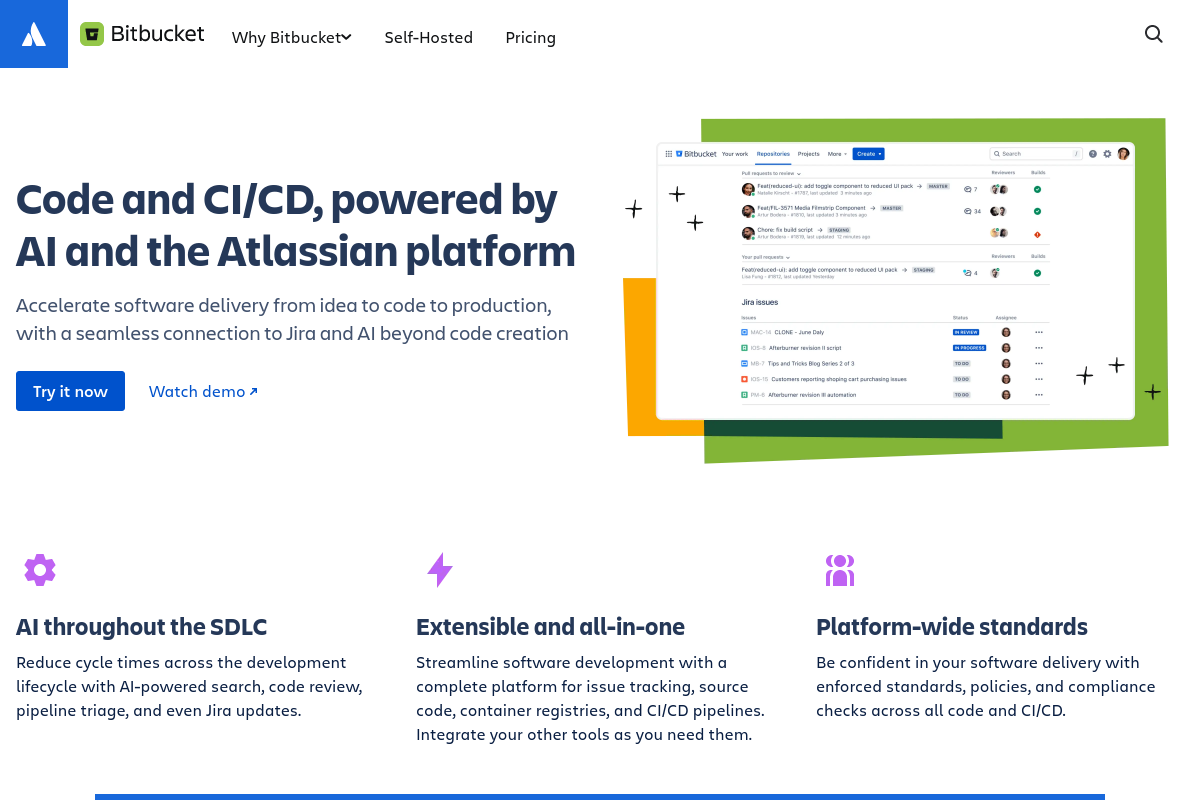
The overview
What Bitbucket is for
1Core Capabilities
- Branch permissions to restrict write access on specific branches
- Pull request interface with inline commenting and merge checks
- Built-in continuous integration pipelines for automated testing and deployment
- Repository forking and cloning with SSH and HTTPS support
- Detailed commit history with diff views and file change tracking
Who it helps
Useful ways to use Bitbucket
A practical path
Create or Import a Repository
From the Bitbucket dashboard, select 'Create repository' to start a new Git repository or choose 'Import repository' to bring an existing Git project into Bitbucket for centralized management.
External signals
Reviews & reputation
Aggregated review score
This pass shows Bitbucket fitting strongest workflows where workflow completion quality is measurable and maintenance overhead and process drift controls are documented.
Quick answers
Frequently asked questions
1What pricing plans does Bitbucket offer for private repositories?⌄
Bitbucket provides tiered pricing including a free plan with limited private repositories and user seats. Paid plans increase repository limits and user capacity. Exact pricing and features may vary, so reviewing Atlassian's current pricing page is recommended.
2How does Bitbucket integrate with other Atlassian tools?⌄
Bitbucket integrates natively with Jira and Bamboo, enabling issue tracking and continuous integration. Integration depth depends on configuration and may require additional setup to align with specific development processes.
3What permission levels are available for repository access in Bitbucket?⌄
Bitbucket supports granular permissions including read, write, and admin roles at the repository level. Team and project-level permissions can also be configured to control access scope.
4Can Bitbucket repositories be accessed via SSH and HTTPS?⌄
Yes, Bitbucket supports both SSH and HTTPS protocols for repository cloning and interaction. Users must configure authentication credentials accordingly for secure access.
5What are the limitations of Bitbucket regarding repository size and file storage?⌄
Bitbucket imposes repository size limits and file size restrictions to maintain performance. Large binary files or repositories exceeding recommended sizes may require alternative storage solutions or Git Large File Storage (LFS) support.
Keep exploring