

What Is Blind Used For: Features, Reviews & Alternatives
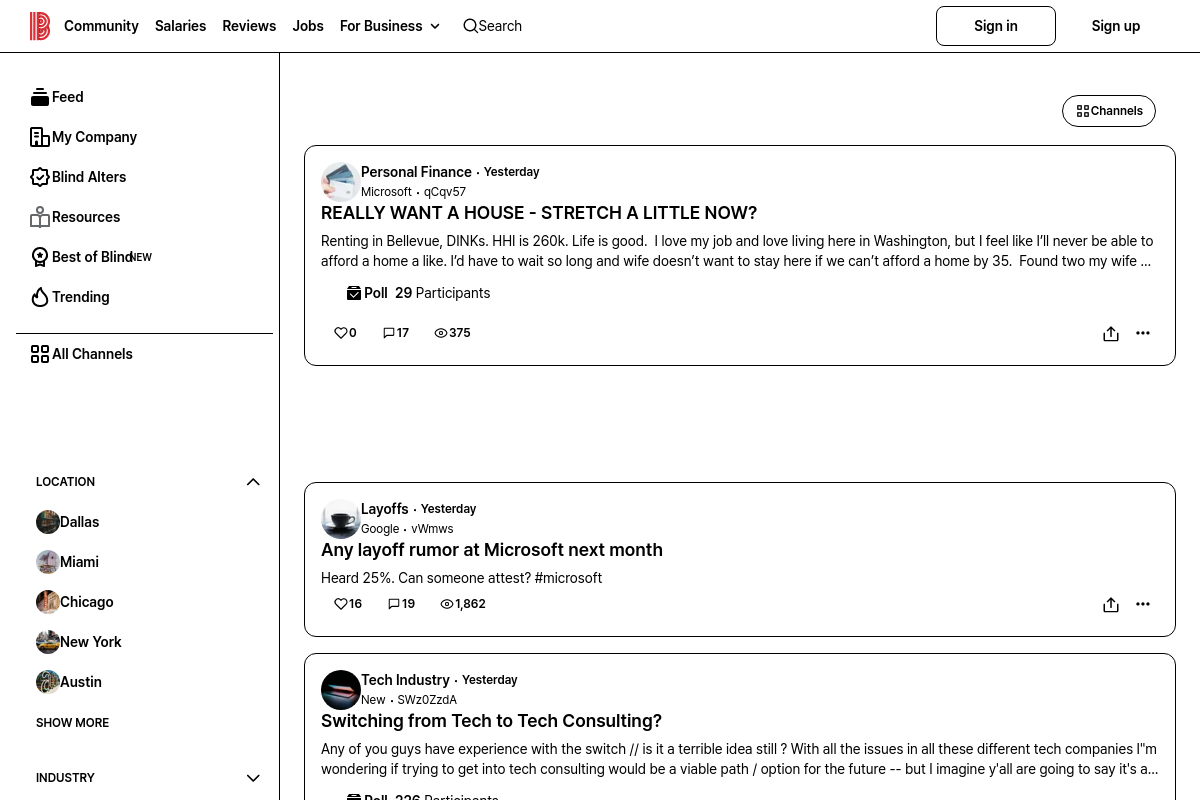
Anonymous workplace community for employees to discuss internal company topics.
Editorially updated Oct 25, 2025
The overview
What Blind is for
1Core Capabilities
- Anonymous posting and commenting within verified company communities
- Threaded discussions organized by company and topic
- User verification through corporate email without revealing identity
- Moderation tools to flag inappropriate content and enforce community guidelines
- Access to company-specific insights and trending topics based on user activity
Who it helps
Useful ways to use Blind
A practical path
Verify your work email to join your company’s community
Enter your company email address on the Blind sign-in page to confirm your employment and gain access to your organization’s anonymous discussion channels.
External signals
Reviews & reputation
Aggregated review score
Blind performs best when teams prioritize thread discovery, posting flow, and moderation controls and keep ownership explicit around moderation queue management.
Quick answers
Frequently asked questions
1Is Blind free to use or does it require a subscription?⌄
Blind is generally free for employees to join and participate. Some features or access levels may vary depending on company partnerships or specific agreements.
2How does Blind ensure user anonymity within company communities?⌄
Blind uses verification methods tied to company email domains to confirm employment while keeping user identities hidden from other members. Exact anonymity measures may depend on platform updates.
3Can users participate in multiple company communities on Blind?⌄
Yes, users can join multiple company-specific communities if they have verified employment at those organizations, allowing cross-company discussions while maintaining anonymity.
4What moderation mechanisms are in place to manage content on Blind?⌄
Blind employs a combination of community reporting, automated filters, and moderator oversight to manage discussions. The specifics of moderation policies may vary and are subject to change.
5Is Blind accessible via mobile devices or only through web browsers?⌄
Blind offers both a web platform and mobile applications for iOS and Android, enabling users to engage on multiple device types.
Keep exploring