

What Is Blogger Used For: Features, Reviews & Alternatives
Blog-publishing service.
Editorially updated Oct 25, 2025
The overview
What Blogger is for
1Core Capabilities
- Custom domain setup and management
- Post scheduling with time zone control
- Template selection and HTML editing
- Monetization options via AdSense integration
- Reader comment moderation and spam filtering
Who it helps
Useful ways to use Blogger
A practical path
Create a new blog
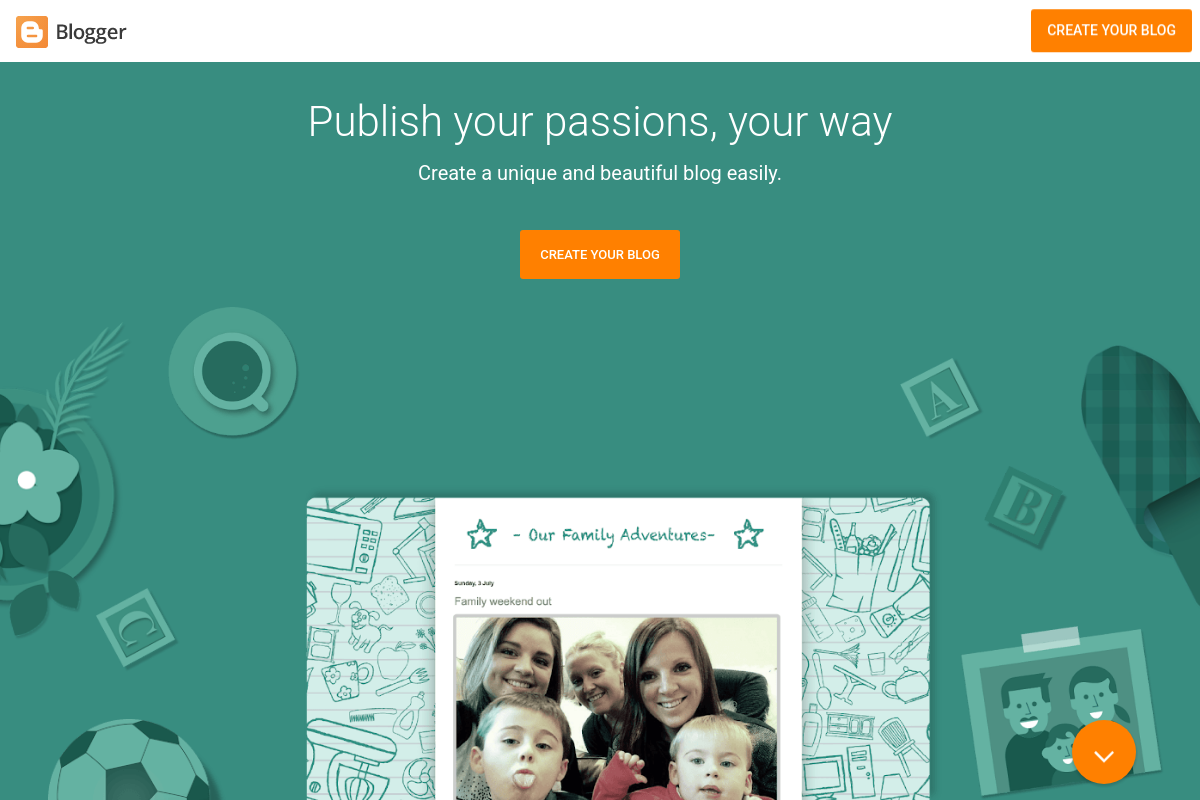
From the Blogger homepage, click 'Create Your Blog' and select a blog title, address, and template to establish your blog site.
External signals
Reviews & reputation
Aggregated review score
Blogger performs best when teams prioritize clear task execution and operational repeatability and keep ownership explicit around repeatable team usage.
Quick answers
Frequently asked questions
1Is Blogger free to use for publishing blogs?⌄
Blogger offers free blog hosting with a Google account, though custom domain registration and third-party services may incur separate costs.
2Can multiple users collaborate on a single blog within Blogger?⌄
Blogger allows multiple authors to contribute by assigning author permissions, but it does not support advanced team management features found in dedicated content platforms.
3How does Blogger handle user privacy and data ownership?⌄
Content published on Blogger remains the property of the user, but Google’s privacy policies apply to data collected through the service, which users should review for specifics.
4Is Blogger compatible with custom domain names and third-party integrations?⌄
Blogger supports custom domain mapping and basic integration with Google services, but it may have limited compatibility with external plugins or advanced CMS tools.
5What are the limitations of Blogger compared to other website builders?⌄
Blogger focuses on straightforward blog publishing and may lack extensive design customization, e-commerce features, or advanced SEO tools available in specialized website builders.
Keep exploring