

What Is Boldly Used For: Features, Reviews & Alternatives
Premium subscription staffing.
Editorially updated Oct 25, 2025
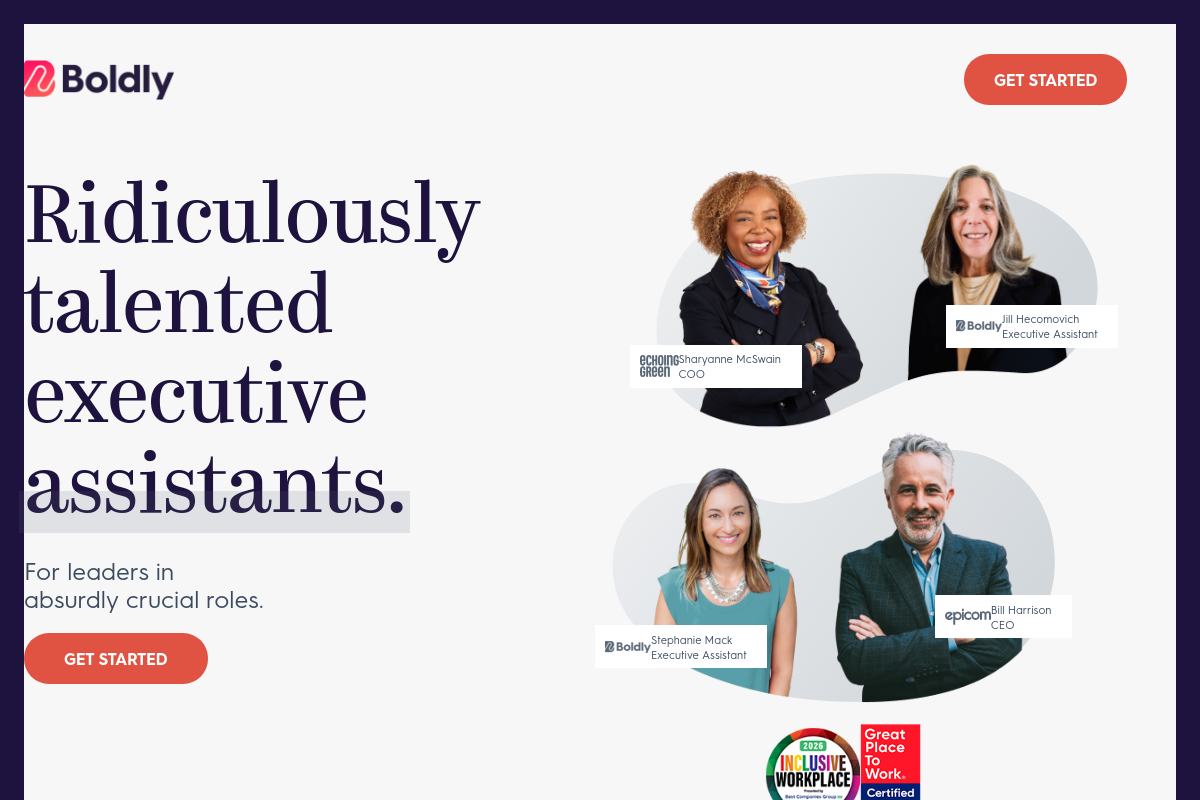
The overview
What Boldly is for
1Core Capabilities
- Fractional assistant matching based on role, availability, and working style
- Profile review and intro meeting with the proposed assistant before signup
- Coverage across executive admin, project coordination, customer service, bookkeeping, and social media support
- Launch call to define deliverables, systems access, communication tools, and deadlines
- Private client dashboard with real-time hour logs by task
- Backup assistant coverage for vacation or sick leave
Who it helps
Useful ways to use Boldly
A practical path
Pick the assistant lane you actually need
From the main site, go straight to the service options and sort for the kind of support you want to offload first: executive assistance, calendar and inbox coverage, travel planning, research, bookkeeping support, or marketing admin. Start with the job that already repeats every week, not a vague catch-all request.
External signals
Reviews & reputation
Aggregated review score
Boldly can deliver reliable outcomes for payment orchestration, especially when rollout begins with a pilot focused on premium.
Quick answers
Frequently asked questions
1Who is Boldly usually a good fit for?⌄
Boldly is likely best for founders, executives, and small teams with recurring assistant work that needs continuity: inbox triage, calendar coordination, travel booking, meeting prep, CRM upkeep, expense follow-up, and admin handoffs that repeat every week. It is less obvious fit for one-off overflow, highly technical specialist work, or personal errands unless those are explicitly covered.
2How should I think about Boldly's pricing versus hiring a freelance VA directly?⌄
If Boldly uses a subscription staffing model, you are usually paying for a committed level of ongoing support rather than dipping in for occasional task hours. That can make sense when your admin load is steady and context retention matters. If your workload is uneven, ask how capacity, unused time, scope changes, and plan upgrades are handled before you commit.
3What access would a Boldly assistant typically need?⌄
For real executive support, expect to grant access to tools like Google Workspace or Microsoft 365, calendar systems, travel portals, project trackers, and possibly your CRM or bookkeeping stack. A careful setup uses role-based permissions, separate logins, and a password manager instead of shared master credentials. It is worth confirming what can be delegated cleanly and what still needs your direct approval.
4How cautious should I be about privacy and confidential information?⌄
Quite cautious, especially if the assistant will see inbox threads, invoices, customer records, or internal planning documents. Before starting, check whether Boldly provides clear confidentiality terms, how account access is provisioned and removed, and whether support work is done by a single assistant or may involve broader team visibility. If you handle regulated or highly sensitive data, verify fit explicitly rather than assuming a general VA setup is enough.
5Can Boldly replace a full-time executive assistant or office manager?⌄
Sometimes, but not automatically. A subscription assistant can cover a substantial share of recurring coordination work without the overhead of a full hire, yet it may not match the embedded context, instant availability, or cross-functional ownership of an in-house EA or office manager. The real comparison point is whether you need reliable execution on defined admin lanes or someone who can absorb loosely defined responsibilities across the business.
Keep exploring