

What Is Bootstrap Used For: Features, Reviews & Alternatives
Popular front-end open source toolkit for designing and customizing responsive mobile-first sites.
Editorially updated Oct 5, 2025
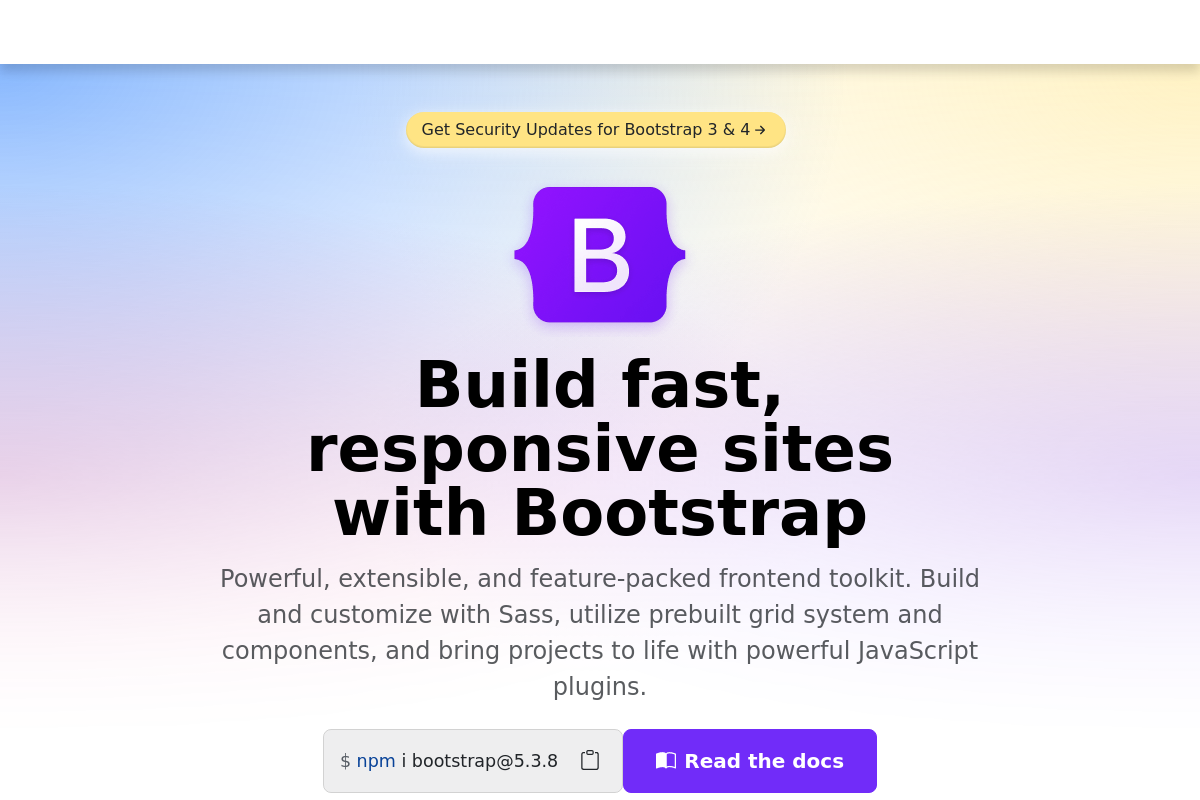
The overview
What Bootstrap is for
1Core Capabilities
- Responsive grid system with breakpoint-based layout classes
- Prebuilt components for forms, navbars, modals, dropdowns, and alerts
- Utility classes for spacing, display, flex, sizing, and visibility
- Sass variables, maps, and mixins for theme-level customization
- JavaScript plugins with data attributes and programmatic APIs
Who it helps
Useful ways to use Bootstrap
A practical path
Start with the docs and a layout target
Open the Docs section and go straight to Layout, Grid, and Utilities before picking components. Use the examples to match the page you need first, such as a navbar, landing page, or settings form, so your structure follows Bootstrap’s containers, breakpoints, and spacing rules from the start.
External signals
Reviews & reputation
Aggregated review score
Confidence in Bootstrap improves once teams validate toolchain choice and scope planning against real production paths and monitor drift over the first rollout cycle.
Quick answers
Frequently asked questions
1Is Bootstrap usually free to use in commercial projects?⌄
Bootstrap itself is typically available as an open-source framework, so teams often adopt it without subscription or per-seat costs. The real spend usually sits in engineering time, visual customization, accessibility review, and any third-party themes, icon packs, or component wrappers you add around it. If your legal process is strict, verify the current license text before rollout.
2When is Bootstrap a better fit than Tailwind or a fully custom component stack?⌄
Bootstrap tends to fit when a team needs a dependable grid, mature form styling, and a common class vocabulary that contractors and in-house developers will recognize immediately. It is less compelling when the product needs a highly distinctive visual system or when the team prefers composing every component from low-level utilities instead of inheriting a preset component model.
3How hard is it to integrate Bootstrap into a React or Next.js codebase?⌄
Using the CSS layer is usually straightforward: import the styles and apply the class system inside your components. The harder decision is interactive UI. Teams need to choose between Bootstrap's own JavaScript behavior, React-specific wrappers, or custom implementations, and that choice affects bundle size, DOM ownership, and how cleanly the components behave during repeated refactors.
4Does Bootstrap collect data or introduce privacy concerns by itself?⌄
If you self-host the framework assets, Bootstrap generally acts as a local front-end dependency rather than a service that phones home. Privacy questions usually come from how you load it, such as CDNs, analytics on the site, embedded fonts, or third-party themes. Review those surrounding dependencies instead of assuming the framework is the only moving part.
5Will a Bootstrap site always look obviously like Bootstrap?⌄
Only if the team stays close to the defaults. Light edits to colors and typography often still leave the familiar Bootstrap feel in buttons, spacing, and form states. A stronger redesign usually means changing tokens, component states, layout rhythm, and sometimes replacing stock pieces instead of treating the default styles as the finished UI.
6What does Bootstrap not solve on its own?⌄
Bootstrap covers layout, utilities, common UI patterns, and some interaction primitives, but it does not replace product-specific component rules, state architecture, content modeling, or a full accessibility pass. It can speed up the shell of an interface, but teams still need to make careful decisions around keyboard behavior, complex app states, and long-term design consistency.
Keep exploring