

What Is BootstrapMade Used For: Features, Reviews & Alternatives
Free Bootstrap website templates.
Editorially updated Oct 5, 2025
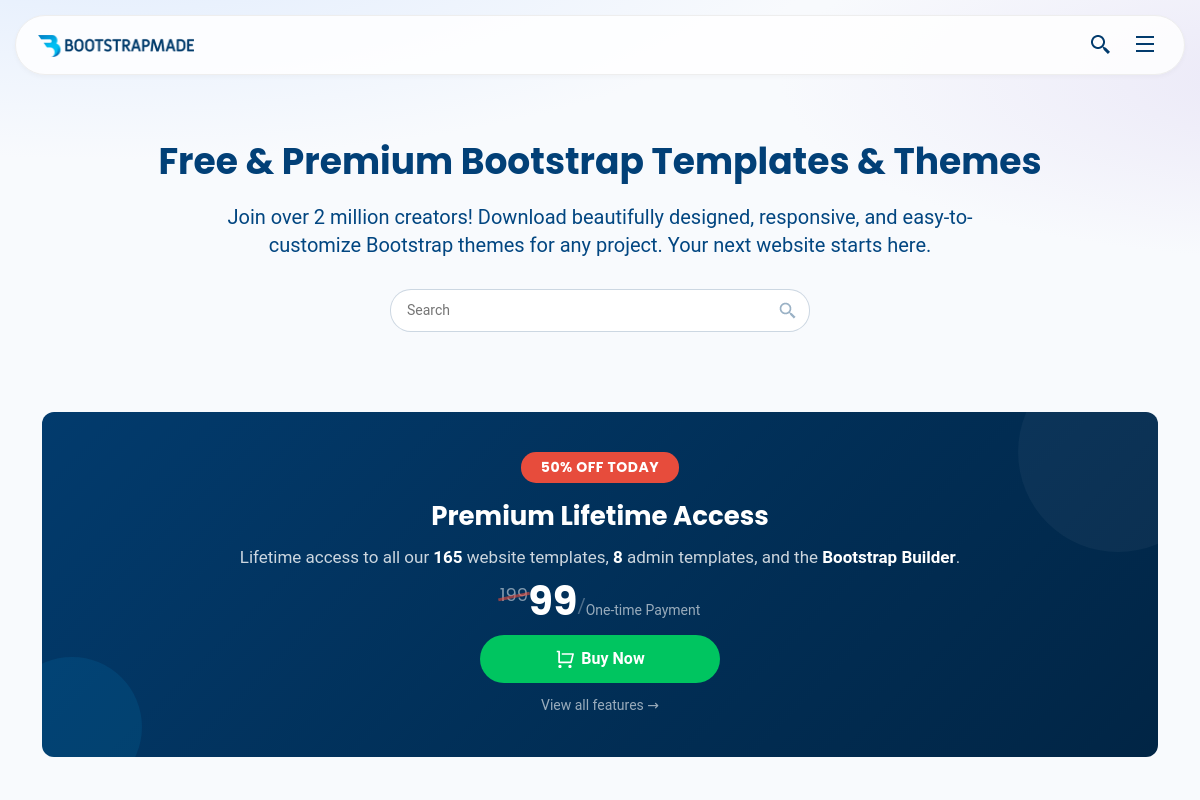
The overview
What BootstrapMade is for
1Core Capabilities
- Landing page, portfolio, agency, restaurant, medical, and real estate starters
- Live demo, edit-online preview, and direct download on each template page
- Bootstrap 5 page builds with responsive sections, mobile menus, and reusable content blocks
- Organized, commented files with per-template update dates
Who it helps
Useful ways to use BootstrapMade
A practical path
Browse the template catalog by site type
Start from the template listing and focus on layouts built for your actual use case, such as portfolio, agency, landing page, restaurant, or SaaS marketing site. Pick candidates that already have the page sections you need instead of planning to rebuild large parts later.
External signals
Reviews & reputation
Aggregated review score
The practical upside of BootstrapMade is steadier repeatable team usage; the tradeoff is disciplined handling of maintenance overhead and process drift.
Quick answers
Frequently asked questions
1If I need a landing page or small company site this week, is BootstrapMade a sensible place to start?⌄
Usually yes if your goal is to ship a brochure site, portfolio, agency page, or simple product marketing site with Bootstrap already doing most of the layout work. It tends to fit better when you are comfortable editing HTML, CSS, and Bootstrap classes directly. If you need a very opinionated design system, custom interactions, or a codebase built around components from day one, a template marketplace may feel faster at first but slower after the first round of heavy changes.
2Are the templates actually free, and what should I verify before using one on a client project?⌄
Some templates appear to have a free entry point, but the exact license, attribution requirements, and limits on commercial use can vary by template or download tier. Before using one for a client site, check whether the license allows commercial deployment, whether footer credits are required, and whether premium assets, demo images, or bundled plugins are excluded from free use.
3When is BootstrapMade the wrong tool for the job?⌄
It is a weak fit if you are building a web app rather than a marketing site, or if you need reusable product UI patterns more than a finished front-end theme. If your project depends on server-rendered components, strict accessibility review, advanced stateful interactions, or a highly customized content model, starting from a raw template can create more cleanup work than starting from a framework-native starter.
4Will a BootstrapMade template plug cleanly into React, Next.js, or a CMS?⌄
It can, but expect some conversion work. Many Bootstrap templates are structured as static HTML pages with vendor scripts, global CSS, and direct DOM hooks. Moving that into React or Next.js often means splitting layouts into components, replacing direct script initialization, and checking whether sliders, lightboxes, or form scripts behave well after hydration. For CMS use, simple page sections usually transfer well, while tightly hardcoded navigation and repeated content blocks may need refactoring.
5Are there any privacy, dependency, or maintenance issues I should check before reusing a template repeatedly?⌄
Yes. Audit the bundle for third-party fonts, icon packs, analytics snippets, contact form handlers, maps, and JavaScript plugins before production use. Repeated use is easier when the markup is consistent, the class structure is predictable, and the documentation explains which files control layout, theme styles, and vendor assets. If updates are infrequent or dependency versions are old, budget time to replace plugins or modernize the front-end stack yourself.
Keep exploring