

What Is BorgBackup Used For: Features, Reviews & Alternatives
Deduplicating backup program with compression.
Editorially updated Oct 25, 2025
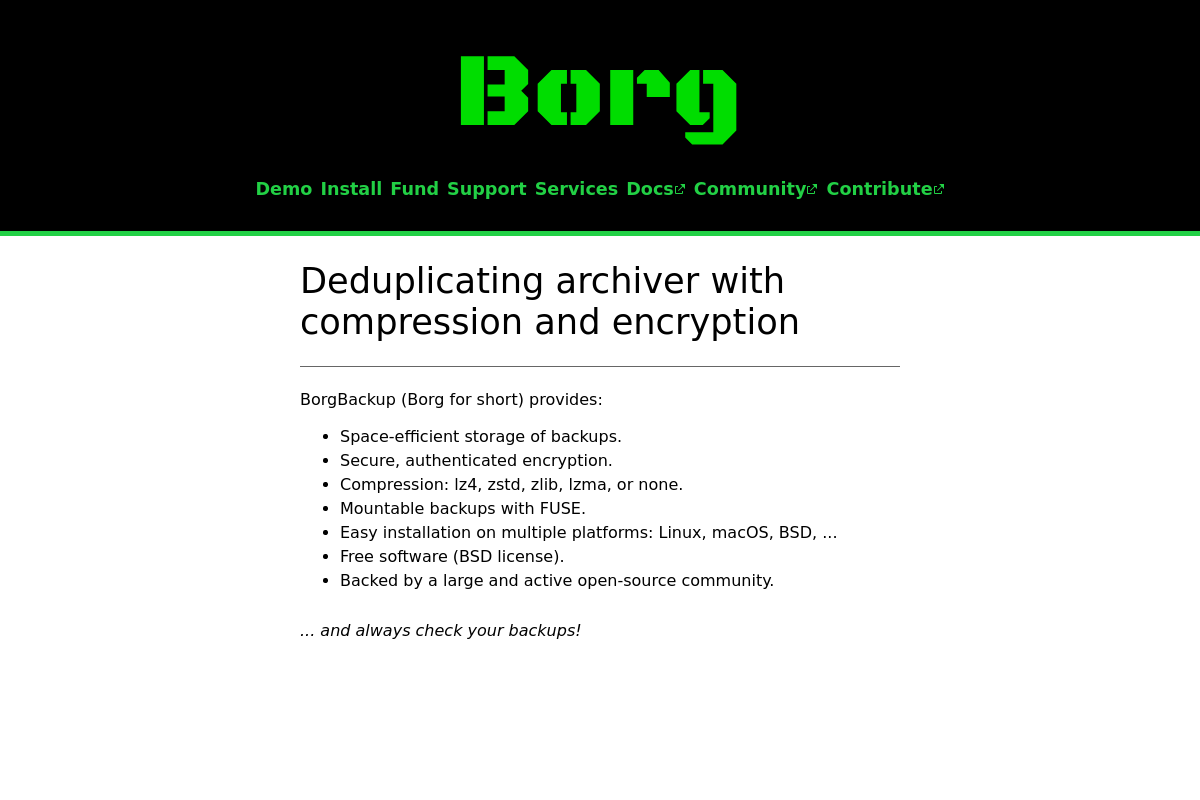
The overview
What BorgBackup is for
1Core Capabilities
- Content-defined chunk deduplication across archives
- LZ4, Zstd, zlib, and LZMA compression options
- Client-side authenticated encryption
- SSH-backed off-site repositories
- Mountable archives for file-level restore
Who it helps
Useful ways to use BorgBackup
A practical path
Choose the source data and repository location
Open borgbackup.org and head to the documentation or quickstart, then decide what you are actually backing up first: a home directory, project tree, server config, or another concrete path. Pick the repository location at the same time, such as an external drive, a second machine over SSH, or a separate local volume.
External signals
Reviews & reputation
Aggregated review score
The practical upside of BorgBackup is steadier repeatable team usage; the tradeoff is disciplined handling of maintenance overhead and process drift.
Quick answers
Frequently asked questions
1We need nightly backups for Linux servers and a few power-user workstations. Is BorgBackup the right kind of tool?⌄
It is a sensible fit when your backup run is operator-owned: scheduled jobs, SSH access to a repository, retention rules you can maintain, and restore checks you are willing to perform yourself. If your team expects a polished admin console, built-in endpoint fleet management, or non-technical restore handling, it may feel too hands-on for the job.
2What does adopting BorgBackup actually cost if the software itself is not the bill?⌄
The software is commonly evaluated as a self-managed backup tool rather than a metered service. The meaningful costs are usually storage, the machine or service hosting the repository, bandwidth for offsite copies, and the time required to maintain keys, schedules, pruning, and restore drills.
3What permissions should the backup job have on production machines and on the repository host?⌄
On source systems, it generally needs read access to the data you want protected. On the target side, it needs the ability to write to the repository. In stricter environments, plan for service accounts, SSH key handling, and separate treatment for databases, mounted volumes, and files that change during the backup window.
4How private is the backup set if the repository lives on rented storage or another admin's server?⌄
BorgBackup is often chosen when teams want encryption before data leaves the source machine, which can reduce trust placed in the storage provider. That said, privacy still depends on your key handling. If passphrases, key backups, and recovery notes are weak, the archive can become either exposed or unrecoverable.
5What should I verify for restores, platforms, and repository access before standardizing on it?⌄
Test the boring parts first: how a single file restore works, how a full directory restore behaves, how remote repository access is authenticated, and whether your actual operating systems match the toolchain you plan to run. It is better aligned with file-level backup workflows than with products built around image-based recovery, appliance dashboards, or cloud-console-native backup policies.
6If something breaks at 2 a.m., where does support come from, and when should I choose an alternative?⌄
Support may come from community documentation, issue discussions, and whoever on your team owns backup operations, unless you separately contract outside expertise. If procurement requires vendor-backed response times, centralized compliance reporting, or guided recovery for staff who do not work in the terminal, a managed backup platform is likely the safer choice.
Keep exploring