

What Is Box Used For: Features, Reviews & Alternatives
Cloud content management for businesses.
Editorially updated Oct 25, 2025
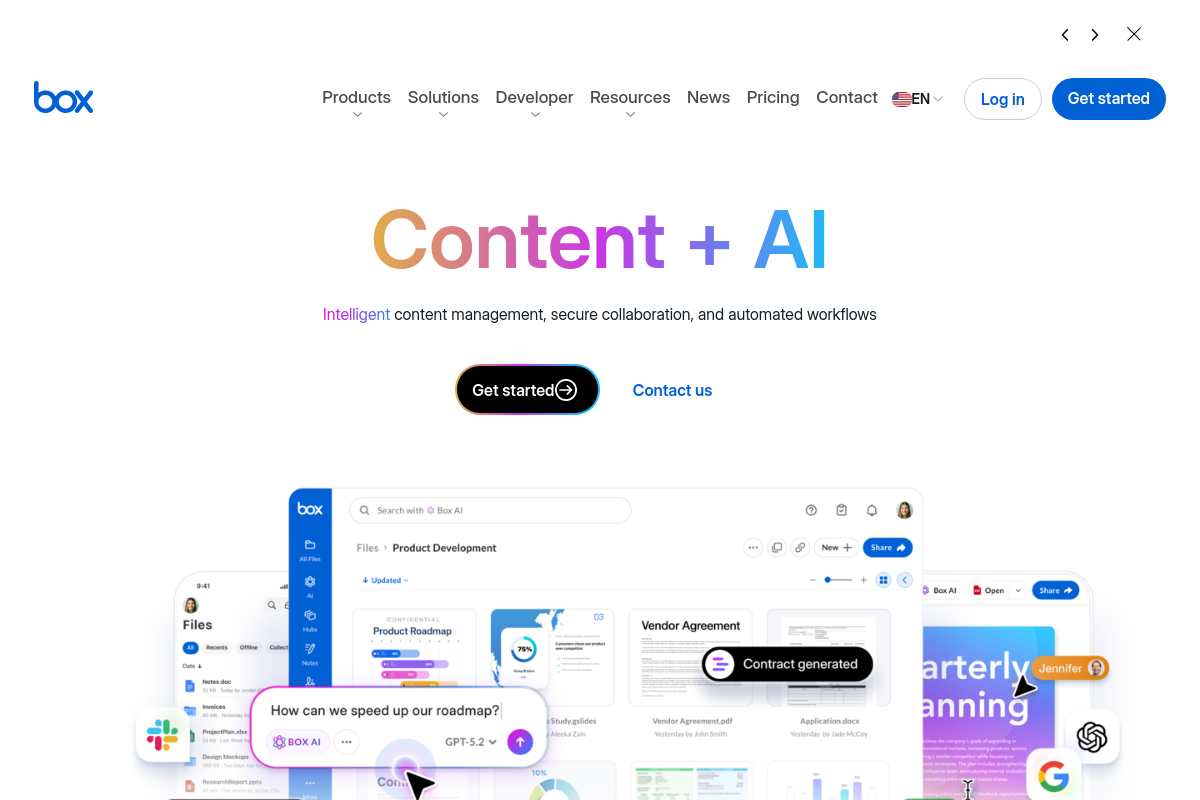
The overview
What Box is for
1Core Capabilities
- Version history with file restore
- Folder-level permissions with inherited access
- Shared links with expiry, passwords, and download controls
- In-browser preview and comments for PDFs, Office files, and video
- File requests that collect uploads into a target folder
- Retention rules, legal holds, and classification labels
Who it helps
Useful ways to use Box
A practical path
Drop the working files into a project folder
From All Files, create a folder for the deal room, campaign assets, board pack, or client handoff, then upload the source docs, PDFs, images, and spreadsheets that belong together. Box is easiest to grasp when you start with one live folder instead of scattering single files across email threads.
External signals
Reviews & reputation
Aggregated review score
Confidence in Box improves once teams validate initial setup and permission alignment against real production paths and monitor drift over the first rollout cycle.
Quick answers
Frequently asked questions
1Is Box a fit for legal, procurement, or compliance teams that share controlled document sets with outside parties?⌄
Usually yes, if the core job is keeping one approved file set in a shared folder, granting access by role, and pulling that access back when a deal, review, or vendor engagement ends. It is a stronger match for client-facing document rooms and governed file exchange than for casual team file dumping.
2When is Box not the right storage and sharing tool?⌄
It may be the wrong choice if you mainly need low-cost personal backup, a place for source code and build artifacts, or storage for heavy post-production media pipelines. Those jobs often need a simpler sync drive, a developer platform, or infrastructure built for very large asset transfer and local processing.
3How detailed are Box permissions for folders, files, and shared links?⌄
That depends on the plan and how the admin team configures it, but Box is commonly considered when a team needs more than a basic view-or-edit switch. Before buying, check role depth, external collaborator rules, shared link expiry, password settings, download limits, and whether access policies can differ across departments or partner groups.
4What should a security-conscious team verify before storing sensitive files in Box?⌄
Do not rely on broad platform claims alone. Confirm the exact controls on the edition you would use, including audit logs, retention settings, legal hold, key management options, public link defaults, data residency requirements, and any DLP or classification tools you expect to connect.
5Does Box work cleanly with Microsoft 365, Google Workspace, and desktop sync?⌄
It often can, especially when Box is used as the main repository while staff still edit in familiar office apps. The part worth testing is day-two behavior: sync stability, version history, file locking, offline edits, and what external reviewers see if they are outside your identity system.
6How should buyers think about Box pricing versus a simpler cloud drive?⌄
Box tends to be easier to justify when the spend is really for access control, records handling, and external sharing structure rather than raw storage alone. If your use case is mostly sending links to internal files and keeping a few folders in sync, a lighter storage product may cover the need with less overhead.
Keep exploring