

What Is Brain.fm Used For: Features, Reviews & Alternatives
Functional music to improve focus.
Editorially updated Oct 25, 2025
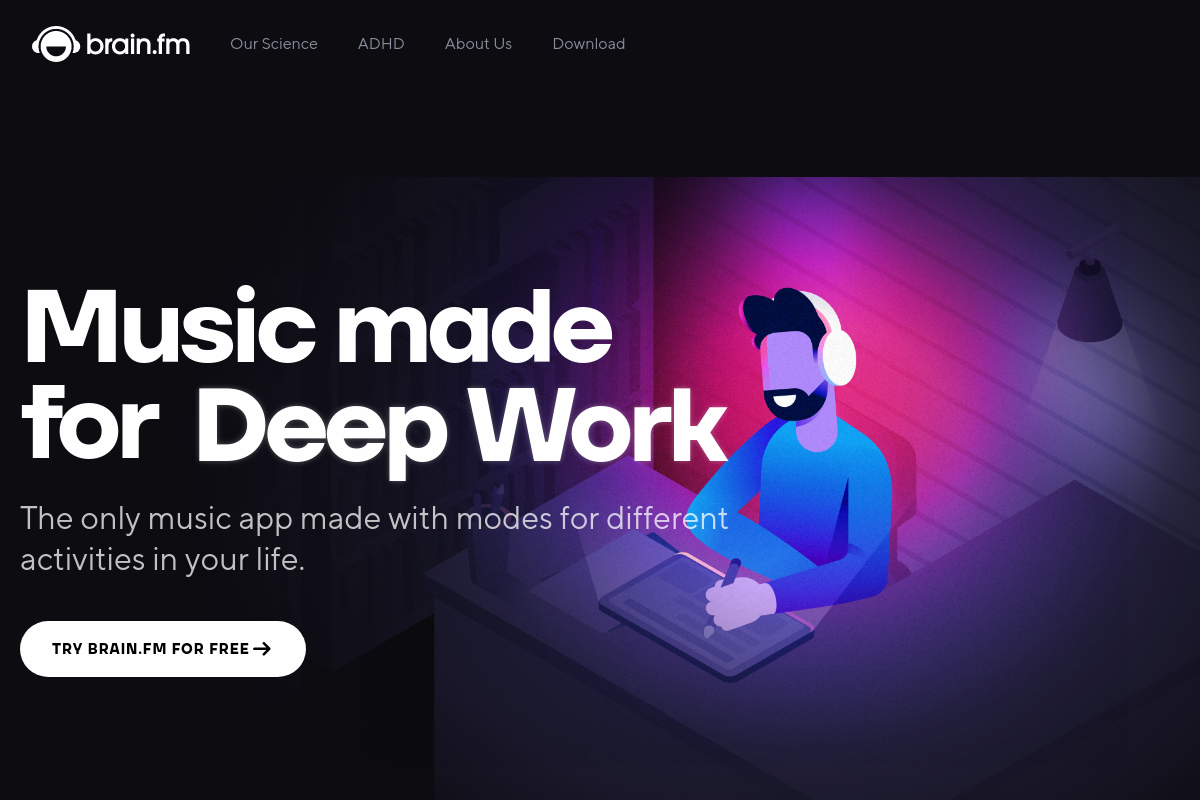
The overview
What Brain.fm is for
1Core Capabilities
- Deep Work, Learning, Creativity, Light Work, and Motivation listening modes
- Count-up, countdown, and interval timers for focus blocks and breaks
- Adjustable neural effect intensity, including a higher-stimulation ADHD mode
- Lyric-free long-form tracks and natural soundscapes to avoid track switching
- Web, desktop, iOS, and Android playback for moving between work setups
Who it helps
Useful ways to use Brain.fm
A practical path
Start in Focus mode
Open Brain.fm, begin access if prompted, and go straight to the Focus section rather than Relax or Sleep. This puts you on the core use case: music built for a timed work block, not general background listening.
External signals
Reviews & reputation
Aggregated review score
The practical upside of Brain.fm is steadier repeatable team usage; the tradeoff is disciplined handling of maintenance overhead and process drift.
Quick answers
Frequently asked questions
1Who is Brain.fm actually for in a TimeTracking & Focus setup?⌄
It fits people who already know the hard part is holding attention once a work block starts. If your main problem is planning the day, estimating tasks, or stopping app-switching, a timer, blocker, or task manager will likely move the needle more than focus audio alone.
2Does Brain.fm replace a Pomodoro timer or time tracker?⌄
No. It is better viewed as an audio layer for concentration, not a session-management tool. You would still need something else for billable hours, start-stop logs, break prompts, reports, or website blocking.
3How does pricing and cancellation work?⌄
Brain.fm currently lists monthly and annual subscriptions and shows a free-trial offer on its pricing page. Subscriptions appear to auto-renew unless canceled, and if you subscribed through an app store, cancellation may need to happen through Apple or Google rather than inside Brain.fm.
4What devices can I use it on?⌄
Brain.fm publicly lists web, iOS, Android, and desktop access. That makes it easier to keep the same focus routine across laptop and phone, but exact offline support, device limits, and app behavior can depend on the current version of each app.
5What should I expect on privacy and permissions?⌄
The public privacy policy says Brain.fm collects account details such as name and email, uses cookies, and tracks product usage for support and product improvement. If you are strict about data handling, review the current privacy page and app-store permissions before subscribing, especially since the posted policy appears older than many teams would prefer.
6When is a simpler alternative the better buy?⌄
If brown noise, instrumental playlists, or a basic Pomodoro timer already keep you locked in, Brain.fm may feel like an expensive add-on. It makes more sense when ordinary music keeps pulling attention toward lyrics, melody changes, or playlist decisions during short focus blocks.
Keep exploring