

What Is Bubbl.us Used For: Features, Reviews & Alternatives
Easy online brainstorming & mind mapping.
Editorially updated Oct 25, 2025
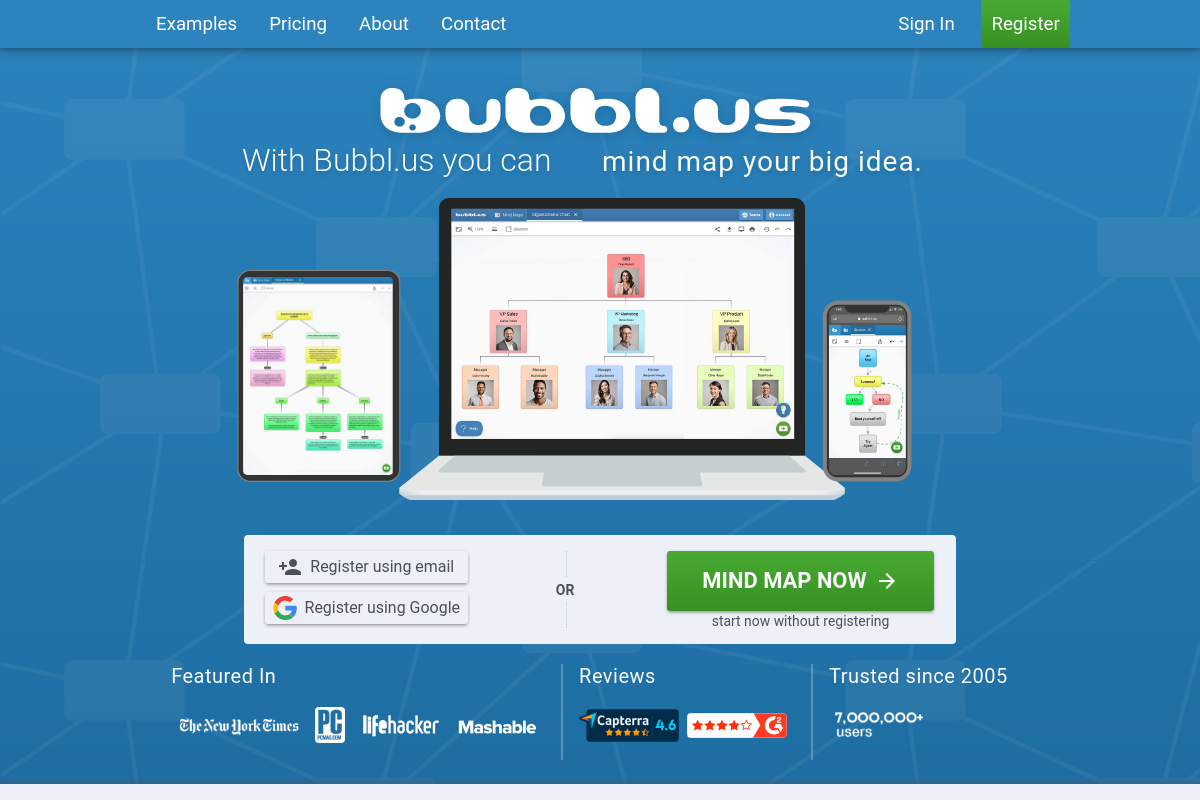
The overview
What Bubbl.us is for
1Core Capabilities
- Start mapping in-browser without registration
- Bubble editor with branching connections, color controls, and multi-select edits
- Real-time co-editing with presence indicators and separate view-only or can-edit links
- Image and document attachments inside bubbles
- Export maps as PNG, JPG, PDF, or plain-text outline
- Revision history with 5-minute snapshots and restore
Who it helps
Useful ways to use Bubbl.us
A practical path
Start with one central bubble
Open a new map and put the actual problem in the center bubble, not a broad theme. A tighter starting label such as "Q3 launch plan" or "AI support stack" gives the rest of the map a clear direction.
External signals
Reviews & reputation
Aggregated review score
Bubbl.us performs best when teams prioritize clear task execution and operational repeatability and keep ownership explicit around repeatable team usage.
Quick answers
Frequently asked questions
1I need to turn a messy call into a branch map in minutes. Is Bubbl.us built for that?⌄
Usually yes, if the job is to capture a central topic, split it into branches, and keep the map readable while ideas are still arriving. It tends to suit quick outlining, lesson planning, research framing, and early concept breakdowns better than a blank whiteboard. If your session depends on sticky notes, freehand sketching, or formal diagram symbols, it may feel too narrow.
2Can a team edit the same map without turning it into a permissions mess?⌄
That depends on the sharing model and plan you choose. For lightweight collaboration where one person structures the map and others review or add a few branches, it may be enough. If your team needs fine-grained roles, review gates, or detailed change governance, you should confirm the current permission options before adopting it for group work.
3Will a free or entry plan hold up for regular mapping work?⌄
Only if your use stays light. Occasional personal maps may fit an entry tier, but regular client work, team sharing, and repeated exports often push users toward paid limits. Check current plan caps, export allowances, and collaboration features before you standardize on it.
4Is it suitable for client planning or internal research that includes sensitive notes?⌄
Treat it like any hosted mind-mapping app: acceptable for ordinary planning only if your organization is comfortable with cloud storage for that material. Before putting client strategy, interview notes, or internal roadmap details into it, verify current terms around data handling, account ownership, retention, and deletion. If your review process is strict, security and legal sign-off may be necessary first.
5Can I move maps out cleanly for slides, docs, or another tool later?⌄
That depends on the export formats you actually need. If your handoff is mostly visual, such as dropping a map into a deck or document, it may be sufficient. If you need a structured transfer into another mapper, project tool, or knowledge base, test one real map first and see whether branch depth, labels, and layout survive in a usable way.
6When should I skip Bubbl.us and use a different tool instead?⌄
Skip it when the map is no longer just a map. Once your branches need to become tasks, dependencies, decision logs, or formal process diagrams, a dedicated project, flowchart, or diagram tool usually makes more sense. Bubbl.us is easier to justify when the core job is thinking in nodes and branches, not managing execution after the thinking is done.
Keep exploring