

What Is Buffer Used For: Features, Reviews & Alternatives
Social media scheduling & management tool.
Editorially updated Oct 25, 2025
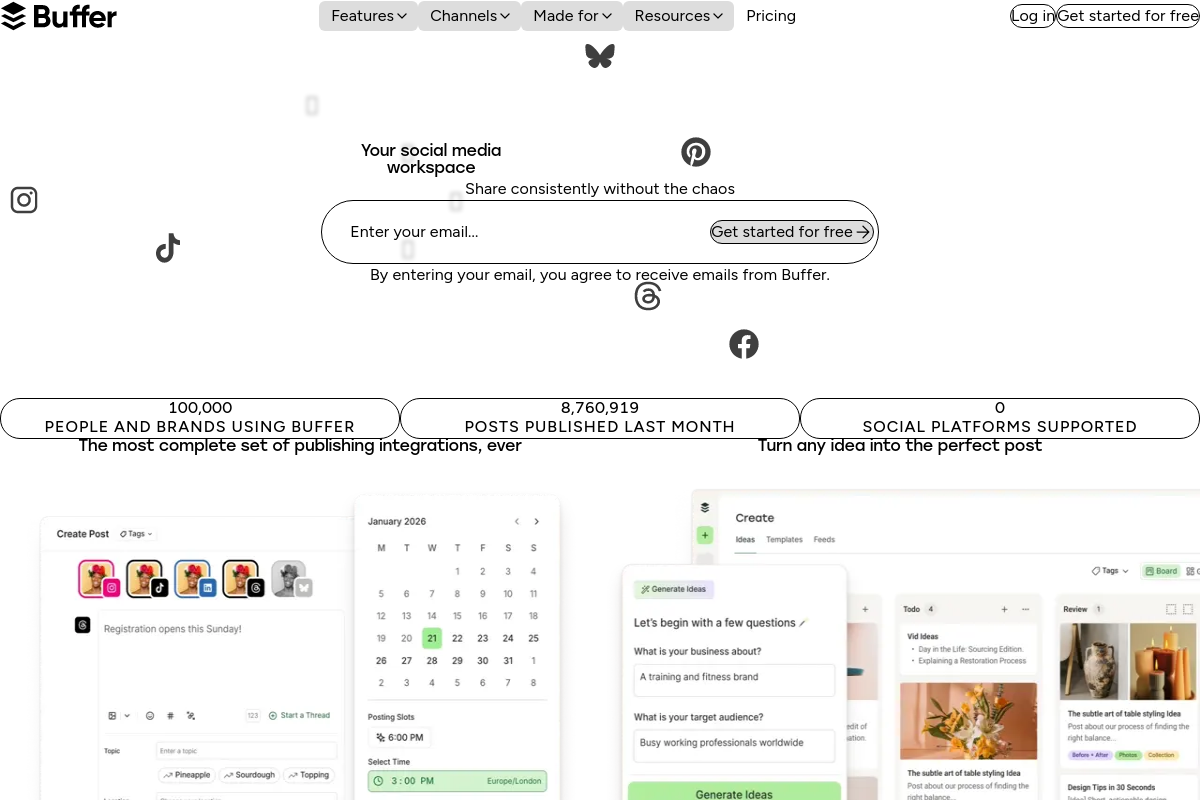
The overview
What Buffer is for
1Core Capabilities
- Per-channel posting queues with weekday, weekend, and custom time slots
- Single composer for channel-specific copy, media variants, and exact publish times
- Draft approval queue before posts enter the live schedule
- Comment inbox with unanswered-first sorting, by-post view, likes, and saved replies
- Cross-channel post analytics for reach, clicks, engagement rate, and follower growth
- Best-time posting suggestions and organic-vs-boosted post comparisons
Who it helps
Useful ways to use Buffer
A practical path
Set the channel cadence
In Publish, connect the social profiles you actually market through, then set posting slots and timezone for each channel so Instagram, LinkedIn, X, or Facebook each run on their own queue rhythm instead of sharing one blanket schedule.
External signals
Reviews & reputation
Aggregated review score
Buffer can deliver reliable outcomes for news and analysis consumption, especially when rollout begins with a pilot focused on scheduling.
Quick answers
Frequently asked questions
1Is Buffer a fit for an organic social team running a tight content calendar across multiple channels?⌄
Usually yes if the main job is scheduling posts, adapting copy by network, and keeping a consistent publishing cadence across brand profiles. It is a weaker fit when the growth motion depends more on paid audience targeting, creator whitelisting, or high-volume reply handling than on steady organic distribution.
2Where does Buffer start to feel too narrow?⌄
It can feel limited when the team needs deep social listening, dense approval hierarchies, campaign reporting tied closely to revenue, or one place for publishing, engagement, and paid analysis. A useful boundary question is: are you mainly solving outbound posting, or do you need a broader social operations stack?
3How does Buffer pricing usually scale once a brand adds more profiles and teammates?⌄
Cost often rises with the number of connected channels, users, and higher-tier capabilities such as approvals or expanded analytics, if those are included in the plan. For a solo operator or one-brand setup, pricing may stay straightforward; for agencies or multi-brand teams, profile count and permission needs usually matter more than raw post volume.
4Can I split drafting, approvals, and publishing across a client or agency team?⌄
Often yes at some level, but the exact handoff can depend on plan tier and how each social account is connected. Before rollout, test whether drafts can be created without publish rights, whether approvals are enforced rather than informal, and whether each client profile can be scoped to the right editors and approvers.
5Will Buffer support the exact post formats and network behaviors my strategy needs?⌄
Do not assume full parity across every network or format. Social APIs change often, so check the specific details your channel mix relies on, such as short-form video workflows, first-comment handling, tagging, link-in-bio usage, and whether posts can be customized per platform instead of pushed as one generic variant.
6What should I review around privacy and account access before rolling it out?⌄
Check how connected account tokens are stored, how teammate access is revoked, whether there is a useful activity trail, and what audience or engagement data appears in exports. If your team handles sensitive customer conversations or regulated data, verify whether link tracking, inbox features, or retained interaction data create any internal policy issues.
Keep exploring