

What Is BuzzSumo Used For: Features, Reviews & Alternatives
Find trending content & analyze performance.
Editorially updated Oct 25, 2025
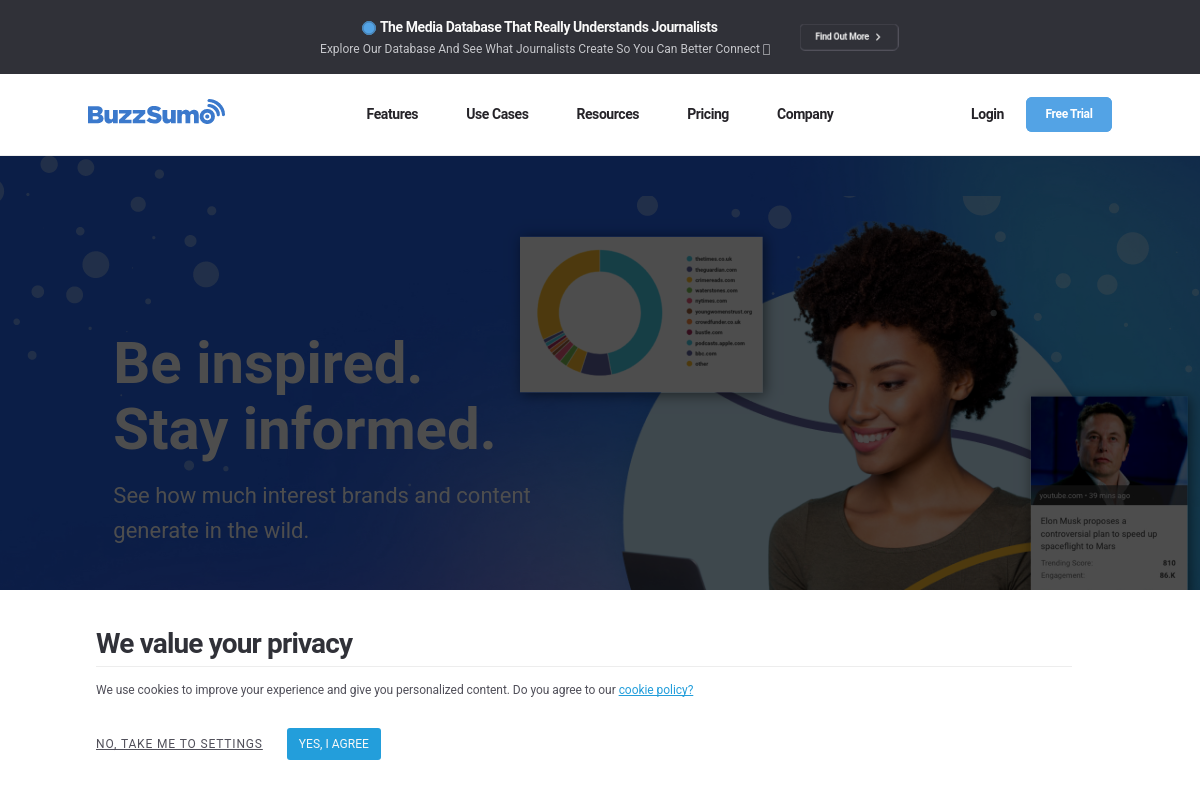
The overview
What BuzzSumo is for
1Core Capabilities
- Trending topic discovery by keyword, domain, or publisher
- Article engagement breakdown across major social platforms
- Top-performing content analysis for competitor domains
- Backlink tracking for individual posts and site sections
- Journalist and creator search filtered by topic, outlet, and reach
- Alerts for keywords, brand mentions, and newly published articles
Who it helps
Useful ways to use BuzzSumo
A practical path
Search a live topic or rival domain
Run a broad topic or competitor-domain search in Content Ideas Generator to pull the headlines, forum questions, related topics, and content formats already attracting attention in your niche. Start wide enough to spot repeat angles, then narrow toward the themes you could realistically turn into a brief.
External signals
Reviews & reputation
Aggregated review score
The practical upside of BuzzSumo is steadier repeatable team usage; the tradeoff is disciplined handling of maintenance overhead and process drift.
Quick answers
Frequently asked questions
1Is BuzzSumo built for content-led growth teams or general marketing analytics?⌄
It is usually more useful for teams planning articles, thought-leadership, PR outreach, or trend-led social content than for teams centered on ad buying or CRM reporting. If your main need is funnel attribution or paid campaign analysis, BuzzSumo will likely sit upstream as a research input rather than replace those systems.
2How should I test whether BuzzSumo's pricing is justified for my content program?⌄
Check whether you will actually use recurring alerts, competitor tracking, historical lookback, exports, and multi-user access every week. If your team only does occasional topic checks or headline research, a narrower SEO or trend tool may cover enough at a lower cost.
3Does BuzzSumo need to connect deeply with our CMS or analytics stack to be useful?⌄
Not necessarily. Many content teams use it as a standalone layer for topic discovery, publisher monitoring, and post-level performance comparison, then move selected ideas into a CMS, editorial calendar, or BI tool. If you want automated reporting, confirm export and API options before relying on it operationally.
4What permissions or admin details matter for a small editorial team?⌄
Look closely at seat limits, who owns shared alerts, who can export data, and whether plan levels change admin visibility. If editors, SEO leads, and PR staff all depend on the same saved searches and watchlists, weak account controls can create avoidable friction.
5What privacy or procurement questions should a careful evaluator ask?⌄
Review what search history, saved lists, alert recipients, and exported reports are retained in the account, especially if your topic roadmap or competitor monitoring is sensitive. If your company has security review requirements, verify whether items like SSO, a DPA, and account audit features are available on the plan you would buy.
6Where are BuzzSumo's feature boundaries compared with SEO suites or audience research tools?⌄
BuzzSumo is better framed as a content discovery and content-performance research tool than a full SEO platform, outreach database, or first-party attribution system. If you need rank tracking, technical SEO audits, contact enrichment, or conversion-level reporting, you will probably need adjacent tools rather than expecting one product to cover the full content stack.
Keep exploring