

What Is Canada.ca Used For: Features, Reviews & Alternatives
Official portal for Canadian government info.
Editorially updated Oct 25, 2025
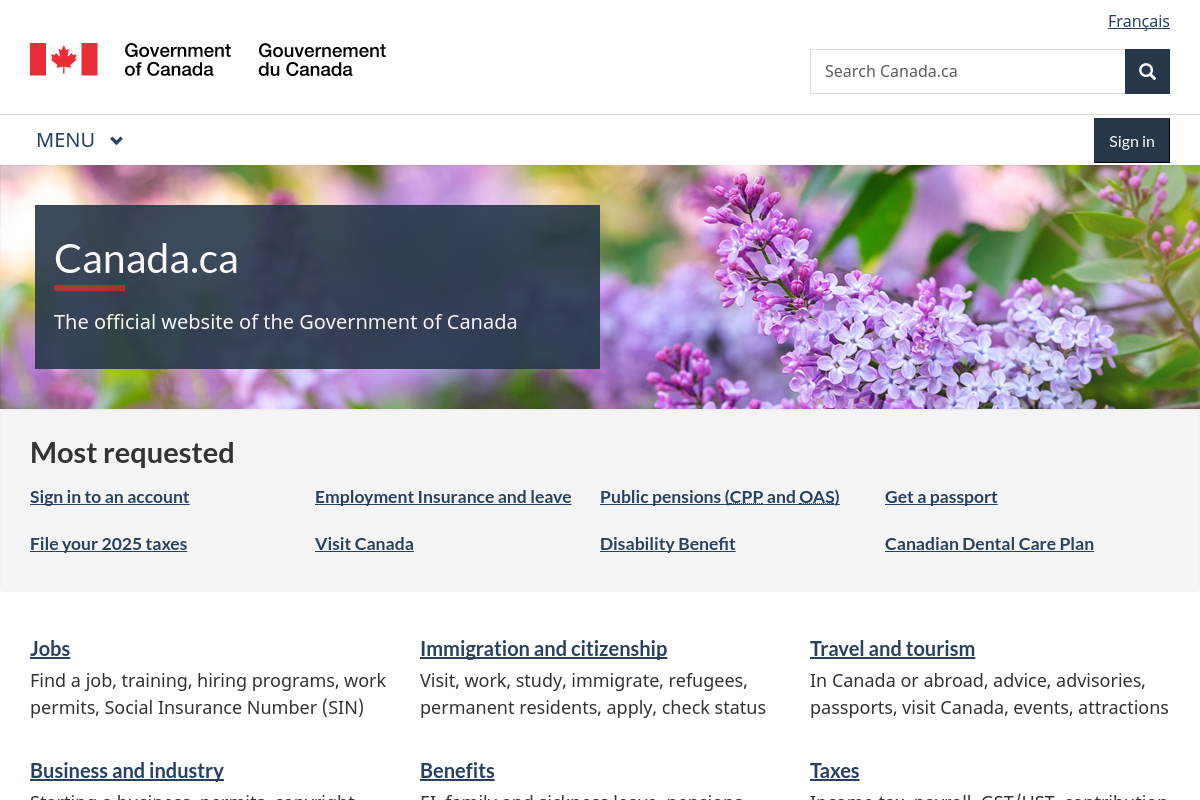
The overview
What Canada.ca is for
1Core Capabilities
- Benefit, tax, immigration, and travel eligibility pages
- Federal forms, document checklists, and filing instructions
- Jurisdiction routing to provincial, territorial, or municipal services
- Department contacts, service centres, and official notices
Who it helps
Useful ways to use Canada.ca
A practical path
Identify the federal service you actually need
Start with the task, not the homepage. Search Canada.ca for the exact service you need, such as passport renewal, Employment Insurance, tax filing, immigration status, or business permits, then use the topic navigation to confirm the request belongs to the Government of Canada rather than a provincial, territorial, or municipal office.
External signals
Reviews & reputation
Aggregated review score
Canada.ca performs best when teams prioritize clear task execution and operational repeatability and keep ownership explicit around repeatable team usage.
Quick answers
Frequently asked questions
1Is Canada.ca useful for checking eligibility before I start an application?⌄
Yes, if the task is federal. For areas like passports, taxes, Employment Insurance, pensions, or immigration, service pages often clarify who qualifies, which documents are required, and which form or sign-in route is current. It is less reliable as the only source when the decision depends on provincial, territorial, or municipal rules, or when a department handles exceptions outside the main Canada.ca path.
2Is Canada.ca free to use, or do some services carry fees?⌄
Browsing guidance, finding forms, and reaching account entry points are generally free. The service itself may still have statutory fees, processing fees, or mailing costs, depending on the program. For example, passport and travel document pages publish current fee details on the service page, so it is safer to check the exact program page before submitting anything. https://www.canada.ca/en/immigration-refugees-citizenship/services/canadian-passports/forms.html
3Do I need one login for the whole site?⌄
Usually no. A GCKey can be reused across many federal online services that support it, but it is not the same as having one universal government account. Individual programs may still require their own registration, profile match, or representative authorization. If you are acting for someone else, some services require formal delegated access rather than shared credentials. https://www.canada.ca/en/government/sign-in-online-account/gckey.html and https://www.canada.ca/en/revenue-agency/services/e-services/cra-login-services.html
4How private is Canada.ca when I enter personal information?⌄
Government pages indicate that personal information collection is governed by the Privacy Act, but the boundary matters. Canada.ca also notes that some site files may be delivered through trusted third-party infrastructure, and links to non-government sites are outside Government of Canada control and may follow different privacy practices. For sensitive tasks, confirm that you are still on an official government page before entering identity, tax, or benefit details. https://www.canada.ca/en/transparency/terms.html
5Will forms and online services work properly on a phone or any browser?⌄
Not always. Some federal PDF forms are meant to be downloaded and completed on a computer, and certain passport instructions explicitly warn against using a phone, tablet, or in-browser PDF viewer. Account access guidance also expects a current browser with JavaScript and cookies enabled. If a form behaves strangely, trying a desktop browser and the recommended PDF software is usually the safer move. https://www.canada.ca/en/immigration-refugees-citizenship/services/canadian-passports/renew-adult-passport/submit-form-fees/apply-by-mail.html and https://www.canada.ca/en/government/sign-in-online-account/gckey.html
6What if I cannot tell which office or level of government handles my case?⌄
Use Canada.ca as a routing layer first, then switch to the department or service page that owns the file. The site has a general contact index and a department directory, but many issues are resolved only through the program responsible for that benefit, permit, tax file, or application. If the matter is provincial health coverage, driver's licensing, or a local permit, you will usually need the relevant provincial, territorial, or municipal site instead. https://www.canada.ca/en/contact.html and https://www.canada.ca/en/government/dept.html
Keep exploring