

What Is CareerBuilder Used For: Features, Reviews & Alternatives
Job board with career advice & tools.
Editorially updated Oct 25, 2025
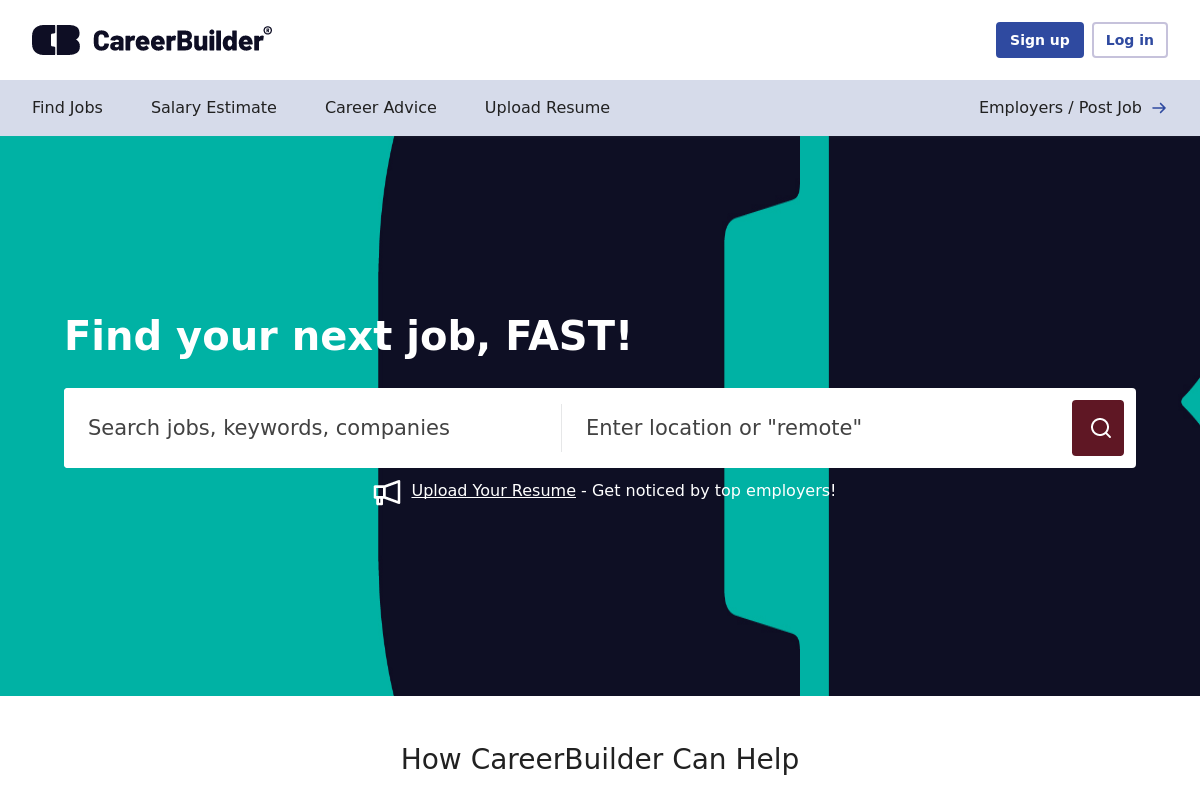
The overview
What CareerBuilder is for
1Core Capabilities
- Role, keyword, and location search with salary, remote, and employment-type filters
- Resume upload and profile matching for faster application sorting
- Saved searches and email alerts for recurring openings
- Salary lookup and market pay estimates by role and area
- Resume tips, interview guides, and career advice library
Who it helps
Useful ways to use CareerBuilder
A practical path
Search by job title and target location
Start from the main job search and enter the exact role you would apply for, then add a city, state, or remote target. Use specific titles instead of broad terms so the first results page is closer to your actual market.
External signals
Reviews & reputation
Aggregated review score
CareerBuilder performs best when teams prioritize thread discovery, posting flow, and moderation controls and keep ownership explicit around moderation queue management.
Quick answers
Frequently asked questions
1Where does CareerBuilder fit best in a job search?⌄
CareerBuilder tends to make the most sense as a broad-market job board for candidates targeting standard corporate roles, office support, sales, operations, customer service, healthcare administration, and similar hiring categories where employers post at volume. If you are chasing niche research roles, early-stage startup jobs, or portfolio-driven creative work, it may be more useful as a secondary source rather than your only search channel.
2Do job seekers usually have to pay to use CareerBuilder?⌄
Core job search functions are often available without a required subscription, but paid add-ons, resume services, or promotional features may appear depending on region and current offers. Before paying for anything, check whether the upgrade changes your ability to apply, improves visibility in a way you can verify, or mainly adds coaching and resume help that you could source elsewhere.
3Can you control who sees your resume and profile details?⌄
That usually depends on how CareerBuilder currently handles resume database visibility, profile settings, and employer search access. A careful candidate should review whether resume posting is public to recruiters by default, whether contact details can be limited, and whether alerts or outreach can be narrowed before uploading a primary resume.
4Is CareerBuilder enough as a stand-alone job board?⌄
Usually not for a serious search. It can be useful for coverage, especially when you want another source of employer-posted openings, but most candidates will still want to compare listings against company career pages and at least one other major board. That matters because duplicate postings, stale roles, and recruiter reposts can show up differently across platforms.
5What should you check before relying on CareerBuilder for repeat use?⌄
Look at three things early: how fresh the listings appear in your target location, whether alerts return the kinds of titles you actually want, and how many applications lead to real employer responses. If the results lean too broad, too old, or too staffing-agency heavy for your search, it may be better used for occasional scans instead of daily tracking.
Keep exploring