

What Is Cash App Used For: Features, Reviews & Alternatives
P2P payments, banking, stocks, Bitcoin.
Editorially updated Oct 25, 2025
The overview
What Cash App is for
1Core Capabilities
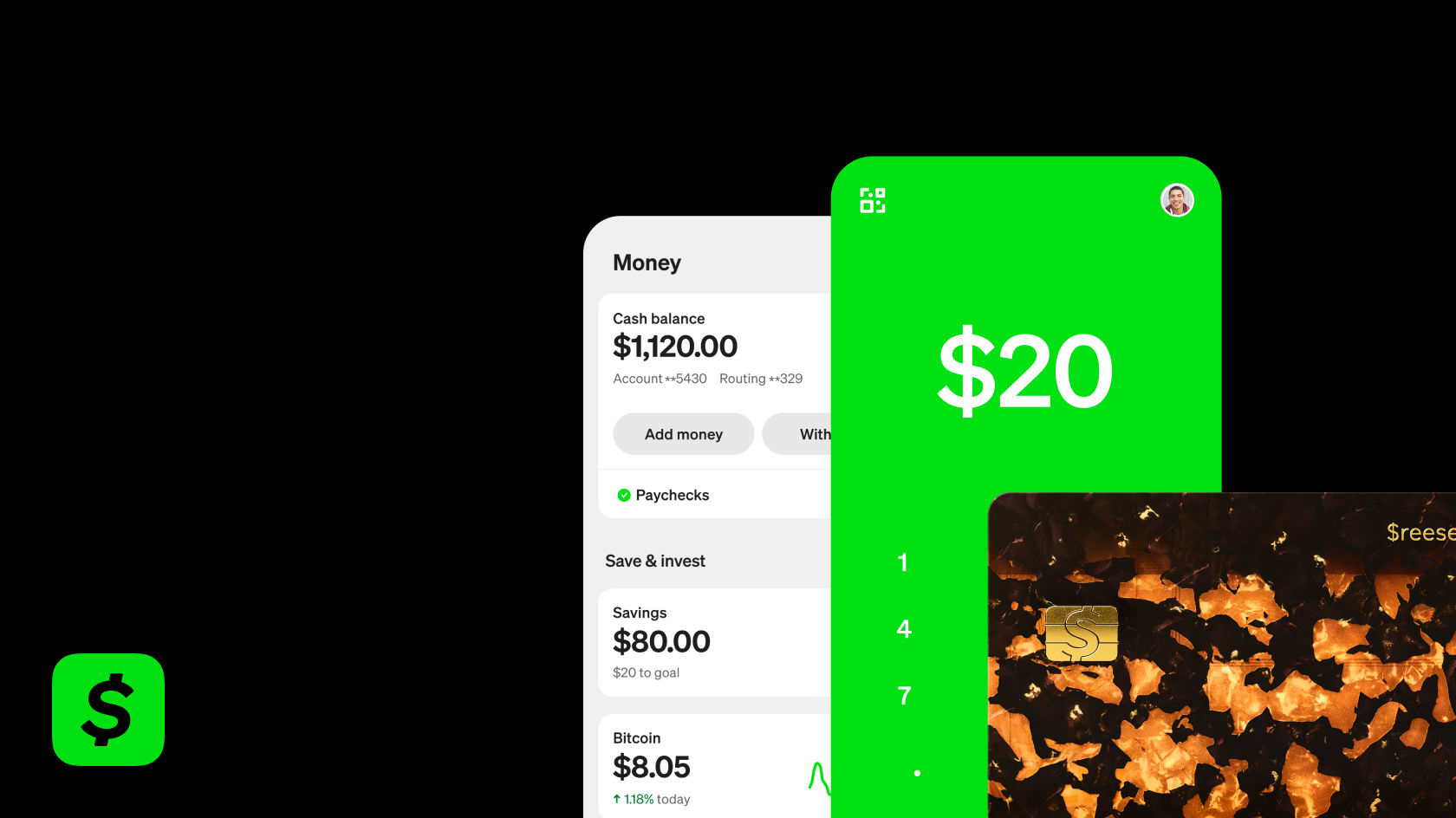
- Send and request transfers by $cashtag, phone number, email, or QR code
- Fund transfers from a stored balance, linked debit card, or linked bank account
- Choose standard bank deposit or instant cash-out to an eligible debit card
- Receive direct deposit with assigned account and routing numbers
- Spend from the balance using a physical or virtual debit card
- Buy fractional stocks and Bitcoin inside the same app
Who it helps
Useful ways to use Cash App
A practical path
Start with a Small Send or Request
Open Cash App and use the send/request screen first, since that is the fastest way to judge whether it fits your transfer habits. Enter a small amount, search the recipient by $Cashtag, phone, or email, and confirm you are matching the right person before moving money.
External signals
Reviews & reputation
Aggregated review score
Confidence in Cash App improves once teams validate tax, billing rules, and integration wiring against real production paths and monitor drift over the first rollout cycle.
Quick answers
Frequently asked questions
1When is Cash App actually a low-cost way to send money?⌄
It is usually most attractive for small domestic person-to-person transfers when you are not paying for speed. Costs can increase if you fund with certain cards, cash out instantly, or use adjacent features such as Bitcoin or investing. Before sending, check the fee screen tied to your funding source and transfer speed rather than assuming every transfer is free.
2Who is Cash App a reasonable fit for, and who should compare other transfer options first?⌄
Cash App tends to fit casual peer payments, splitting bills, or moving modest amounts between people who already use the app. It is a weaker fit if you need international remittance, formal business disbursements, wire-style traceability, or higher-value transfers where bank controls and dispute handling matter more. Cautious users usually compare limits, support recovery, and withdrawal options before keeping large balances there.
3What does account setup usually involve before higher transfer limits unlock?⌄
Basic use may start with a phone number or email, but larger transfer access or financial features often require identity verification. That can include your legal name, date of birth, and other personal details, plus linking a debit card or bank account. If setup friction matters to you, verify the current verification steps before relying on it for urgent transfers.
4How private are Cash App payments if I care about keeping my money movement discreet?⌄
Privacy depends heavily on your settings and how you use your handle. A cautious user should review transaction visibility, contact syncing, profile discoverability, and notification behavior before sending money. Even if account details are not public, sending to the wrong person or leaving social-style settings too open can expose more activity than some users expect.
5Does Cash App work well for international transfers or cross-border use?⌄
You should not assume it covers broad remittance corridors the way a dedicated international transfer app does. Availability can depend on country, account status, and which feature you are trying to use. If your main job is sending money across borders, compare exchange rates, transfer routes, recipient payout methods, and reversal options against services built for remittance first.
6If a payment goes to the wrong person or looks suspicious, how much can support usually do?⌄
Recovery can be limited once a person-to-person payment is authorized and completed, especially if the recipient is real and the transfer was not a clear system error. Support may help with pending transactions, account security issues, or fraud review, but it should not be treated like a guaranteed chargeback channel. For first-time recipients, a small test transfer is the safer move.
Keep exploring