

What Is Castbox Used For: Features, Reviews & Alternatives
Podcast app and platform with a large library and community features.
Editorially updated Oct 25, 2025
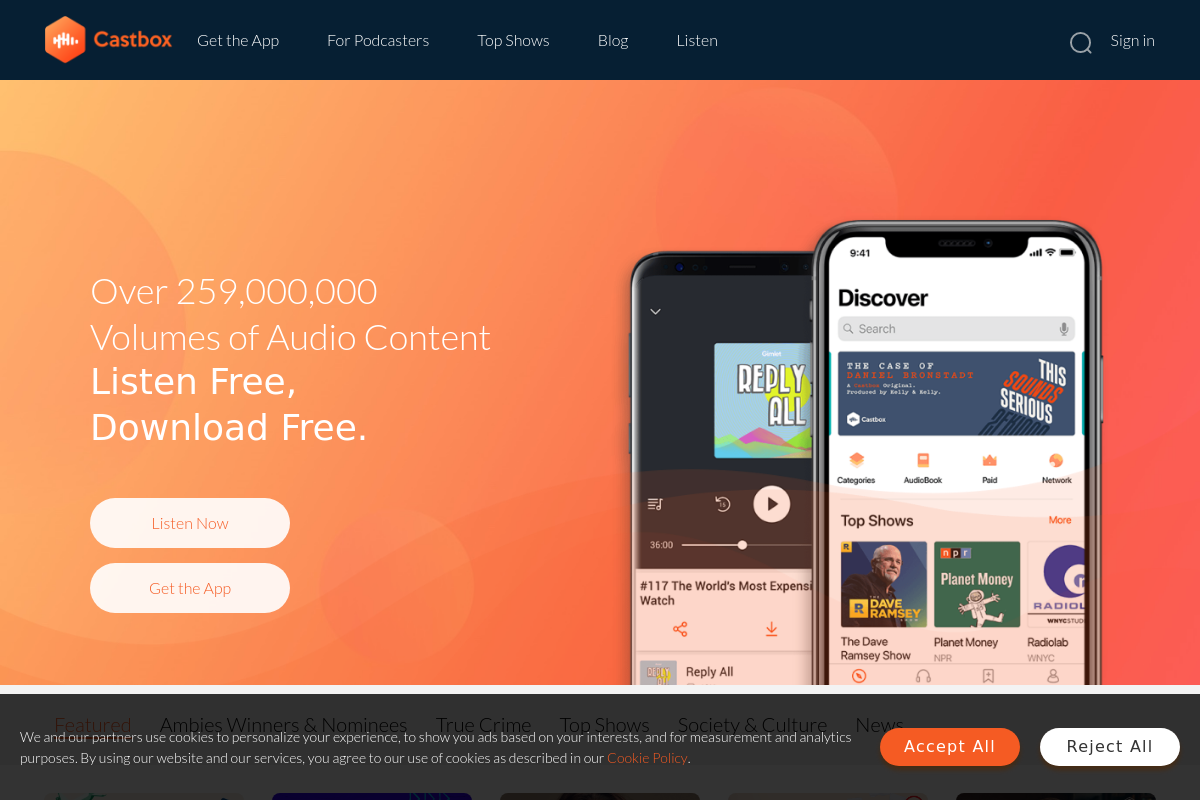
The overview
What Castbox is for
1Core Capabilities
- Search podcasts, episodes, audiobooks, radio stations, and RSS feeds
- Speed control, trim silence, sleep timer, volume boost, and adjustable skip lengths
- Downloads, playlists, favorites, listening history, and resume progress
- Android, iPhone, web, CarPlay, Android Auto, Alexa, and Google Home playback
- Episode comments with creator replies and push notifications
- Audio upload, RSS submission, and podcast ownership claiming in Creator Studio
Who it helps
Useful ways to use Castbox
A practical path
Search the podcast catalog by topic or host
Start from Search or the featured charts and look up a subject, show name, or presenter. In Castbox, this is the fastest way to move past the front page and into active podcast feeds instead of browsing general recommendations.
External signals
Reviews & reputation
Aggregated review score
The practical upside of Castbox is steadier moderation queue management; the tradeoff is disciplined handling of abuse control and response speed.
Quick answers
Frequently asked questions
1Is Castbox a good fit if I mainly follow independent podcasts instead of a full music catalog?⌄
Usually yes, if your main job is finding, queuing, and returning to spoken-audio shows across many publishers. It makes more sense for podcast-heavy listening than for people who expect a broad music service, live radio depth, or artist-release tracking in the style of music platforms. A simple fit question is: are you opening the app to catch up on episodes, or to browse songs and albums?
2Do you need to pay to use Castbox, and what changes if you do?⌄
The core listening experience may be available without payment, while paid options, if currently offered, may change ads, playback extras, or access to certain features. Because app plans can shift by region and platform, it is safer to verify the current in-app pricing page or official help material before assuming what is included.
3What phone permissions are actually relevant for Castbox?⌄
For basic streaming, the most relevant permissions are usually network access, notifications, and storage if you want offline downloads. Microphone access would only make sense if a recording, voice, or interactive feature is present. A useful boundary question is: if you only want to stream and save episodes, do you really need to grant anything beyond downloads and notifications?
4How much of your listening activity or community behavior might be visible or stored?⌄
If you sign in, the service may retain subscriptions, listening history, bookmarks, comments, and other activity tied to your account. Community features can also make some actions more visible than a private local-only player would. If privacy matters, review whether public comments, social login, and personalized recommendations are optional before using the account as your main podcast tracker.
5Where does Castbox stop being the right tool for creators or teams?⌄
It is not the obvious choice if you need a production stack with editing, approval flows, private team roles, deep campaign attribution, or advanced subscriber management. It may work for listening, discovery, and audience-side engagement, but creators who need hosting controls, distribution management, or business reporting may need a separate podcast hosting platform alongside it.
Keep exploring