

What Is CDKeys Used For: Features, Reviews & Alternatives
Sells digital game keys often at discount.
Editorially updated Oct 25, 2025
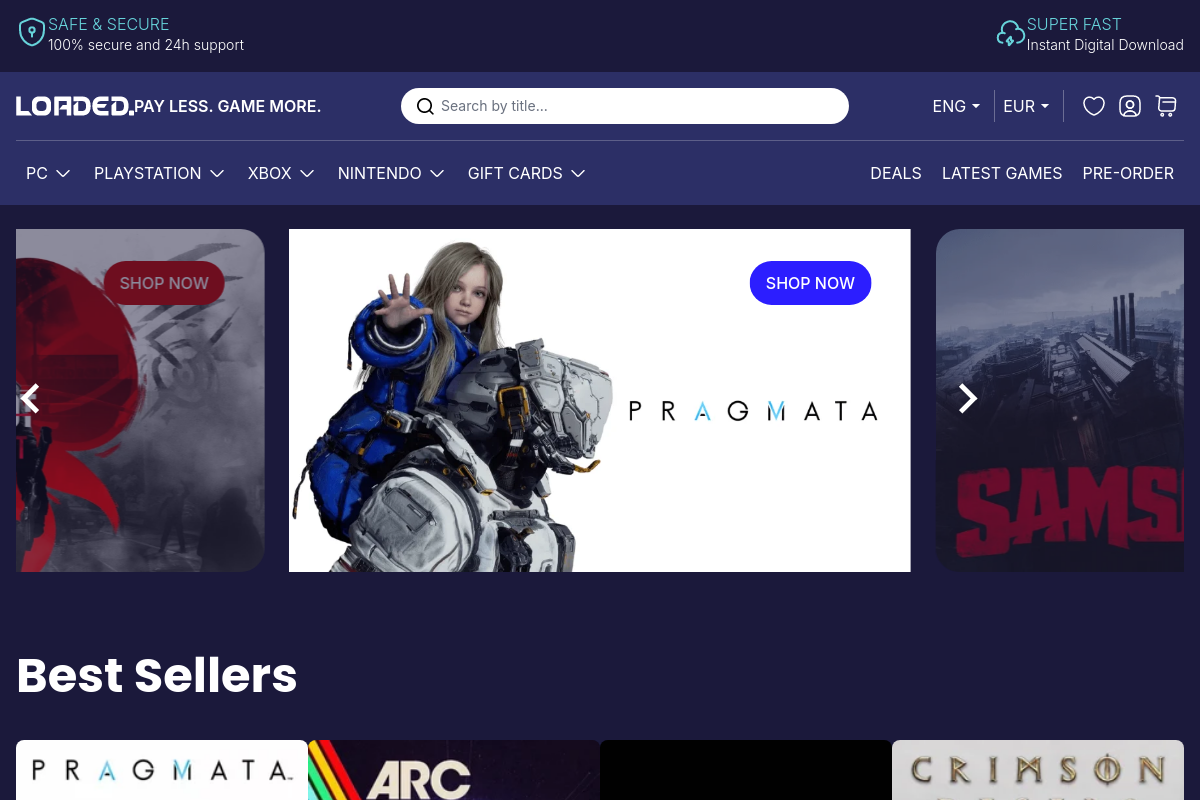
The overview
What CDKeys is for
1Core Capabilities
- Discounted activation keys for PC and console storefronts
- Platform tags for Steam, Xbox, PlayStation, Nintendo, and EA App listings
- Region-lock and redemption notes shown before checkout
- Pre-order, DLC, season pass, and gift card listings
- Instant key delivery in the order account and by email
Who it helps
Useful ways to use CDKeys
A practical path
Search by game, platform, and region
Start from the CDKeys storefront search or platform navigation, then narrow to the exact version you need such as Steam, Xbox, PlayStation, or Nintendo. Check the region label early so you do not buy a key that cannot be activated in your country.
External signals
Reviews & reputation
Aggregated review score
CDKeys performs best when teams prioritize clear task execution and operational repeatability and keep ownership explicit around repeatable team usage.
Quick answers
Frequently asked questions
1How do CDKeys prices usually compare with official game stores?⌄
Discount depth can vary a lot by title, platform, and region. Older games, DLC packs, and subscription cards often show bigger cuts than brand-new releases. Before buying, compare the final checkout price against the official store, including currency conversion, local tax, and any payment fees.
2Is CDKeys a good fit for buying new releases, or is it better for back-catalog deals?⌄
It is usually a better fit for buyers who are comfortable checking edition details, region notes, and activation rules before paying. For launch-day purchases, stock timing, key delivery speed, and bonus-content availability may be less predictable than buying direct from the platform store. If you care about preload access or launch extras, the official channel may be simpler.
3Will a key from CDKeys work in my country and on my platform?⌄
That depends on the listing. Game keys can be tied to a specific launcher such as Steam, Xbox, PlayStation, Nintendo, or EA, and some are also limited by country or account region. Check the product page for platform, region lock, edition, and activation instructions before purchase, especially if you travel or use an account registered in a different country.
4What information might I need to give CDKeys to complete a purchase?⌄
At minimum, expect to provide an email address and payment details. If an order is flagged for fraud screening, the store may request additional confirmation before releasing the code. If privacy is a concern, review the payment methods offered and read the site's current privacy and verification policies before ordering.
5What happens if the key does not activate or the edition is wrong?⌄
Support outcomes usually depend on the exact issue and the evidence you can provide. It helps to save the activation error message, the product listing, and the order confirmation, then contact support before trying repeated redemptions. Replacement or refund options may be limited if the wrong region was purchased or if the key has already been revealed and used.
6When is an official store a better choice than CDKeys?⌄
Use the official store if you need guaranteed preorder bonuses, platform-native refund handling, clear DLC ownership under one account, or the least ambiguity around regional eligibility. CDKeys can make sense for price-led buyers, but official storefronts are usually easier when account support, entitlement history, and launch-day certainty matter more than saving on the base price.
Keep exploring