

What Is Cheapflights Used For: Features, Reviews & Alternatives
Travel fare comparison service under KAYAK.
Editorially updated Oct 25, 2025
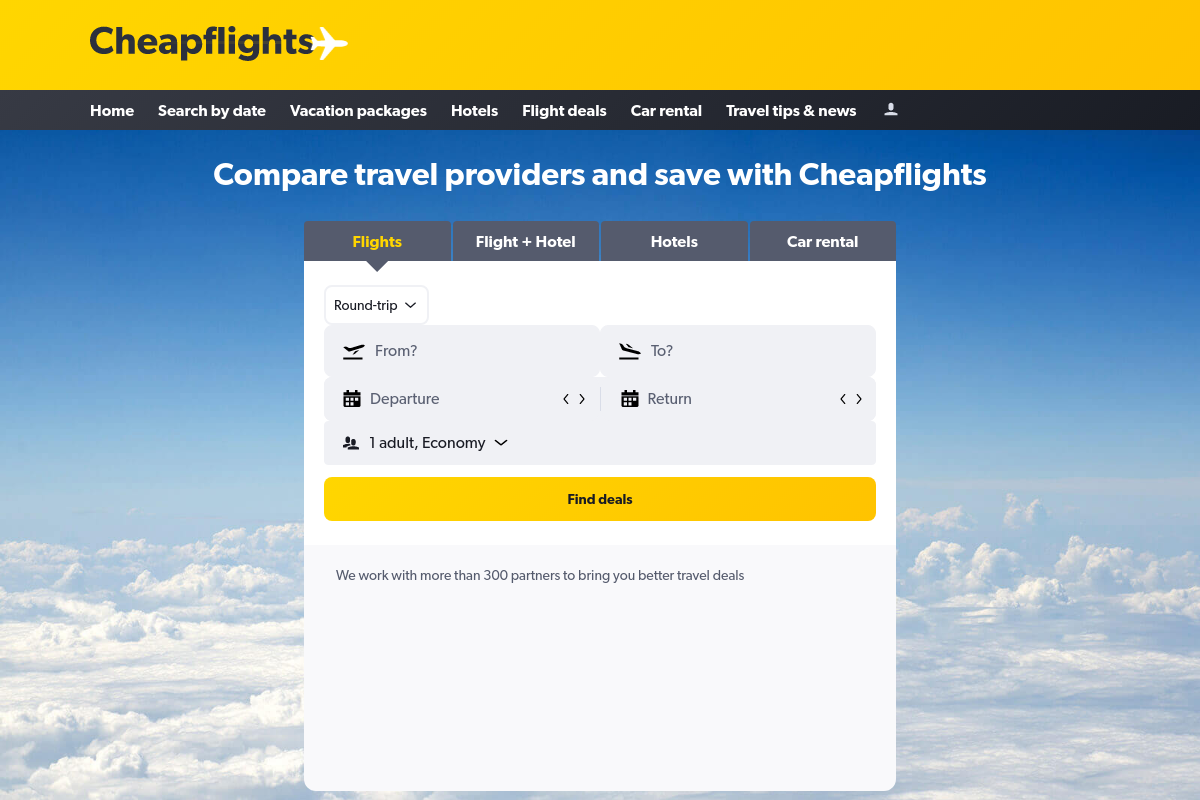
The overview
What Cheapflights is for
1Core Capabilities
- Flight fare comparison across airlines and travel booking partners in one search flow
- Flexible date browsing that helps surface cheaper departure or return options around a planned trip
- Route filtering for practical tradeoffs such as stops, timing, and airline preference
- Price-led results that make it easier to separate low fares from more convenient itineraries
- Redirect booking flow that sends users to the airline or travel seller to complete purchase
Who it helps
Useful ways to use Cheapflights
A practical path
Search the exact route and travel window you actually have
Enter your departure city, destination, and realistic date range first. If your schedule has any slack, test nearby days rather than forcing a fixed itinerary too early.
External signals
Reviews & reputation
Aggregated review score
Cheapflights performs best when teams prioritize clear task execution and operational repeatability and keep ownership explicit around repeatable team usage.
Quick answers
Frequently asked questions
1Is Cheapflights an airline or a booking agency?⌄
It is primarily a fare comparison service. In many cases, it helps you find options and then redirects you to an airline or travel booking partner to complete the purchase.
2Is it useful if my dates are fixed?⌄
Yes, but the value is higher when you can shift dates slightly. If your schedule is rigid, Cheapflights still helps compare sellers and itinerary structures for the same route.
3Should I trust the first listed fare as the final price?⌄
Not automatically. The listed fare is a starting point. Final cost can change once baggage, seat rules, or seller-specific terms become clear on the checkout site.
4Who gets the most value from it?⌄
Travelers who care more about fare comparison than loyalty-program booking flow tend to get the most use from it, especially on price-sensitive leisure trips.
5Can it replace booking directly with an airline?⌄
For discovery, often yes. For purchase, not always. Many travelers use it to find the best option, then decide whether to book through the airline or through the listed partner after comparing terms.
Keep exploring