

What Is Checkmk Used For: Features, Reviews & Alternatives
Comprehensive IT monitoring solution.
Editorially updated Oct 25, 2025
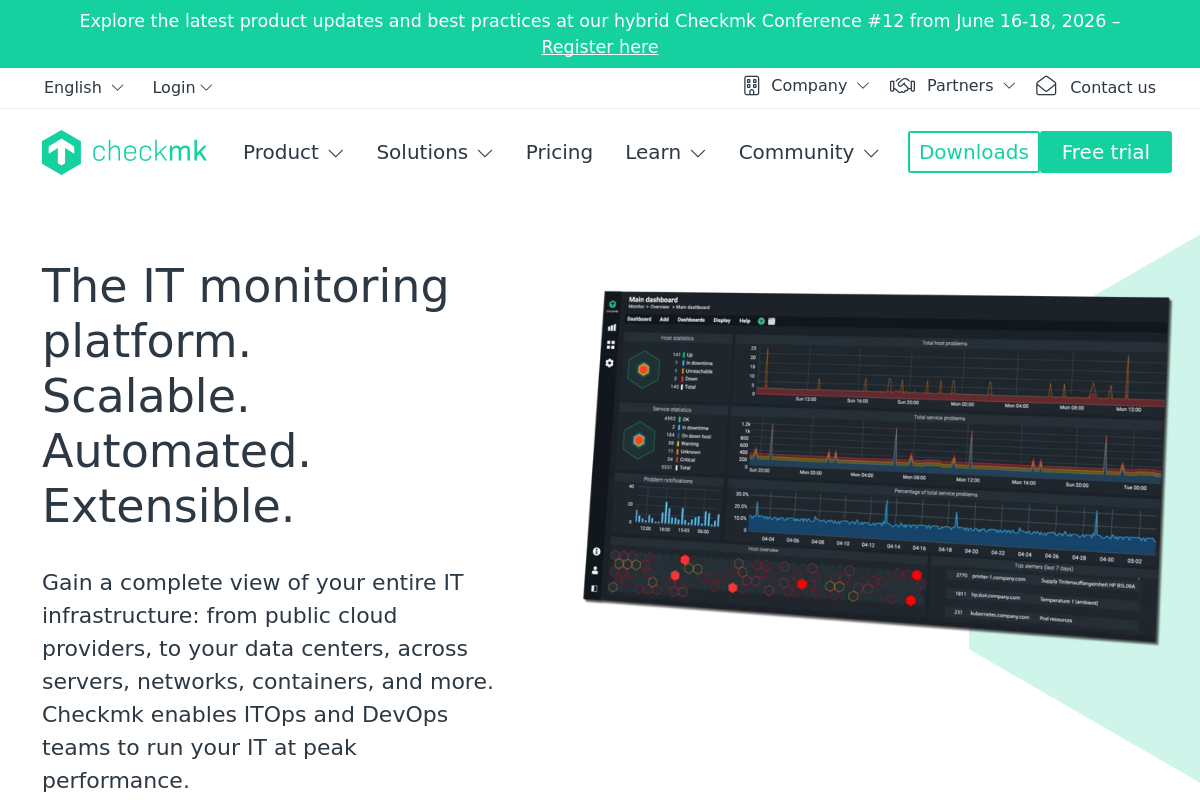
The overview
What Checkmk is for
1Core Capabilities
- Host and service monitoring across servers, virtual machines, containers, and network devices
- Automatic discovery of services and checks so larger estates do not need every monitor created by hand
- Agent-based and agentless collection options, useful when some systems allow deep OS access and others only expose network protocols
- Rule-based thresholds, notifications, and maintenance handling to reduce noisy alerts during planned work
- Operational views for triage, historical state changes, and spotting recurring failure patterns
Who it helps
Useful ways to use Checkmk
A practical path
Map critical systems and collection paths
Start with the infrastructure that fails in ways logs miss: core hosts, hypervisors, storage, and network devices. Decide where agents make sense and where protocol-based checks are enough.
External signals
Reviews & reputation
Aggregated review score
This pass shows Checkmk fitting strongest workflows where workflow completion quality is measurable and maintenance overhead and process drift controls are documented.
Quick answers
Frequently asked questions
1Is Checkmk mainly for infrastructure monitoring or product analytics?⌄
It is better understood as infrastructure monitoring. Its value is in tracking host, service, and network state rather than user behavior, funnels, or marketing analytics.
2Can it cover both servers and network devices?⌄
In many environments, yes. Teams often use a mix of agents for deeper host data and network protocols such as SNMP for switches, routers, and similar devices, though exact coverage depends on the systems involved.
3How much work does the first rollout usually take?⌄
Usually more than a basic uptime checker. Discovery can speed up the starting point, but threshold tuning, grouping, notification rules, and noise reduction still take deliberate setup.
4Is it a good fit for a very small stack?⌄
It can be more system than a tiny setup needs. It tends to make more sense when you have a persistent estate of hosts and devices that generate recurring operational work.
5What should a team verify before adopting it?⌄
Confirm the needed OS and device coverage, how agents fit your security policy, what integrations matter for alert delivery, and whether the documentation is clear enough for your operators to maintain it over time.
Keep exploring