

What Is Checkout 51 Used For: Features, Reviews & Alternatives
Grocery rebate app.
Editorially updated Oct 25, 2025
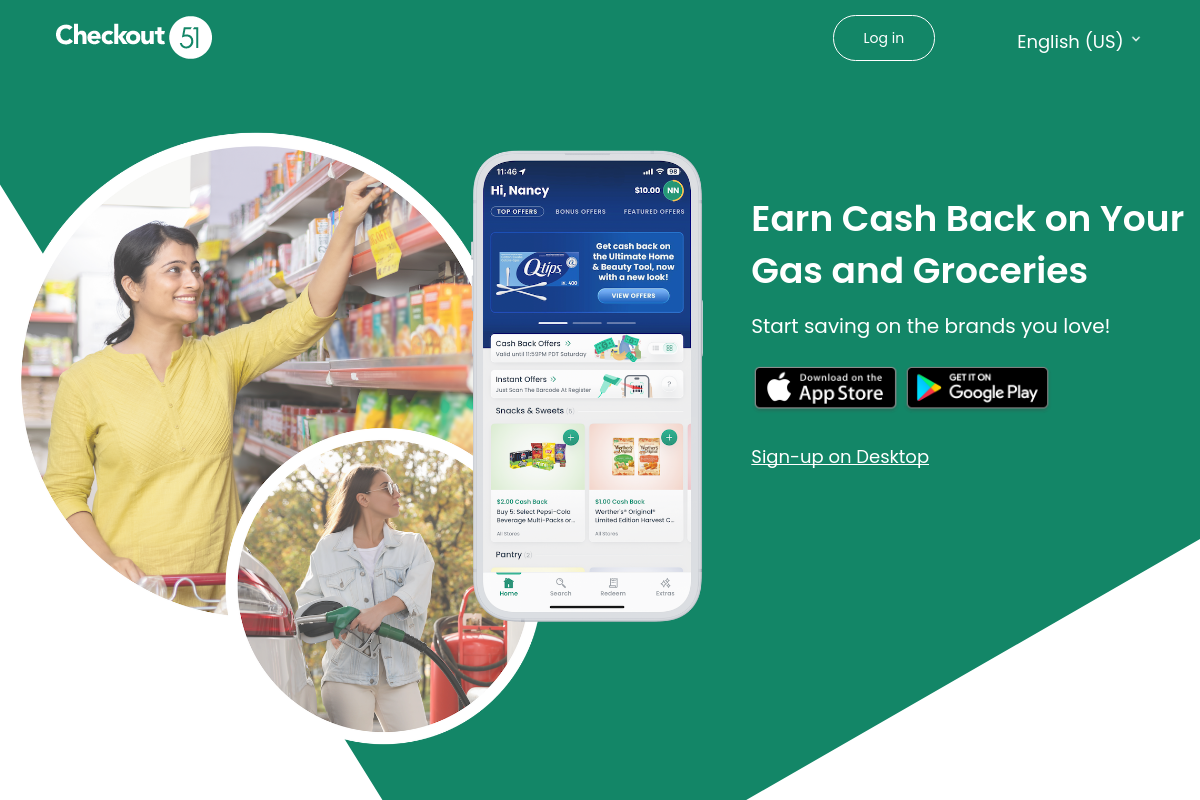
The overview
What Checkout 51 is for
1Core Capabilities
- Receipt-based grocery rebates tied to active offers rather than automatic card-linked cashback
- Offer details that help shoppers verify product requirements such as brand, size, flavor, quantity, or timing before buying
- Post-purchase claim submission through receipt upload, making it usable across many normal shopping trips
- Rebate status and balance tracking so repeat users can see which claims are still pending and which savings have cleared
Who it helps
Useful ways to use Checkout 51
A practical path
Scan the current rebate list before shopping
Flag offers that match products and quantities you would buy anyway so the rebate changes the total cost, not the shopping plan.
External signals
Reviews & reputation
Aggregated review score
Checkout 51 performs best when teams prioritize checkout, billing, and settlement reliability and keep ownership explicit around finance-engineering-support handoff.
Quick answers
Frequently asked questions
1Does every grocery purchase qualify for cashback?⌄
Usually no. Cashback depends on active rebates, and many offers require an exact brand, size, flavor, quantity, or purchase window.
2Can I combine Checkout 51 with store sales or manufacturer coupons?⌄
Sometimes, but the answer can vary by offer and retailer. Check the current rebate terms before assuming one purchase can stack multiple discounts.
3What commonly causes a claim to be rejected or delayed?⌄
Typical problems include unreadable receipts, buying a similar but non-qualifying variant, missing the claim deadline, or failing to meet quantity requirements.
4How should I judge whether the app is worth using week after week?⌄
Compare the live rebate mix against your normal basket over several trips. If you keep forcing substitute purchases just to trigger offers, the savings may not justify the effort.
5What should I confirm about payouts before relying on the balance?⌄
Check the current cash-out threshold, payout method, and any market-specific rules. Those details can change and are worth verifying before you build up a balance.
Keep exploring