

What Is Clean Email Used For: Features, Reviews & Alternatives
Inbox cleaner & organizer tool.
Editorially updated Oct 25, 2025
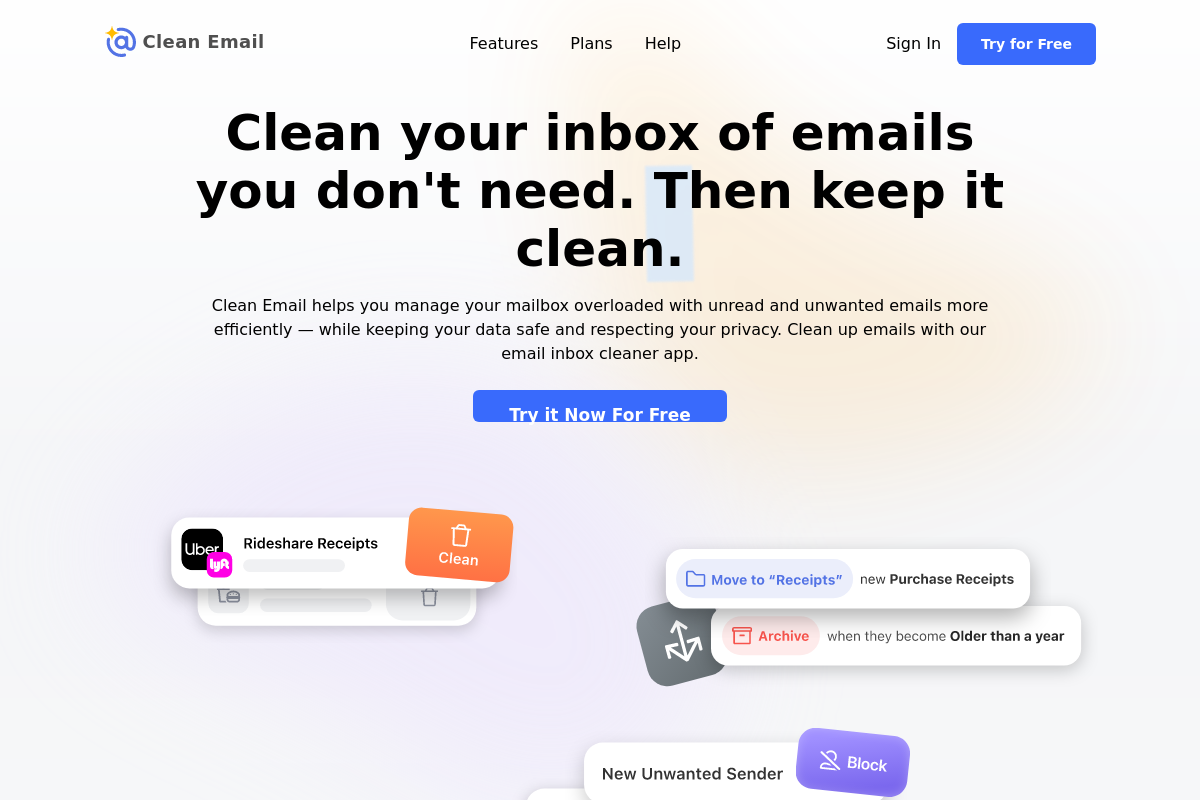
The overview
What Clean Email is for
1Core Capabilities
- Bulk actions by sender, age, read status, and common inbox categories
- Unsubscribe handling for newsletters and recurring promotional mail
- Sender-based rules to archive, label, or remove future messages automatically
- Views that isolate receipts, social notifications, and other high-volume mail types
Who it helps
Useful ways to use Clean Email
A practical path
Map the backlog by sender and mail type
Start with the heaviest clusters such as newsletters, promotions, social alerts, and old unread mail so the biggest sources of clutter are obvious before taking action.
External signals
Reviews & reputation
Aggregated review score
Clean Email can deliver reliable outcomes for workflow completion, especially when rollout begins with a pilot focused on inbox.
Quick answers
Frequently asked questions
1Is Clean Email a full email client?⌄
It is better viewed as an inbox cleanup and organization tool than a primary place for composing mail or managing long conversation threads.
2How risky are bulk deletes in a tool like this?⌄
Bulk actions can remove useful mail if rules are too broad. A cautious approach is to archive first, test on narrow sender groups, and review results before deleting at scale.
3Will unsubscribing stop every unwanted message?⌄
It should help with many newsletter and marketing senders, but transactional mail, account notices, and some operational emails may still arrive because they are handled differently.
4Is it still useful after the first major cleanup?⌄
Yes, if your inbox keeps filling with promotional or automated mail and you are willing to maintain sender rules. It is less compelling if you already keep a very lean inbox manually.
5Who is most likely to get clear value from it?⌄
People with years of backlog, heavy newsletter intake, shopping-heavy inboxes, or mailboxes crowded with recurring notifications are more likely to benefit than light email users.
Keep exploring