

What Is Clio Used For: Features, Reviews & Alternatives
Leading cloud law practice management.
Editorially updated Oct 25, 2025
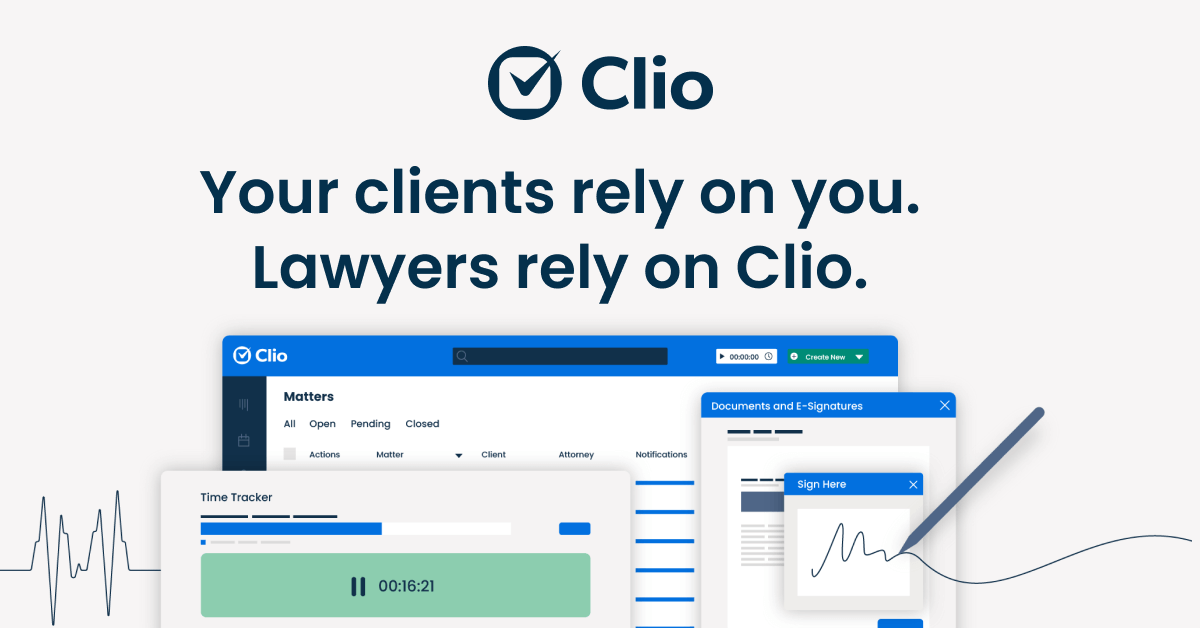
The overview
What Clio is for
1Core Capabilities
- Matter-centric case records with contacts, notes, tasks, dates, and communication history tied to a file
- Legal time tracking, hourly or flat-fee billing, invoicing, and payment collection
- Calendaring and deadline management that keep court dates and internal tasks linked to the matter
- Client intake, secure messaging, and portal-style updates that reduce status emails and scattered attachments
- Document storage and repeatable form workflows for engagement letters, routine notices, and other standard paperwork
Who it helps
Useful ways to use Clio
A practical path
Pilot one matter type first
Load a representative practice area and confirm the matter fields, stages, deadlines, and document set match how your team actually runs that work.
External signals
Reviews & reputation
Aggregated review score
This pass shows Clio fitting strongest workflows where self-service document completion quality is measurable and edge cases that need attorney escalation controls are documented.
Quick answers
Frequently asked questions
1Is Clio mainly for solo lawyers or can a multi-lawyer firm use it?⌄
It is commonly considered by both solos and small to mid-sized firms. Fit depends less on headcount than on whether your practice wants one matter record feeding intake, deadlines, billing, and client communication.
2Can clients handle their whole legal matter through Clio on their own?⌄
Usually only part of it. Clients may be able to submit intake details, documents, payments, or messages, but legal advice, strategy, and final review still belong with qualified professionals.
3Will Clio replace a lawyer, bookkeeper, or compliance specialist?⌄
No. It can centralize file activity and billing data, but it does not substitute for attorney judgment, jurisdiction-specific trust accounting rules, or independent compliance review where the stakes are high.
4How reliable are the document outputs for legal work?⌄
For repeatable forms and standard correspondence, structured templates can save time. Quality still depends on your clause library, merge fields, and human review before filing or signature.
5How difficult is migration from older tools?⌄
It is often manageable for contacts, matters, and invoices, but the hard parts are usually document taxonomy, historical notes, custom fields, and deciding what should stay out of the new system.
Keep exploring