

What Is Clockify Used For: Features, Reviews & Alternatives
Free time tracker & timesheet app.
Editorially updated Oct 25, 2025
The overview
What Clockify is for
1Core Capabilities
- Start-stop timer plus manual timesheet entry for backfilling missed work blocks
- Projects, clients, tasks, and tags to keep hour logs sortable instead of turning into one long activity list
- Billable and non-billable labeling with rate-based tracking for client work
- Daily and weekly timesheet views that make gaps, overlaps, and over-servicing easier to spot
- Reports and exports for invoices, payroll review, or utilization checks
Who it helps
Useful ways to use Clockify
A practical path
Set up work buckets before the week starts
Create projects for each client, retainer, internal initiative, or focus category so new entries land in the right place immediately.
External signals
Reviews & reputation
Aggregated review score
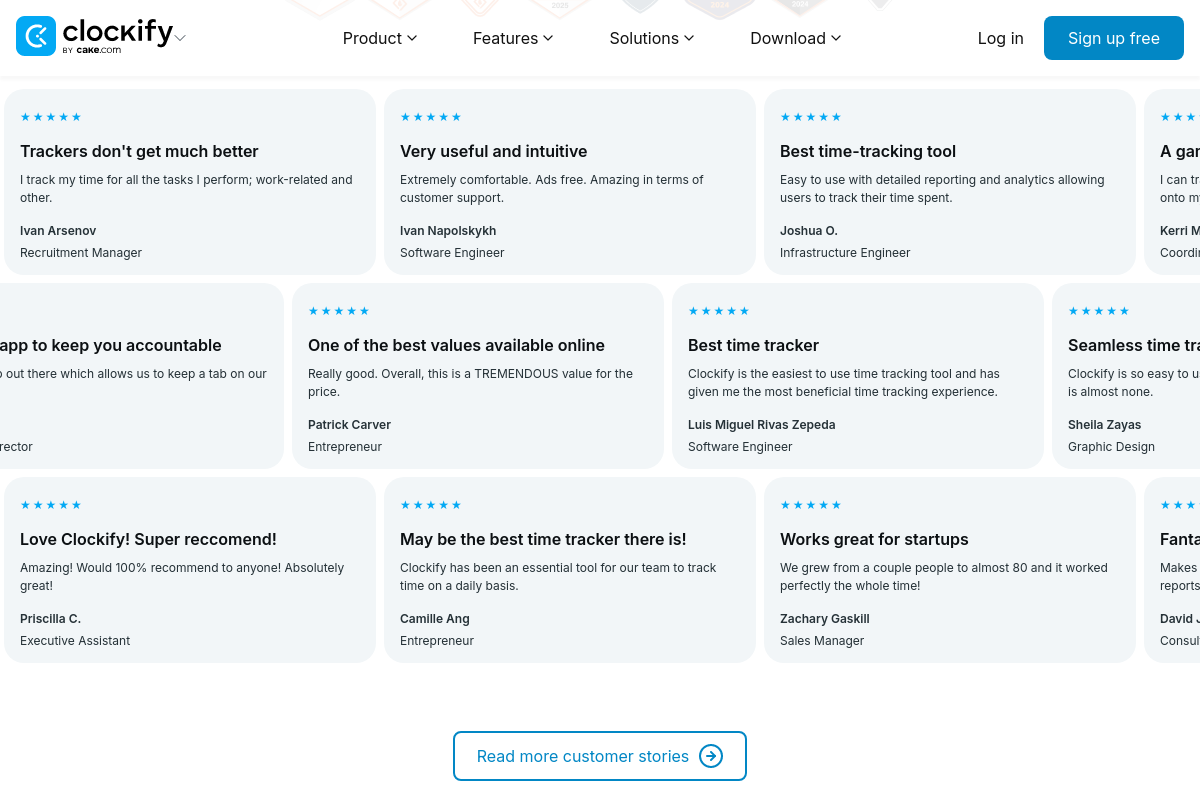
The practical upside of Clockify is steadier repeatable team usage; the tradeoff is disciplined handling of maintenance overhead and process drift.
Quick answers
Frequently asked questions
1Is Clockify a good fit if I bill clients by the hour?⌄
Usually yes. It is built around timers, timesheets, and project-based logs, so it works best when hours need to be attached to named work and reviewed later.
2What if I forget to start the timer?⌄
You can usually repair the day with manual entries, but accuracy drops if backfilling becomes your default. It works best when the timer is part of the work habit, not a week-end cleanup task.
3Can Clockify replace a dedicated focus or distraction-blocking app?⌄
Not really. It can show where time went, but if you need aggressive website blocking, pomodoro coaching, or attention training, you may still want a separate focus tool.
4Does it suit agencies or consultancies with multiple clients running at once?⌄
Often yes, especially when people switch between accounts and need billable versus non-billable separation. Advanced approval, budgeting, or payroll needs may depend on plan and setup.
5When is Clockify the wrong choice?⌄
It is a weaker match if your work is judged mainly by output rather than hours, or if you want automatic activity capture with very little manual input.
Keep exploring