

What Is CNBC Used For: Features, Reviews & Alternatives
Business news channel.
Editorially updated Oct 25, 2025
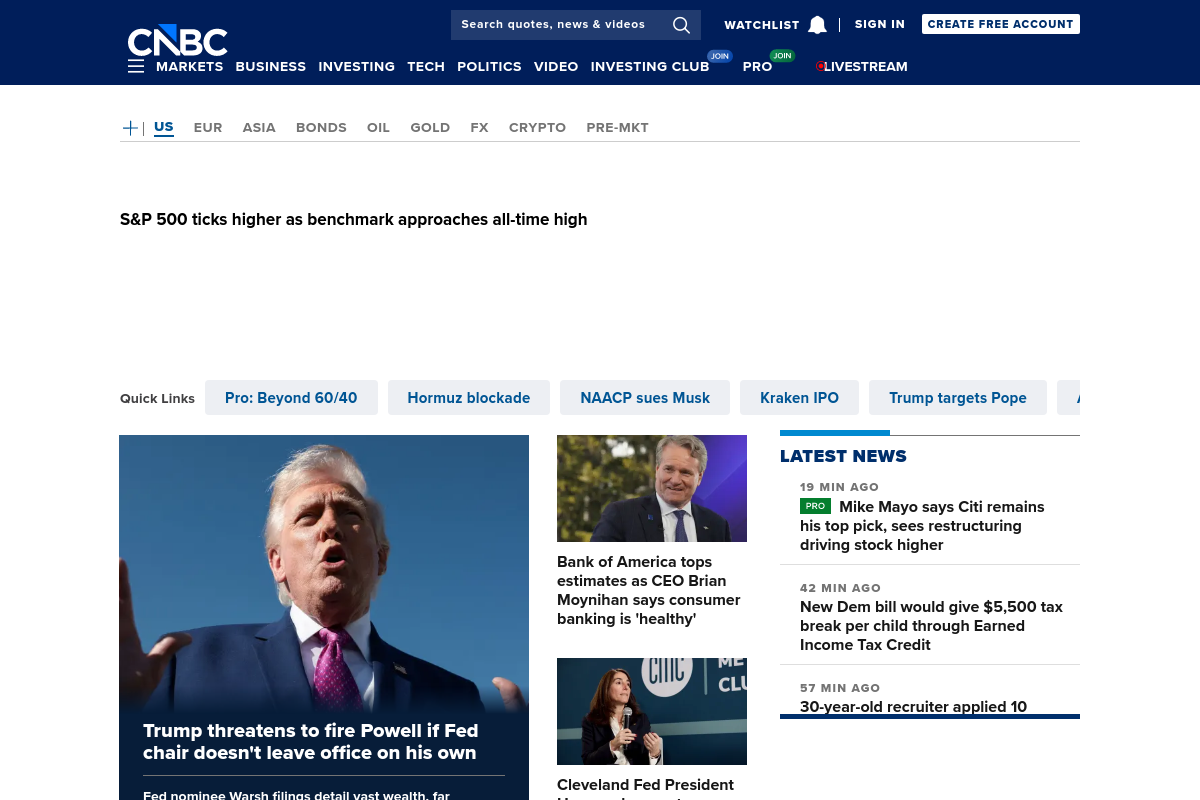
The overview
What CNBC is for
1Core Capabilities
- Continuous business-news coverage tied to trading sessions, earnings calendars, Fed events, and major macro releases
- Studio interviews and clipped video segments that surface management commentary and market reaction faster than long-form analysis
- Quote-linked articles and sector pages that let viewers jump from a ticker or theme to fresh reporting without much hunting
- A combined cable-news and website presence that supports quick check-ins at the open, midday, and close
Who it helps
Useful ways to use CNBC
A practical path
Start with the market agenda
Before the open, scan the homepage and markets coverage for futures, rates, earnings, and macro events that will likely drive the day’s segments.
External signals
Reviews & reputation
Aggregated review score
This pass shows CNBC fitting strongest workflows where news and analysis consumption quality is measurable and editorial consistency and source depth controls are documented.
Quick answers
Frequently asked questions
1Is CNBC better for research or for staying in the market loop?⌄
Mostly the second. CNBC is useful for quick market context, live reaction, and executive commentary. For primary-source research, most professionals will still open filings, transcripts, or data platforms.
2Can I get full value without watching cable TV?⌄
Often yes for headline tracking and article reading, but some live video or premium material may depend on region, device, or paid access.
3How well does CNBC hold up on heavy news days?⌄
Generally well for fast updates and constant coverage. The tradeoff is that speed-first coverage can be less detailed than specialist research once the first wave passes.
4Does CNBC cover only stocks?⌄
No. It also reports on the economy, rates, policy, companies, and major sectors, though coverage depth varies by story and market interest.
5Should an operator rely on CNBC alone before making a public statement or trade?⌄
Usually not. It is a strong monitoring layer, but higher-stakes decisions should be checked against original releases, filings, transcripts, and internal guidance.
Keep exploring