

What Is CodeSandbox Used For: Features, Reviews & Alternatives
Online editor for rapid web development.
Editorially updated Oct 5, 2025
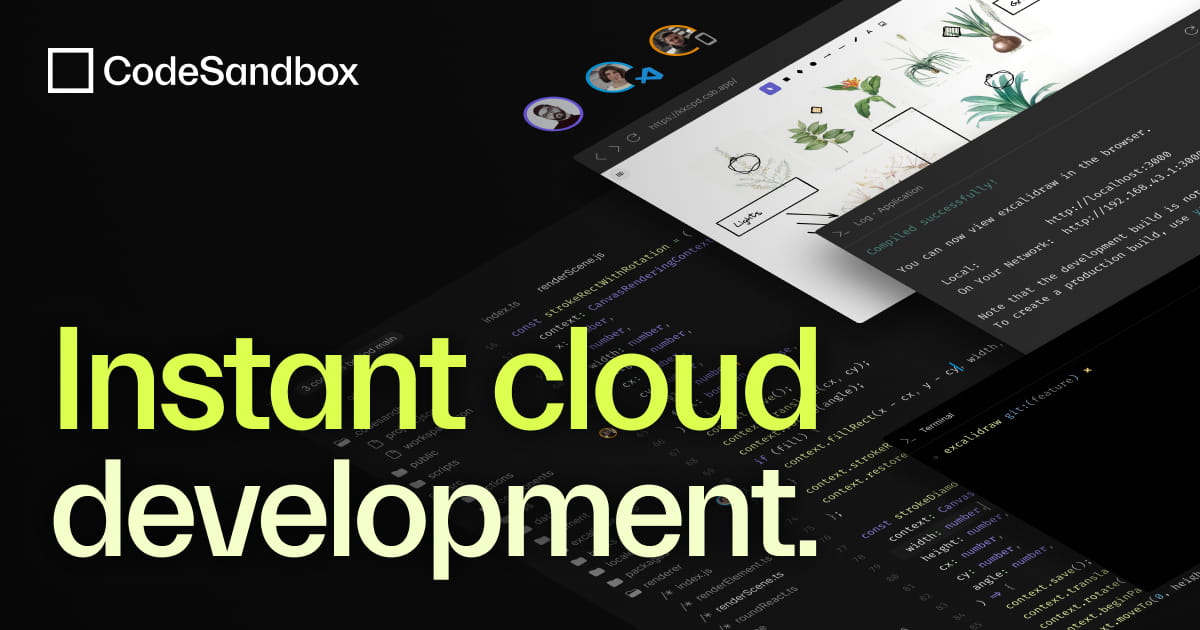
The overview
What CodeSandbox is for
1Core Capabilities
- Imports Git repositories into a runnable browser workspace, which is useful for fast inspection, bug reproduction, and branch-level demos
- Generates live previews for web apps so maintainers and clients can review behavior from a URL instead of relying on screenshots
- Lets you fork or duplicate a sandbox to test patches, dependency changes, or alternate repro paths without disturbing the original reference state
- Supports in-workspace dependency edits and environment configuration, which helps reduce short-term machine drift during review cycles
- Makes runnable repro links easy to attach to issue threads, documentation pages, and handoff notes
Who it helps
Useful ways to use CodeSandbox
A practical path
Import the target repository
Open the repo you want to inspect and confirm the correct root, install command, and start command are detected before judging the developer experience.
External signals
Reviews & reputation
Aggregated review score
CodeSandbox can deliver reliable outcomes for workflow completion, especially when rollout begins with a pilot focused on editor.
Quick answers
Frequently asked questions
1When is CodeSandbox a strong fit for repository work?⌄
It tends to fit best for web-focused repositories that start from documented scripts and benefit from a live preview during review, support, or documentation.
2What kinds of projects should probably stay local?⌄
Use caution if the repository depends on heavy native binaries, multi-container orchestration, private network access, or long-running background services. Those cases often remain easier to run and debug on a local machine.
3Can CodeSandbox replace a dedicated Git host?⌄
Usually no. It is better treated as a runnable editing and preview layer around repository code than as a full replacement for source control governance and review history.
4How dependable is it for repeat repo reviews?⌄
It can be dependable when installs are deterministic and the app has clear startup scripts. Reliability may drop when the repo assumes local secrets, custom infrastructure, or fragile postinstall behavior.
5What should I verify before sharing a sandbox link with reviewers?⌄
Check the install logs, confirm the preview matches the intended repo state, and make sure secrets are handled through supported environment settings rather than committed files.
Keep exploring