

What Is CognitiveSEO Used For: Features, Reviews & Alternatives
SEO toolset providing backlink analysis, content optimization, and rank tracking.
Editorially updated Oct 5, 2025
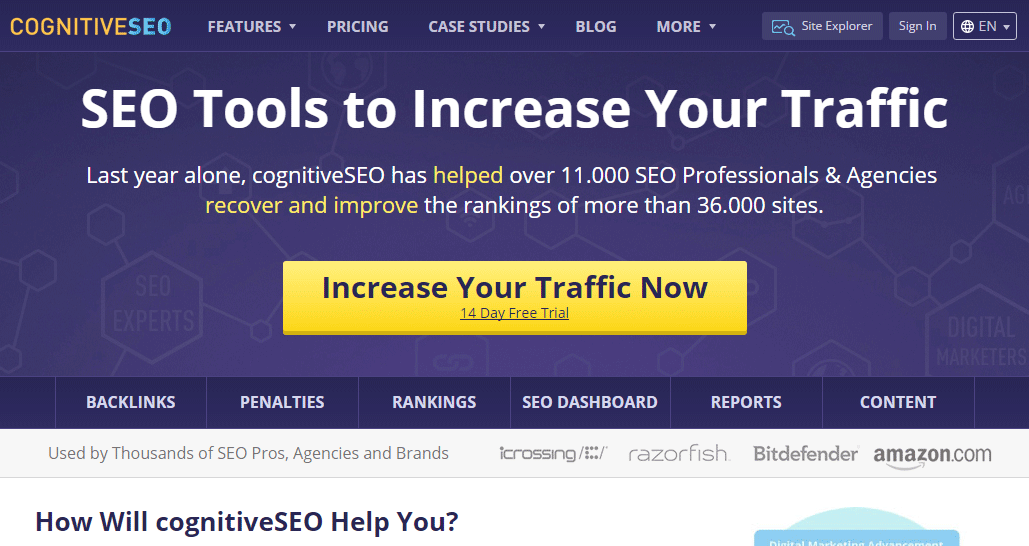
The overview
What CognitiveSEO is for
1Core Capabilities
- Backlink profile analysis with referring domain, anchor text, and link change views for spotting risky or declining link segments
- Link audit support to review unnatural patterns, lost links, and cleanup priorities before outreach or disavow work
- Content optimization guidance that compares target pages against ranking competitors and surfaces term coverage gaps
- Keyword rank tracking with visibility trends across selected terms so page gains and losses are easier to trace
- Competitive SEO research for comparing domains and pages when planning recovery work or new content angles
Who it helps
Useful ways to use CognitiveSEO
A practical path
Choose one domain and one page cluster
Start with pages that already have impressions or links. Narrow scope first so backlink and ranking signals stay interpretable.
External signals
Reviews & reputation
Aggregated review score
CognitiveSEO can deliver reliable outcomes for news and analysis consumption, especially when rollout begins with a pilot focused on toolset.
Quick answers
Frequently asked questions
1Is CognitiveSEO mainly a backlink tool?⌄
Backlink analysis appears to be a major strength, but it is generally better treated as a combined SEO workbench for link review, content tuning, and rank tracking rather than a single-purpose link index.
2Can it replace a full technical crawler?⌄
Probably not on its own. If your process depends on deep crawl diagnostics, log analysis, or large-scale site architecture auditing, you may still want a dedicated crawler alongside it.
3How useful is it for content teams?⌄
It is most useful when writers are revising pages that already target known queries. The value is usually higher in rewrite and refresh work than in blank-page ideation.
4Does it fit local or multi-location SEO?⌄
It can still help with rankings and page optimization, but exact usefulness depends on how granular its location tracking and reporting are for your market set.
5Is setup heavy for a small team?⌄
Initial setup is usually lighter if you focus on a shortlist of domains, priority pages, and tracked keywords. The workload grows when you try to monitor every segment at once.
Keep exploring